A Complete Guide to CRM Systems and Database Management
 Jeremy Wayne Howell : Jul 22, 2026 9:48:31 PM
HubSpot custom development is the process of extending HubSpot’s platform beyond its native features to create custom integrations, UI extensions, automated workflows, and data structures that align with your specific business processes and requirements.
Quick Reference: What You Can Build with HubSpot Custom Development
You bought HubSpot to make your team more efficient. Instead, they’re building spreadsheets outside the system. Manually copying data between tools. Clicking through five screens to complete one task.
This isn’t a training problem. It’s a fit problem.
HubSpot works brilliantly for standard processes. But your business isn’t standard. You have commission structures that don’t fit the native deal pipeline. Customer data that lives in three different systems. A sales process that requires approvals your CRM wasn’t designed to handle.
Every workaround costs you time. Every manual step creates risk. Every frustrated user erodes adoption.
The gap between what HubSpot does out of the box and what your business actually needs is costing you more than you think.
According to HubSpot’s developer community, the platform has reached a level of maturity where development opportunities are virtually endless. The question isn’t whether HubSpot can be customized to fit your needs—it’s whether you understand what’s possible and how to approach it strategically.
This guide will show you how to move beyond standard configurations and build a CRM that actually serves your team’s workflow, not the other way around.
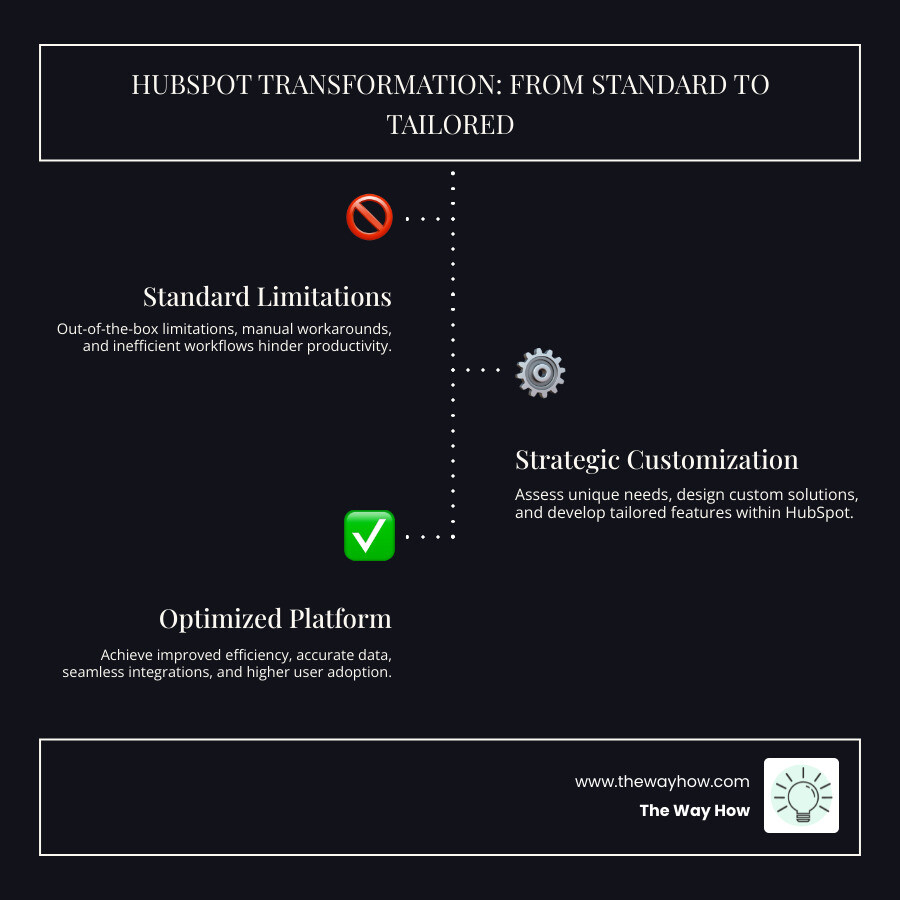
At The Way How, we believe your CRM should adapt to your unique business rhythms, not force you into a generic mold. This is the core philosophy behind HubSpot custom development. It’s about creating a system that intuitively supports your team, reduces cognitive load, and eliminates the friction points that stall growth.
The primary benefit of custom development within the HubSpot platform is simple yet profound: it transforms a standard CRM into a custom powerhouse. Imagine a user experience so intuitive that your team doesn’t just tolerate the CRM, they accept it. When the system reflects their actual workflow, they become more productive, less prone to errors, and can focus on strategic activities rather than administrative tasks. This directly improves customer relationships and supports strategic growth.
HubSpot’s inherent flexibility, combined with its robust open API, makes it straightforward to connect with other tools and systems you already rely on. This capability is crucial for businesses seeking to streamline operations and ensure seamless workflows. We’ve seen how a well-customized UI can significantly improve user experience, making the interface more intuitive and efficient, leading to increased productivity and user satisfaction.
Compared to other CRM platforms like Salesforce, HubSpot often stands out for its balance of capability and usability. While Salesforce is incredibly powerful, it often comes with a steeper learning curve and requires significant technical expertise for deep customization. HubSpot, on the other hand, is known for its intuitive interface that allows users to easily steer and customize the system without needing a background in extensive coding, even as it offers advanced development possibilities. This means we can achieve a highly custom solution with potentially less hassle, making your HubSpot CRM Implementation smoother and more impactful.
The beauty of HubSpot custom development lies in its ability to cater to the nuanced needs of individual departments, ensuring that each team operates at peak efficiency. This isn’t just about making minor tweaks; it’s about fundamentally improving specific workflows.
For sales teams, this could mean custom commission tracking. Imagine a system where complex commission plans, involving multiple team members per deal and varying revenue structures, are automatically calculated and tracked within HubSpot. This eliminates manual spreadsheets and provides real-time visibility, allowing your sales team to focus on closing deals, not calculating their earnings. We’ve seen custom solutions like a custom commission management suite built to handle such complexities.
Marketing workflows can be dramatically improved through deeper personalization and automation. Custom development allows us to integrate data from various sources to create hyper-targeted campaigns and dynamic content that resonates with specific buyer personas. This goes beyond standard segmentation, enabling truly psychology-first marketing.
Customer service teams benefit immensely from custom ticketing systems and knowledge bases. While HubSpot’s native HubSpot Customer Service features are strong, custom development can integrate unique support channels, automate complex routing based on custom criteria, or even pull customer device information directly into a ticket for faster resolution.
Finally, operations teams often grapple with data synchronization across disparate systems. Custom development can build robust integrations, like connecting e-commerce platforms (e.g., Magento) with HubSpot to bring order and quote data directly into the sales process. Another example is synchronizing CRM data with advanced reporting tools like Looker Studio, embedding detailed reports directly into HubSpot dashboards for a unified view of your business performance. These integrations ensure data integrity and automate critical operational tasks.
This section demystifies the technical options, translating them into practical business applications. It answers the question of “what is possible?” by breaking down the key development features. When we talk about HubSpot custom development, we’re referring to a powerful suite of tools that allow us to extend and improve the platform in myriad ways.
HubSpot’s UI extensions are game-changers for creating a truly custom user experience. They allow us to embed custom functionality and data directly into the HubSpot interface, making it more intuitive and efficient for your team. This means we can display external data, trigger custom actions, or even build entire micro-applications that live within your HubSpot portal.
The most common examples include:
These extensions are often built using modern web technologies like React, ensuring a dynamic and responsive user experience. They are powerful because they bring relevant information and actions directly to your team where and when they need it most, reducing context switching and improving focus. You can dive deeper into these capabilities with the official HubSpot Developer Documentation - HubSpot docs.
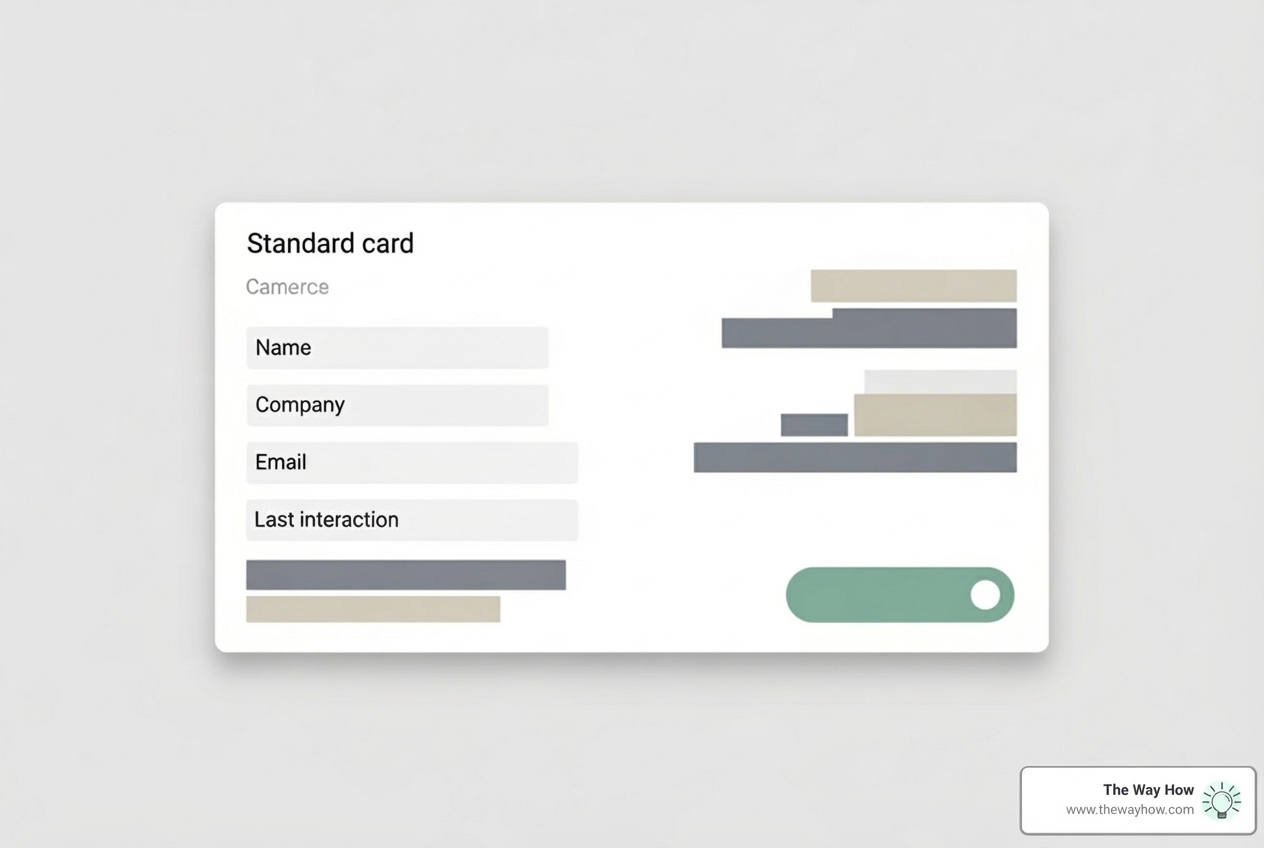
Sometimes, HubSpot’s native workflows, while powerful, aren’t quite enough to handle the intricate logic of your unique business processes. This is where custom coded actions and serverless functions come into play, allowing us to build highly specific automation that responds precisely to your needs.
These tools, particularly when combined with HubSpot Operations Hub, empower us to automate virtually any business logic, ensuring your processes run smoothly and consistently, even the most complex ones. They allow us to recreate functionality from other systems or perform business processes without ever leaving HubSpot.
At the heart of robust HubSpot custom development lies the strategic use of APIs and custom objects. These are the foundational elements that allow us to not only store unique business data but also to ensure it flows seamlessly between HubSpot and your other critical business systems.
HubSpot APIs: An API (Application Programming Interface) is essentially a set of rules that allows different software applications to communicate with each other. HubSpot offers a comprehensive suite of APIs for nearly all its CRM objects (contacts, companies, deals, tickets, etc.), as well as for marketing, sales, and service features. These APIs are the backbone of any custom integration. They allow us to:
Custom Objects: While HubSpot comes with standard objects like Contacts, Companies, and Deals, your business might track unique entities that don’t fit these categories. For example, a real estate company might track “Properties,” a software company might track “Subscriptions,” or a car dealership might track “Vehicles.” Custom objects allow us to create entirely new data structures within HubSpot to store and manage these unique business-specific data points. They behave much like standard objects, allowing for custom properties, associations, and inclusion in workflows and reports. The Custom objects API guide provides a detailed overview of how to leverage them. This capability is vital for deep data modeling and ensures that your CRM truly reflects the intricacies of your business. Leveraging the HubSpot API with custom objects open ups unparalleled flexibility in how you manage your data.
Starting on a HubSpot custom development project can feel daunting, but with a clear, psychology-first framework, we can remove uncertainty and ensure a successful outcome. Our approach at The Way How is designed to diagnose before we prescribe, ensuring that every custom solution genuinely solves a core problem and aligns with your team’s natural behavior.

This is perhaps the most critical stage. Before we even think about code, we focus on understanding your world. We conduct in-depth stakeholder interviews across sales, marketing, and customer service to uncover hidden pain points, manual workarounds, and “certainty gaps” in your current processes. We map out existing workflows, identifying where friction occurs, where data silos exist, and where your team is expending unnecessary effort. This diagnostic phase isn’t just about technical requirements; it’s about understanding the human behavior within your systems. What do your users believe is wrong? What is actually wrong? Only by answering these questions can we define a project scope that targets the root causes of inefficiency and sets clear, measurable goals.
Once we have a clear diagnosis, we move into designing the solution. This involves creating a detailed blueprint for your custom development. We’ll outline the solution architecture, which might include data flow diagrams showing how information will move between HubSpot and other systems, UI/UX mockups for any custom interfaces (like CRM cards or dashboards), and comprehensive technical specifications. This stage is about choosing the right tools from HubSpot’s developer toolkit (APIs, custom objects, UI extensions, serverless functions) to build a solution that is robust, scalable, and future-proof. This design phase ensures that our development efforts are intentional and directly address the identified pain points.
With a solid architectural design in hand, our development team begins the build. We typically follow agile methodologies, allowing for iterative progress and continuous feedback. A crucial part of this stage is rigorous testing in a sandbox environment. This includes unit testing, integration testing, and User Acceptance Testing (UAT) with your team. We encourage active participation in feedback loops to ensure the solution meets your expectations and works seamlessly within your real-world scenarios.
Deployment planning is also key. We use HubSpot’s developer tools and the centralized Developer overview - HubSpot docs to manage apps, authentication, and monitor performance. This ensures a smooth transition from development to your live HubSpot portal, minimizing disruption and maximizing impact.
A perfectly coded solution is useless if your team doesn’t adopt it. Our work doesn’t end at deployment. We provide comprehensive user training, custom to different roles within your organization, ensuring everyone understands how to leverage the new custom features. We also create detailed documentation and provide ongoing support to address any questions or issues that arise. We continuously monitor the performance of the custom development and gather feedback for iterative improvements, ensuring your investment continues to deliver value and adapt to your evolving business needs.
Deciding whether to pursue HubSpot custom development or leverage native features is a strategic decision that impacts budget, timeline, and long-term scalability. At The Way How, we help you steer this fork in the road with clarity, ensuring your technology choices align with your overarching business strategy, not just fleeting tactics.
Custom development becomes a necessity when your business processes are truly unique and cannot be adequately supported by HubSpot’s out-of-the-box functionality. We typically recommend this path when:
Choosing custom development in these scenarios isn’t an indulgence; it’s a strategic investment that drives efficiency, reduces manual errors, and provides a significant competitive advantage.
Conversely, it’s often more efficient and cost-effective to leverage HubSpot’s robust native features when your needs align with its inherent capabilities. We always advocate for maximizing your existing investment before jumping to custom solutions. This approach is best when:
Our philosophy is to diagnose your needs first. We’ll help you explore how far HubSpot’s native capabilities can take you before we even consider custom development, ensuring you get the most value for your investment.
Navigating HubSpot custom development can bring up a lot of questions. We’re here to provide clear, straightforward answers to help you make informed decisions.
Absolutely not. While custom development involves coding, you don’t need to be a developer yourself. Our role as a solutions partner is to bridge that gap. We serve as product managers, working closely with you to understand your requirements, translate them into technical specifications, and manage the entire development process. We handle the technical heavy lifting, allowing you to focus on your business goals. A good HubSpot Onboarding Consultant or solutions partner will guide you through requirements gathering, solution design, and project management, ensuring your vision comes to life without you needing to write a single line of code.
The cost of a HubSpot custom development project varies significantly based on its complexity and scope. A simple integration, like connecting a specific data field between HubSpot and another tool, will naturally cost less than building a custom application with unique UI elements and complex business logic. Factors influencing cost include:
Because every project is unique, we tailor our integration and pricing to your specific requirements. We focus on delivering a strong return on investment by solving your most pressing operational challenges.
HubSpot provides a wealth of resources for developers and non-developers alike to learn about and engage with its platform:
At The Way How, we don’t just implement software; we diagnose why growth is stalled, identify certainty gaps in the customer journey, and design systems that create trust, momentum, and predictable revenue. This psychology-first approach is precisely what we bring to HubSpot custom development.
By moving beyond the standard configuration, you’re not just adding features; you’re building a resilient operational system that supports your team and delights your customers. You’re changing your CRM from a data repository into a dynamic growth engine that truly understands and adapts to the nuances of your business and the behaviors of your team and customers.
If you’re ready to align your technology with your strategy and build a HubSpot environment that genuinely serves your unique needs, let’s explore what’s possible together. Explore our services.
 Jeremy Wayne Howell : Jul 22, 2026 9:48:31 PM
 Jeremy Wayne Howell : Jul 21, 2026 9:47:10 PM
 Jeremy Wayne Howell : Jul 20, 2026 9:46:47 PM