


Introduction: Beyond Automation, Towards Certainty
HubSpot ecommerce workflows are automated sequences triggered by customer behavior, like abandoning a cart or making a purchase. By connecting your ecommerce platform (e.g., Shopify) to HubSpot, you can use triggers from native ecommerce objects (Carts, Orders) to build sequences of actions like emails and tasks, personalizing the journey with delays and branches.
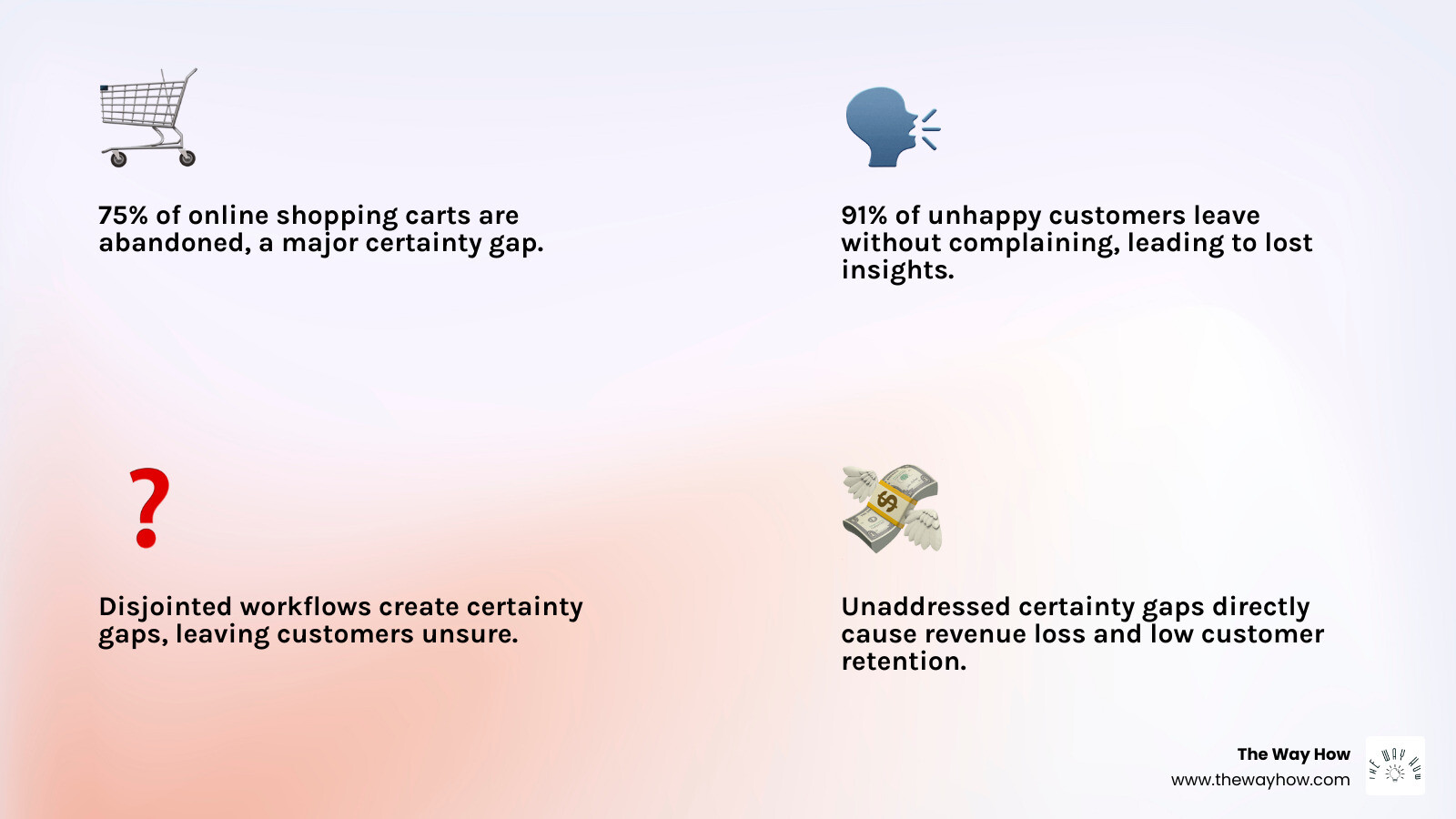
You’re probably here because your ecommerce business is leaking revenue. Whether it’s the 75% of shopping carts that get abandoned or customers who buy once and disappear, the cause is often the same: your marketing and sales systems aren’t truly working together.
The problem isn’t a lack of automation. It’s that your automation lacks purpose.
Most ecommerce businesses treat workflows as tactical tasks: send this email, create that task. But these actions often don’t form a coherent system. They create friction, leaving gaps where customers fall through, questions go unanswered, and trust remains unbuilt.
This is what we call a certainty gap.
A certainty gap exists when a customer doesn’t know what happens next, doesn’t trust that you understand them, or doesn’t feel confident moving forward. Every abandoned cart, every one-time buyer, and every cold lead represents a certainty gap.
HubSpot ecommerce workflows, when built correctly, don’t just automate tasks. They close certainty gaps. They transform fragmented touchpoints into a predictable system that builds trust, recovers lost momentum, and creates lasting customer relationships.
In this guide, we’ll show you how to move beyond tactical automation and build workflows that drive revenue. We’ll start with the foundation—why your data model might be sabotaging your efforts—and then walk through the essential workflows every ecommerce business needs.
This isn’t about adding more automation. It’s about building a system that works.
The Foundation: Why Your Data Model Is Sabotaging Your Sales
For years, ecommerce businesses using HubSpot had to fit a square peg in a round hole, repurposing the B2B-focused “Deals” object to track transactions. This workaround created confusion, complicated reporting, and led to inefficient workflows, as a “deal” could be a lead or a completed purchase. This created cognitive friction for teams and suboptimal decisions.
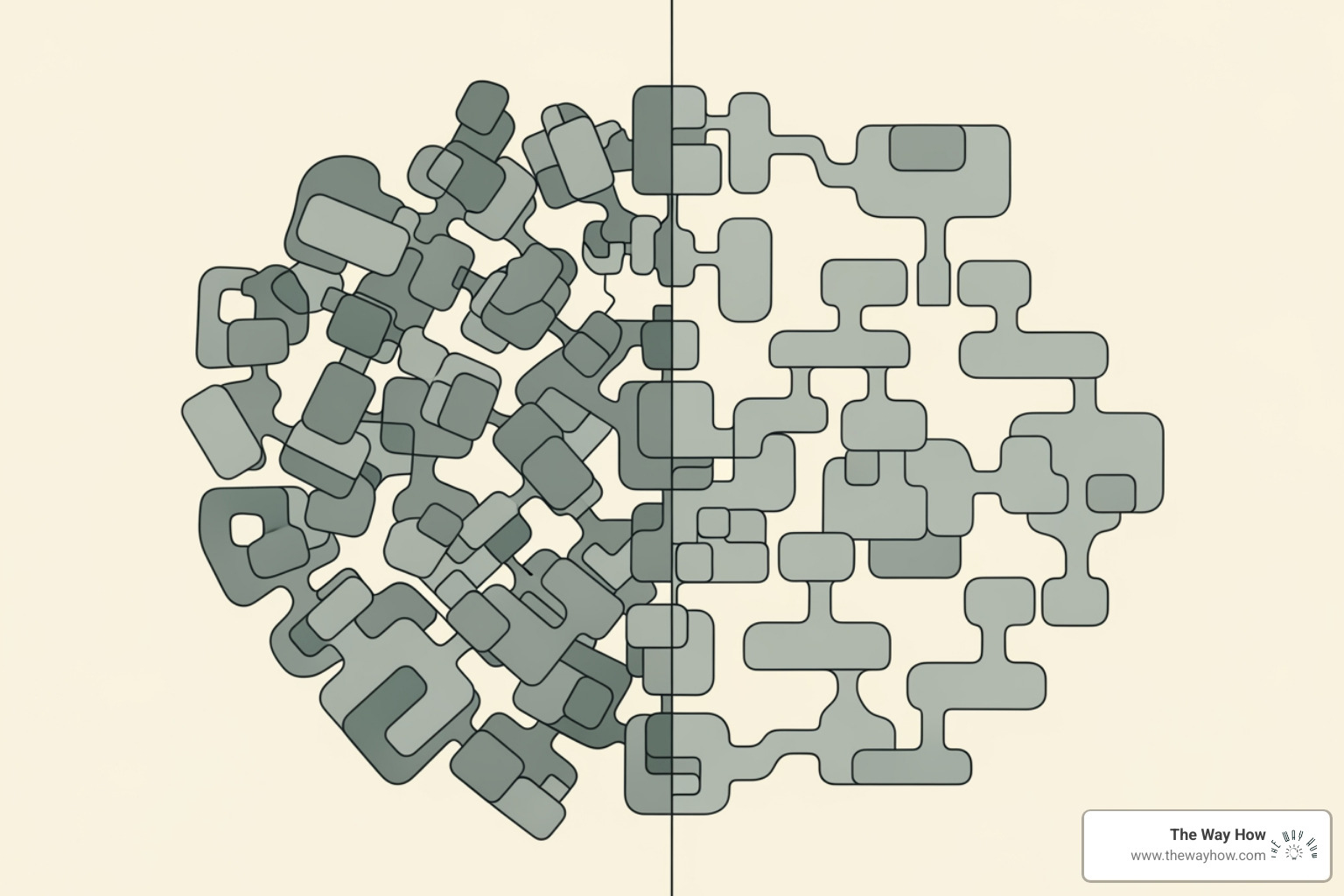
Fortunately, HubSpot introduced native Commerce Objects: “Orders” and “Carts.” These are purpose-built for online retail, integrating directly into the CRM. This shift provides a clear data model, intuitive reporting, and far more powerful HubSpot ecommerce workflows. With dedicated objects for purchase events and shopping activity, we can precisely track the customer journey and respond with relevance. This developer-first approach also includes public APIs, ensuring seamless integration with any ecommerce platform. Learn more about how HubSpot supports your ecommerce growth by visiting their HubSpot for ecommerce page.
From Clunky Workarounds to Purpose-Built Clarity
The “Orders” object tracks completed purchases, while the “Carts” object tracks in-progress shopping activity—a critical distinction for automations like abandoned cart recovery. This purpose-built design, already adopted by hundreds of apps, delivers:
- Seamless Integration: Data flows naturally from your store into HubSpot without complex workarounds.
- Accurate Reporting: Native ecommerce metrics (AOV, recovered revenue) are finally clear and easy to track, free from the ambiguity of the old “Deals” object.
- Simplified Segmentation: Creating customer lists based on specific purchase behaviors is now straightforward and reliable.
To illustrate the difference, consider this comparison:
| Feature/Use Case | Deals Object (Old Way for Ecommerce) | Orders/Carts Objects (New Native Way) |
|---|---|---|
| Primary Purpose | Track B2B sales opportunities, sales pipeline progression | Track completed purchases (Orders) & in-progress shopping (Carts) |
| Data Clarity | Ambiguous; a “deal” could be a purchase, lead, or opportunity | Clear; an “order” is a purchase, a “cart” is an abandoned shopping session |
| Reporting | Required custom properties & reports to mimic ecommerce metrics | Native ecommerce reporting dashboards (e.g., AOV, recovered revenue) |
| Workflow Triggers | Based on deal stage, amount, associated contacts | Based on order status, cart items, purchase history, specific product bought |
| Personalization | Limited to associated contact/company properties | Richer, granular data from line items, product variants, order details |
| Developer Integration | Less direct for ecommerce events | Purpose-built APIs for seamless integration with ecommerce platforms |
| Scalability | Can become unwieldy with high transaction volumes | Designed to scale with high-volume ecommerce operations |
How Native Objects Enable Better HubSpot Ecommerce Workflows
This shift to native objects open ups a new level of efficiency and personalization in your HubSpot ecommerce workflows:
- Intuitive Triggers: Workflows now trigger from actual ecommerce events like “Order created” or “Cart abandoned,” not clunky workarounds. You can use precise criteria like “Order total is greater than X” or “Specific product was purchased.”
- Granular Personalization: Detailed line-item data allows emails to reference the exact products a customer abandoned or purchased, making communication more relevant and empathetic.
- Reduced Complexity: Building and managing workflows is simpler without the need to translate sales concepts into ecommerce realities, reducing the cognitive load on your team.
- Foundation for the Future: This structured data is essential for training AI to understand buying patterns and predict customer needs. It future-proofs your automation, ensuring your system can adapt to new HubSpot features. For more on setting up your CRM, explore our insights on HubSpot CRM Implementation.
Connecting Your Store: Creating a Single Source of Truth
To truly understand your customer, their data can’t be scattered across disconnected systems. Connecting your ecommerce store to HubSpot solves this by creating a single source of truth for all customer interactions.

When a customer’s purchase history from Shopify, email opens in HubSpot, and support chats all live in one place, you eliminate the internal “certainty gaps” that lead to inconsistent messaging. This unified profile in HubSpot—combining customer, order, and product data—is the foundation for hyper-personalized communication.
Connecting your platform is the bedrock for powerful HubSpot ecommerce workflows. For platforms like Shopify and BigCommerce with native integrations, the process is straightforward. You can learn more in our guide on HubSpot Shopify Integration.
Here’s the general process:
- Find Your App: In HubSpot’s App Marketplace, search for your ecommerce platform (e.g., “Shopify”).
- Connect and Authorize: Click “Connect App” and follow the prompts to log into your store and grant HubSpot permissions.
- Sync and Verify: HubSpot will begin syncing historical contact, order, and product data. Once complete, verify that the data is appearing correctly in your portal. HubSpot offers a short Academy Video walking through the Shopify connection.
With your store connected, you open up new ecommerce-specific triggers and actions in the workflow builder, ready to leverage real-time customer behavior.
4 Essential HubSpot Ecommerce Workflows That Build Trust and Drive Revenue
With a connected store and clean data, you can build workflows that do more than just send emails—they anticipate needs, resolve uncertainty, and build trust. These essential HubSpot ecommerce workflows turn transactions into relationships. While HubSpot offers templates, always customize them for your brand and set clear goals (e.g., recover lost sales, increase LTV) for each automation. For more on strategy, explore our page on HubSpot Marketing Automation.
Here are four essential workflows every ecommerce business needs:
1. The Abandoned Cart Workflow: Recovering Lost Momentum
The abandoned cart workflow is critical. A staggering 75% of carts are abandoned, representing a massive certainty gap and an estimated $18 billion in annual lost sales. The goal isn’t to be aggressive, but to gently remind and address potential concerns, recovering the customer’s lost momentum.
Triggering the Workflow: Using the native “Carts” object, the enrollment trigger is intuitive: “Cart is abandoned” or “Cart last updated X hours ago.” HubSpot’s workflow triggers allow for precise timing.
Crafting the Sequence: A typical 2-3 email sequence, using delays for a human touch, includes:
- Email 1 (30-60 mins): A friendly reminder to complete the purchase.
- Email 2 (24 hrs): A second nudge that adds value, like highlighting benefits or free shipping.
- Email 3 (48-72 hrs): A final email that may include a strategic, time-sensitive incentive.
Well-timed communication is powerful. One report found abandoned cart emails have an average open rate of 41.18% and generate $5.81 in revenue per recipient.
2. The New Customer Welcome Series: From First Purchase to Lasting Trust
The moment of first purchase is critical, often accompanied by “post-purchase dissonance.” A robust welcome series validates the customer’s decision and turns a transaction into a relationship.
The Goal: The aim is to set expectations and build rapport, not push another sale. Make the customer feel seen and valued.
Workflow Enrollment Trigger: Use the native Orders object to trigger the workflow on “First Order is created.”
Content Ideas: Focus on validation, not just selling. Include a genuine thank you, your brand story, product usage tips, a community invitation, and what to expect next (shipping, support). This series builds a strong foundation of trust. For more strategies, explore our HubSpot Marketing resources.
3. The Post-Purchase Feedback & Review Workflow: Creating Advocates
Customers are most engaged right after a purchase. This is the prime time to turn satisfaction into advocacy, especially since 91% of unhappy customers leave without complaining.
Psychology of Advocacy: People like sharing positive experiences. By providing an easy path for feedback, you empower them to do so while gathering invaluable insights.
Timing the Request: Send feedback requests 7-14 days post-purchase, after they’ve had time to experience the product. The trigger would be “Order status is delivered” or “X days after Order creation date.”
Workflow Actions:
- Send a Survey: Use a quick NPS or CSAT survey to gauge satisfaction.
- Use Conditional Branching: Use conditional branching based on survey responses. If satisfaction is high, automate a request for a public review. If it’s low, create a task for customer service to follow up personally, turning a potentially negative experience into a positive one.
This process doesn’t just collect data; it builds a community of advocates. Find more ways to leverage HubSpot’s capabilities on our HubSpot Features page.
4. The Customer Re-engagement & Retention Workflow: Reigniting Interest
Even loyal customers can drift away. Proactively re-engaging them is crucial, as it’s 50% easier to convert an existing customer than find a new one.
Psychology of Reconnection: The goal is to show you remember and value their past relationship, offering a relevant reason to return.
Identifying At-Risk Customers: Identify these customers by segmenting based on “days since last purchase” (e.g., >90 days), changes in purchase frequency, or a lack of recent engagement (email opens, site visits).
Creating Personalized Offers: Re-engage them with personalized “we miss you” campaigns. Showcase new products, provide an exclusive discount, or offer recommendations based on their purchase history. This workflow demonstrates that you understand their journey and are invested in their satisfaction.
Advanced Strategies: From Data to Predictable Revenue
Beyond foundational workflows, HubSpot enables sophisticated strategies that turn raw data into predictable revenue. This is where we move beyond basic email sequences to implement hyper-personalized campaigns by leveraging the rich data from native Orders and Carts objects. For more insights on using your CRM, visit our HubSpot CRM Marketing page.
Uncovering Buying Patterns for Hyper-Personalization
Understanding how customers buy is key to personalization. HubSpot’s tools let you analyze purchasing psychology:
- RFM (Recency, Frequency, Monetary) Analysis: Build properties and active lists to segment customers into tiers like “VIPs,” “At-Risk,” or “New Buyers.”
- Purchase History Lists: Create segments based on product categories, total items purchased, or specific attributes (e.g., contacts who bought “organic skincare”).
- Repeat Buyer Identification: Easily track and target customers with more than one purchase for loyalty programs or exclusive previews.
- Source Analysis: Use advanced eCommerce reports to see which traffic sources drive higher average order values, helping optimize ad spend.
Tailoring campaigns to these behaviors makes customers feel understood and fosters a stronger connection.
Tracking ROI with Direct Attribution Reporting
Proving marketing’s impact on revenue is a common challenge. HubSpot’s direct attribution reporting eliminates this uncertainty.
Connecting Efforts to Revenue: Since customer and order data live in one system, HubSpot links marketing touchpoints (emails, ads, site visits) directly to completed orders. You can see exactly which campaigns and channels drive sales.
Using the Ecommerce Dashboard: This pre-built dashboard offers immediate insights into AOV, total revenue, recovered revenue from abandoned carts, and top-selling products.
Optimizing Spend: Clear attribution shows which channels are most profitable, allowing you to make data-driven budget decisions. This provides undeniable proof of marketing’s contribution to the bottom line, replacing guesswork with certainty.
Frequently Asked Questions about HubSpot Ecommerce Workflows
Here are answers to common questions about implementing and optimizing HubSpot ecommerce workflows.
What are the best practices for setting up and managing ecommerce workflows?
An effective approach emphasizes clarity and strategic purpose:
- Start Simple: Begin with a clear goal and a straightforward sequence. Iterate and add complexity later.
- Stay Organized: Use a clear naming convention and a logical folder structure to keep your portal manageable and reduce cognitive load.
- Set Goals: Every workflow needs a measurable objective (e.g., “recover 15% of abandoned carts”) to gauge success.
- Audit Regularly: Periodically review, archive, or delete outdated workflows to keep your automation efficient and relevant.
What are the limitations or considerations when using HubSpot for ecommerce?
While powerful, it’s important to understand these considerations:
- Subscription Level: Advanced ecommerce features and workflow actions are tied to specific HubSpot subscription tiers (e.g., Marketing Hub Professional/Enterprise).
- Data Quality: Your automations are only as good as your data. Inaccurate or incomplete data will lead to flawed workflows and poor customer experiences.
- Avoid Overlapping Workflows: Prevent sending contradictory messages by using suppression lists and clear enrollment criteria to avoid enrolling contacts in competing workflows.
- Over-Engineering: Complex logic without a clear, psychology-first strategy can lead to confusion and maintenance headaches. Keep the customer journey central.
- Custom Integrations: Integrating with niche platforms may require developer resources or a HubSpot Solutions Partner.
What are the new AI-powered features for ecommerce automation in HubSpot?
HubSpot is integrating AI to make automation smarter and more intuitive:
- AI Workflow Creation: HubSpot’s AI assistant can draft a workflow structure from a simple text prompt (e.g., “Create a new customer welcome series”).
- AI-Powered Insights: AI helps surface trends and opportunities from your ecommerce data, reducing the need for extensive manual analysis.
- The Future of AI: The clean data from Orders and Carts objects is the foundation for future AI agents that could analyze performance and suggest strategies. This structured data is what allows AI to learn and enable smarter, more personalized automation.
Conclusion: Build a System, Not Just a Series of Tasks
We’ve journeyed from the foundational shift in HubSpot’s ecommerce data model to the practical application of essential workflows. What we hope is clear is that this isn’t just about adding more automation; it’s about building a coherent, psychology-first system that anticipates customer needs, builds trust, and drives predictable revenue.
The core problem we diagnose at The Way How is the existence of certainty gaps—moments of hesitation or confusion in the customer journey. Traditional, tactical automation often overlooks these gaps, leaving customers and businesses alike feeling adrift. But by leveraging purpose-built HubSpot ecommerce workflows, we can intentionally design systems that close these gaps.
When your data is clean, your integrations seamless, and your workflows aligned with human behavior, you create momentum. You turn abandoned carts into recovered sales, one-time buyers into loyal advocates, and fragmented data into actionable insights. This isn’t just marketing; it’s the strategic architecture of growth.
Your next step to mastering automation and changing your ecommerce business into a dependable growth engine begins with understanding these principles. For a deeper dive into building a complete automation strategy that works for you, explore our guide on HubSpot Marketing Automation.