A Complete Guide to CRM Systems and Database Management
 Jeremy Wayne Howell : Jul 22, 2026 9:48:31 PM
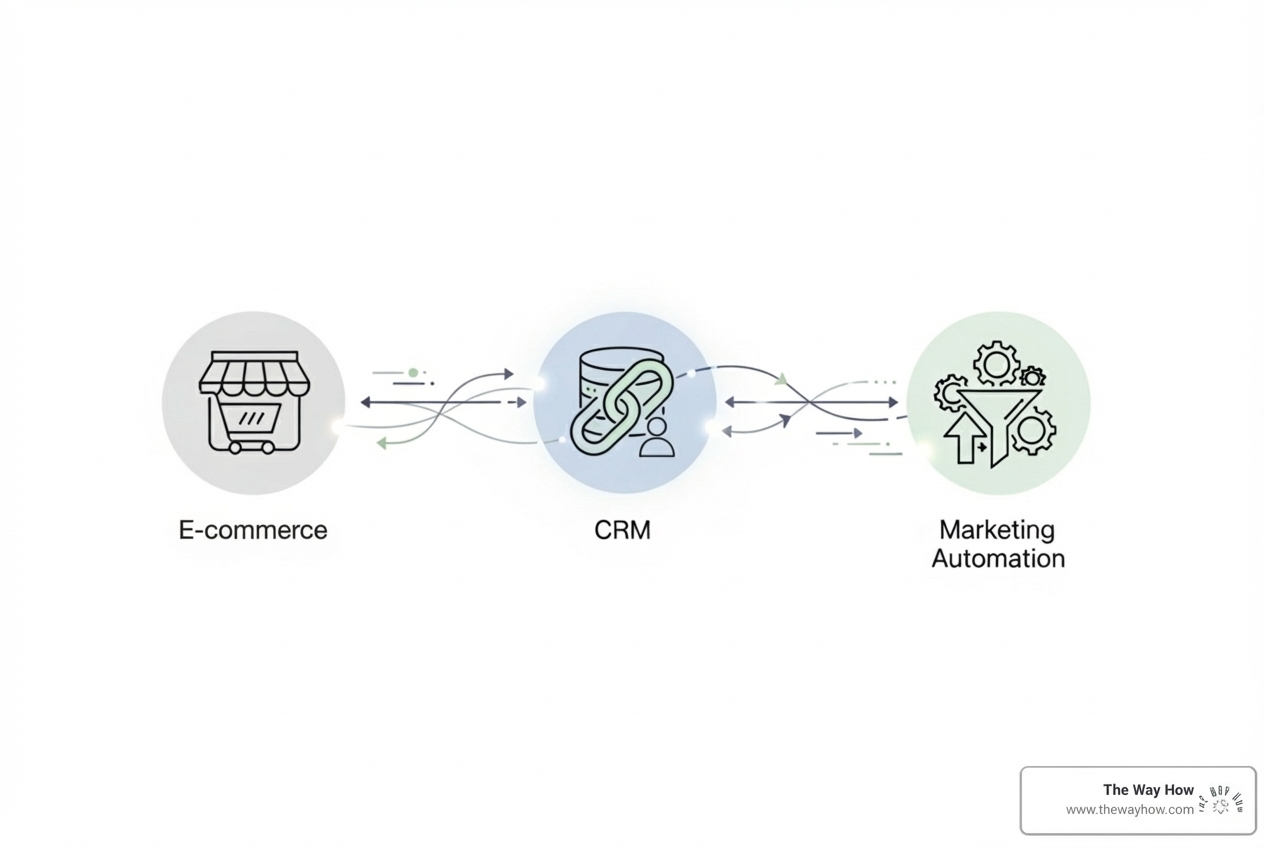
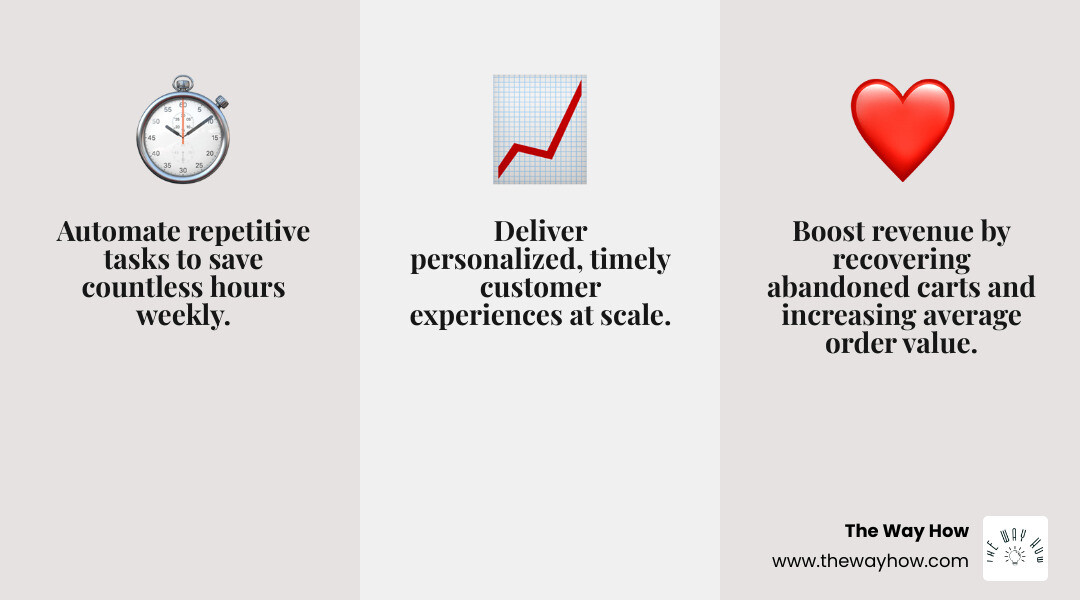
HubSpot ecommerce automation connects your online store to HubSpot’s CRM and marketing platform, automatically syncing customer data, orders, and cart activity. This enables you to:
The feeling is familiar: you’re buried under manual tasks, from updating customer lists to chasing abandoned carts. You’re stuck working in the business, not on it. The problem isn’t a lack of effort; it’s a lack of systems.
Most e-commerce businesses are stuck in reactive mode, running on disconnected tools. Customer data is scattered, abandoned cart emails are inconsistent, and it’s impossible to know which marketing efforts actually drive sales. This isn’t just unsustainable—it’s holding you back.
The shift from manual to automated isn’t about working less; it’s about building systems that create predictable outcomes. When done right, automation feels personal and timely because you’re using technology to deliver the right message at the right moment based on actual customer behavior.
After just one year, HubSpot customers acquire 129% more leads and close 36% more deals. They don’t work harder; they build systems that work for them.
This guide will show you how to move beyond reactive tactics and build a predictable growth engine for your store. We’ll diagnose why your current methods aren’t scaling and walk you through creating automated systems that build trust, momentum, and revenue.
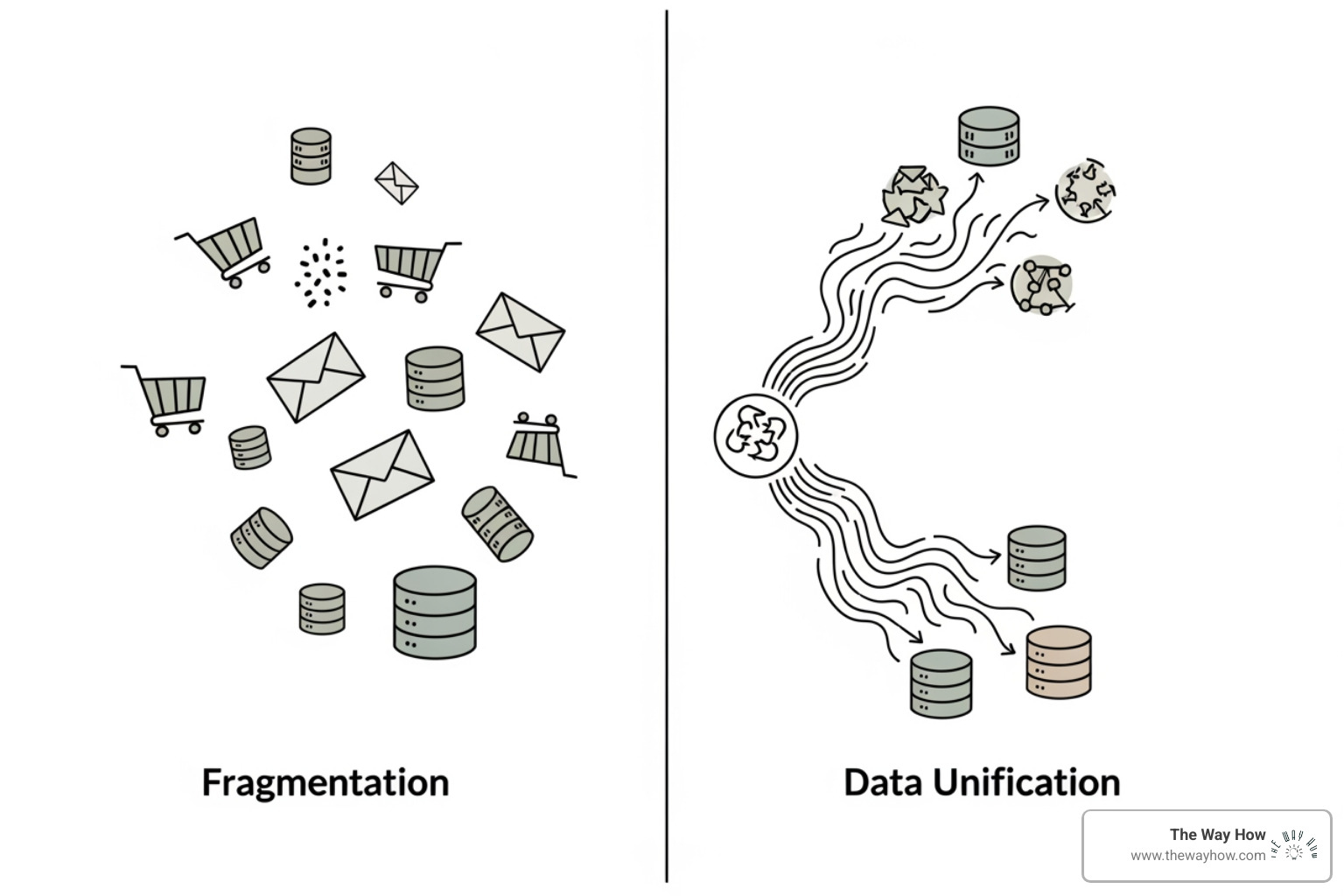
Managing an e-commerce business with scattered data is like navigating a city with a dozen incomplete maps. Before you can automate effectively, your data needs to speak the same language. For years, e-commerce data was forced into systems not built for it, leading to confusion. This section breaks down the foundational shift that makes true automation possible.
Many marketing platforms, including early versions of HubSpot, treated e-commerce transactions as sales “deals.” This workaround was functional but flawed, as the “Deals” object was designed for B2B sales pipelines, not the high-volume, dynamic nature of online retail.
This led to several problems:
Recognizing this, HubSpot introduced native commerce objects: Orders and Carts.
The Orders object represents a completed purchase, with properties for order value, items, fulfillment status, and more. The Carts object captures in-progress shopping activity, tracking what customers add to their cart even if they don’t complete the purchase. This object is the backbone of abandoned cart recovery.
This shift is significant because it allows us to build truly effective HubSpot for ecommerce strategies with tools designed precisely for online retail.
The introduction of native Orders and Carts objects transforms HubSpot ecommerce automation into a powerful, integrated solution with several benefits:
With your data unified in HubSpot’s purpose-built e-commerce objects, you’re ready to build an automated growth engine. This is where strategy meets execution. It’s not about being robotic; it’s about using technology to deliver a more personal, timely, and empathetic customer experience at scale.
The first step is connecting your e-commerce platform to HubSpot. This creates a “single source of truth” for all customer and order data, eliminating silos and ensuring your marketing is always based on current information.
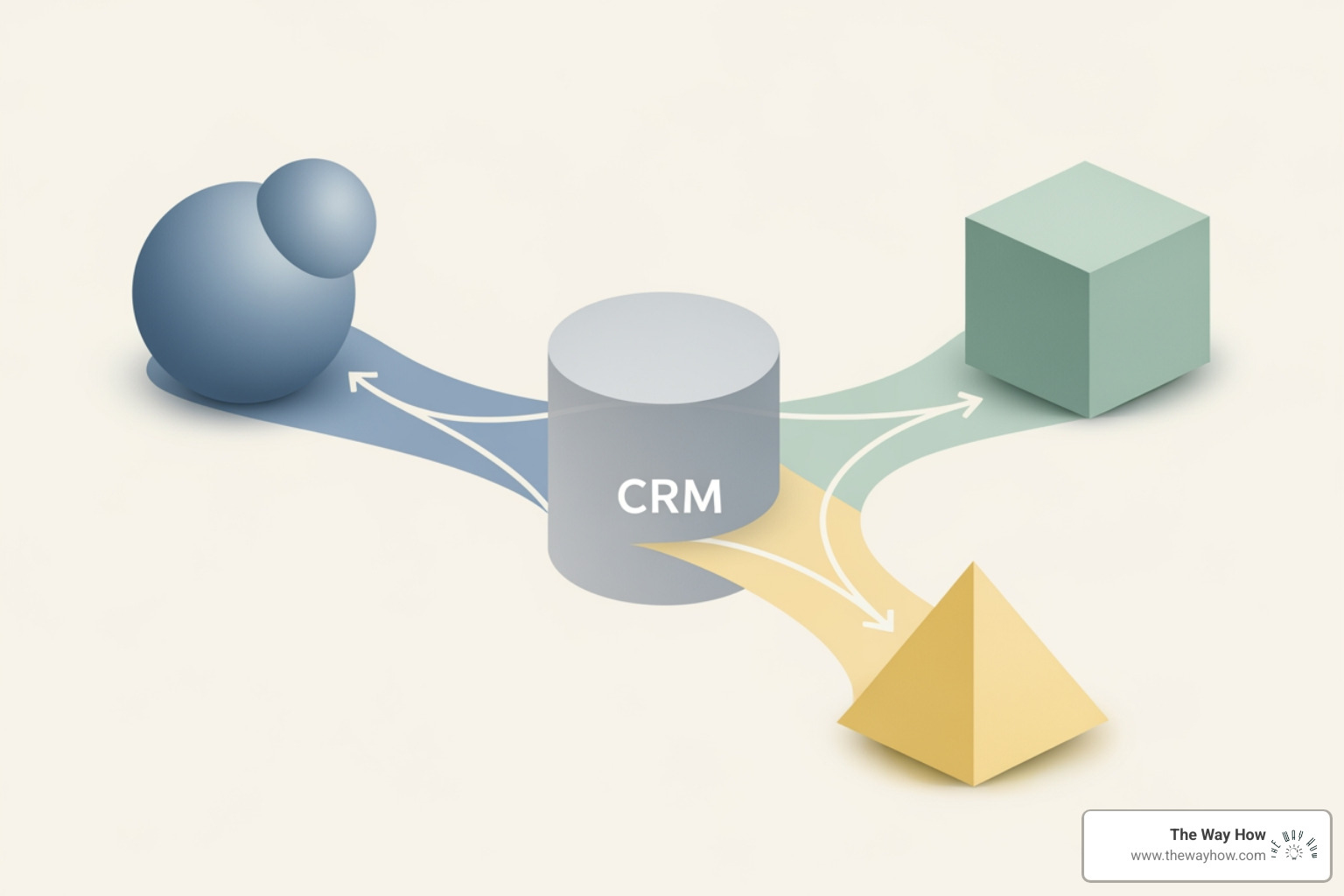
HubSpot offers robust native integrations for popular platforms:
Connecting your store is straightforward via the HubSpot App Marketplace. Once connected, customer, order, and product data sync automatically, creating a unified view of the entire customer journey.
Once integrated, the magic of HubSpot ecommerce automation begins with smart segmentation. As a psychology-first firm, we know that understanding why customers behave the way they do is paramount. Segmentation allows you to group customers by shared behaviors, enabling you to deliver personalized messages that resonate.
HubSpot’s CRM provides powerful tools to create dynamic segments:
With your store connected and customers segmented, use HubSpot ecommerce automation to engage them at critical moments. These workflows ensure no customer falls through the cracks. Here are 5 must-have e-commerce automation workflows:
Welcome Series: Make a strong first impression. Welcome emails have 320% more revenue per email than other promotional emails.
Abandoned Cart Recovery: A staggering 75% of carts are abandoned, but businesses can see a 70% recovery rate with this workflow.
Post-Purchase Follow-up: The sale is the beginning of the relationship.
Re-engagement Campaigns: Target customers who haven’t purchased or engaged in a set period (e.g., 90 days).
VIP Customer Rewards: Increasing retention by 5% can increase profits by 25-95%.
The core challenge for any e-commerce business is knowing which marketing efforts actually move the needle. HubSpot’s reporting tools remove this guesswork, connecting every marketing action directly to revenue and giving you the clarity to make data-driven decisions.
HubSpot ecommerce automation ends the guesswork. Direct attribution reporting links marketing efforts to customer orders, clarifying your return on investment (ROI) and helping you optimize spending.
Here’s what direct attribution empowers you to do:
This level of insight allows you to move beyond vanity metrics and focus on revenue. Our HubSpot’s ecommerce marketing dashboard provides the tools to sync data, understand buying patterns, automate campaigns, and track revenue streams. For a deeper dive, explore HubSpot Analytics.
HubSpot’s pre-built e-commerce dashboards make this data accessible and actionable. They are your command center for key metrics, offering immediate insights without requiring you to build reports from scratch.
Key metrics typically included are:
These dashboards are designed to give you a bird’s-eye view of your e-commerce performance. You can also customize your dashboard and edit reports to focus on the metrics most relevant to your specific business goals. This ensures that your data-driven decisions are always aligned with your strategic objectives. You can access these powerful insights directly through the Ecommerce reporting dashboard.
If you’re looking to further improve your understanding of e-commerce strategy, consider HubSpot’s free course: Learn Ecommerce Marketing and Sell More Online [Free Course]. It’s an excellent resource to complement your use of these powerful reporting tools.
The e-commerce landscape is never static. A solid automation foundation not only solves today’s problems but also prepares you for tomorrow’s challenges and opportunities, from leveraging artificial intelligence to navigating complex compliance rules.
Artificial Intelligence is rapidly changing marketing, and HubSpot ecommerce automation is integrating these advancements to enable a new level of personalization and efficiency.
Here’s how AI is being integrated:
According to “The State of AI in 2025” report, AI is ready to redefine marketing. Staying informed is crucial for a competitive edge. Access the report here: The State of AI in 2025.
HubSpot ecommerce automation is also a powerful ally in addressing hidden costs and complex compliance requirements.
Here are critical areas where HubSpot can help:
By bringing these aspects into your HubSpot ecosystem, especially with its capabilities for HubSpot for Small Businesses, you gain control, reduce risk, and free up resources.
Here are answers to common questions about using the power of HubSpot ecommerce automation.
The primary benefits are scaling your marketing without scaling manual work, leading to significant time savings and better campaign performance. Automation handles repetitive tasks like sending welcome emails and segmenting lists, freeing your team to focus on strategy. By delivering personalized messages at the right time, it also improves lead quality and conversion rates. Statistics show HubSpot customers see a 129% increase in leads and a 36% increase in closed deals after one year.
HubSpot boosts AOV and retention, which is critical for long-term profitability. Increasing retention by just 5% can increase profits by 25-95%.
Beyond the basics, you can build sophisticated workflows for nearly every stage of the customer journey. Essential campaigns include:
HubSpot provides a library of pre-built Workflow templates to get you started instantly, allowing you to quickly implement these powerful automations.
The journey from manual chaos to automated clarity in e-commerce can feel daunting, but it’s a necessary evolution for sustainable growth. Switching to HubSpot ecommerce automation is more than a technical upgrade; it’s a strategic shift from a state of constant reaction to one of controlled, predictable growth. By building a unified system around your customer’s behavior, you eliminate uncertainty, create momentum, and free yourself to lead your business forward.
We believe that understanding human behavior and decision-making psychology is the bedrock of effective marketing. HubSpot’s purpose-built e-commerce capabilities allow you to operationalize those insights, delivering personalized experiences at scale. This is the foundation for scaling with clarity and confidence. At The Way How, we help businesses implement these psychology-first systems, diagnosing why growth is stalled and designing systems that create trust, momentum, and predictable revenue.
Ready to build a marketing system that drives predictable revenue? Learn more about HubSpot Marketing Automation.
 Jeremy Wayne Howell : Jul 22, 2026 9:48:31 PM
 Jeremy Wayne Howell : Jul 21, 2026 9:47:10 PM
 Jeremy Wayne Howell : Jul 20, 2026 9:46:47 PM