A Complete Guide to CRM Systems and Database Management
 Jeremy Wayne Howell : Jul 22, 2026 9:48:31 PM
8 min read

HubSpot transactional email A/B test capabilities are more limited than most marketers expect — and that gap creates real friction for teams trying to optimize their most critical customer communications.
Here is the short answer:
| Question | Answer |
|---|---|
| Can you natively A/B test transactional emails in HubSpot? | No — HubSpot’s built-in A/B testing is designed for marketing emails, not transactional ones |
| Why not? | Transactional emails are triggered instantly and individually, making sample-based split testing incompatible with their delivery model |
| Are there workarounds? | Yes — workflow branch splitting and the HubSpot Marketing V2 API both enable structured testing |
| What should you test? | Subject lines, copy tone, and CTA placement are the highest-leverage variables |
| Minimum sample size? | At least 1,000 contacts for basic reliability; 10,000+ for statistical significance |
Transactional emails — order confirmations, password resets, shipping notifications — are the moments your customer trusts you most. They opened the email because they had to, not because your subject line was clever. That makes them high-stakes and, paradoxically, hard to test without disrupting the very trust they are designed to build.
Most teams either avoid testing these emails entirely or try to force a marketing email A/B workflow onto them — and neither approach is right.
I’m Jeremy Wayne Howell, founder of The Way How, and over 20 years of working with founders and revenue teams — including building and optimizing HubSpot CRM systems — I’ve seen the hubspot transactional email ab test problem misdiagnosed more often than solved. In this guide, I’ll walk you through what’s actually possible, what the smart workarounds look like, and how to test without breaking customer trust.
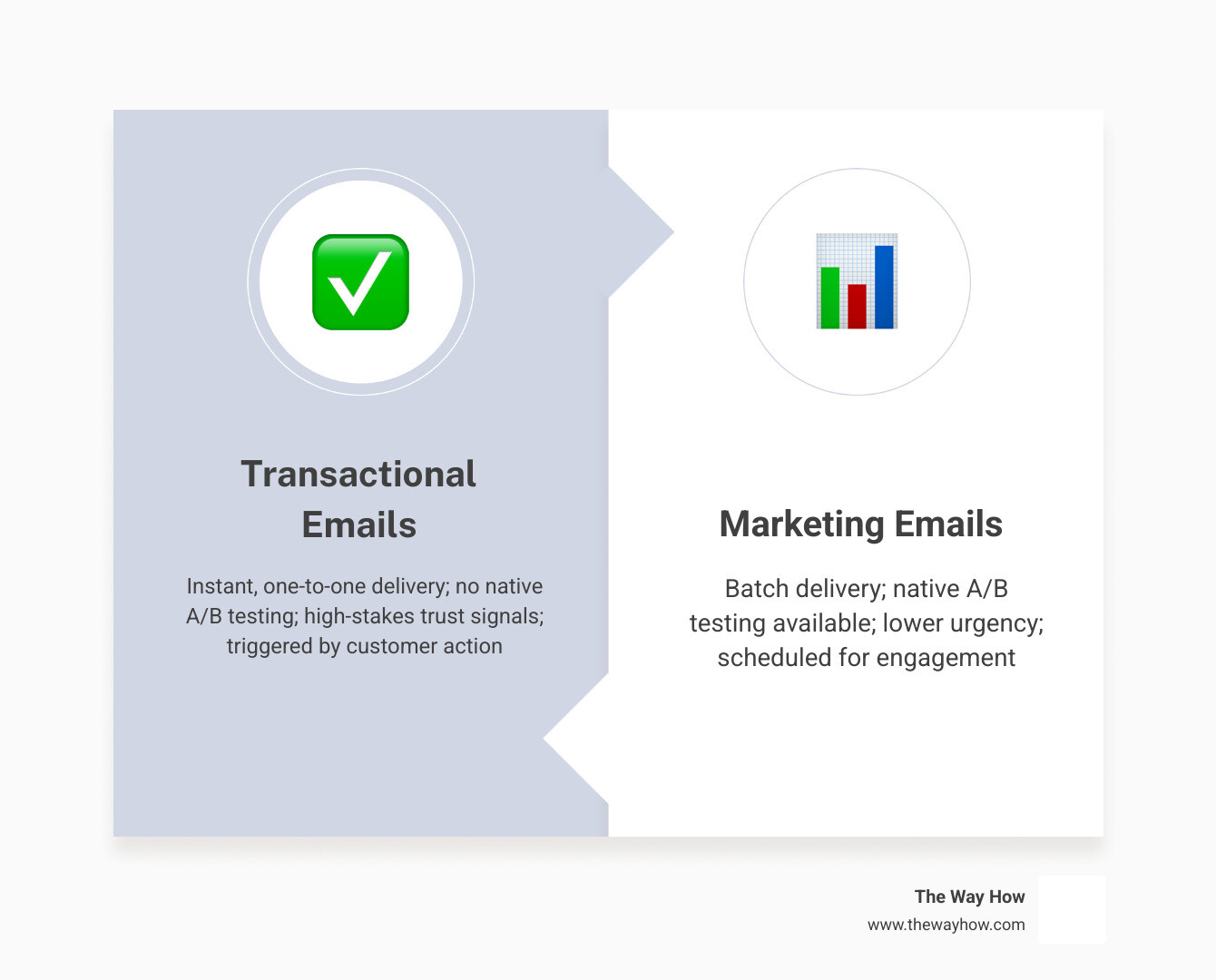
When a customer completes a purchase, resets a password, or requests a quote, they enter a psychological state of vulnerability. They have taken an action and are waiting for the system to confirm that the world is still functioning as expected. This is what we call the “certainty gap.”
In behavioral psychology, the moments immediately following a high-intent action are when cognitive load is highest. If your transactional email is slow, poorly formatted, or uses a tone that feels jarringly different from your sales process, that certainty gap widens into anxiety.
We want to test these emails because they boast some of the highest open rates in the entire customer journey — often exceeding 60% to 80%. It is incredibly tempting to treat this real estate as another marketing channel. However, because these emails are so critical to operational trust, any test we run must be handled with extreme care.
If a marketing email fails or suffers from a rendering bug, you lose a lead. If a transactional email fails, your customer support team is flooded with tickets, and your brand’s operational integrity is compromised.
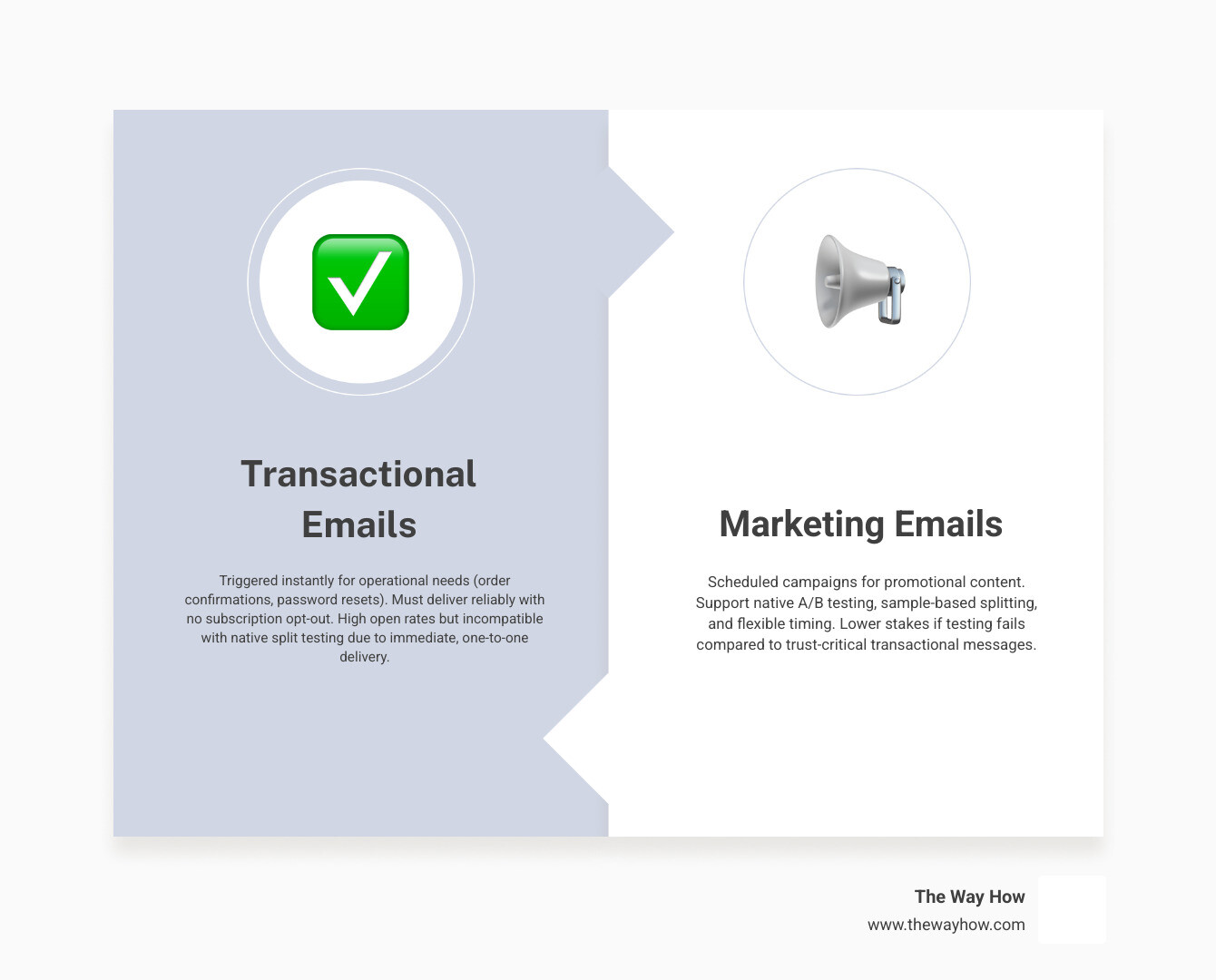
To understand how to optimize these touchpoints, we have to look closely at how HubSpot handles them. A native transactional email in HubSpot is built differently from a standard promotional campaign. It is designed to bypass subscription preferences so that even opted-out contacts receive critical system updates, making compliance and deliverability paramount.
To explore how these emails function fundamentally, you can read our deep dive on HubSpot Transactional Email.
Because these sends require a dedicated IP address and specific technical routing, they are sold as a premium add-on. For a complete understanding of the investment required, refer to our breakdown of HubSpot Transactional Email Pricing.
In a standard marketing email, HubSpot’s native testing engine works on a “sample and rollout” model. If you want to Run A/B tests for marketing emails, you select a small percentage of your list (say, 10% for Version A and 10% for Version B), let HubSpot send those drafts, monitor performance over a set period, and then automatically send the winning variation to the remaining 80% of your recipients.
This model is completely incompatible with transactional emails. Transactional emails cannot wait for a “winner selection period.” When a user clicks “Reset Password” in June 2026, they need that email in their inbox within seconds. You cannot hold back 80% of your password resets while you wait 24 hours to see which subject line gets a higher open rate.
Because transactional emails are triggered individually and asynchronously via API or workflow enrollment, HubSpot’s native A/B testing interface is completely disabled when you select the transactional email type.
When teams try to force standard marketing mechanics onto transactional sends, they often run into deliverability issues. If your transactional emails are flagged as promotional because you stuffed them with upsells and aggressive subject lines during an unmonitored test, your overall domain sender reputation will suffer.
If you are currently experiencing delivery issues or strange behavior in your automated sends, our guide on HubSpot Email Troubleshooting provides a step-by-step diagnostic framework.
From a psychological perspective, transactional friction occurs when the email fails to deliver immediate reassurance. If a customer is testing your software and the verification email looks like a generic newsletter, their brain flags it as low-priority or spam. The goal of testing should not merely be to raise open rates, but to reduce the time it takes for a user to complete their intended post-send action.
Since we cannot click a simple “Create A/B Test” button inside the transactional email editor, we have to design systems that mimic this behavior safely. There are two primary methods to achieve this: using HubSpot’s workflow engine or using programmatic API calls.

| Feature | Method 1: Workflow Random Split | Method 2: Programmatic API Testing |
|---|---|---|
| Technical Complexity | Low (No-code) | High (Requires development) |
| Flexibility | Limited to workflow actions | Complete programmatic control |
| Setup Time | 15-30 minutes | Several hours |
| Best For | Standard customer journeys | Custom app integrations, product triggers |
The most reliable, no-code way to build a hubspot transactional email ab test is to use HubSpot’s workflow branching logic to distribute contacts evenly between two different transactional email assets.
Here is how to set it up:
Order Confirmation - Version A (Control) and Order Confirmation - Version B (Test). Save and publish both for automation.Order Confirmation - Version A. Under Branch B, add the action to send Order Confirmation - Version B.This method allows you to Automate A/B email testing with workflowssafely. Because the split happens at the workflow level, each contact is instantly routed to one of the two active emails, ensuring no delays in delivery while still maintaining a perfectly randomized 50/50 split.
If your transactional emails are triggered directly from your proprietary software or database via API, you can manage your A/B variations programmatically.
Using HubSpot’s developer tools, you can Create an A/B test variationprogrammatically.
When utilizing this method, your application’s backend code handles the randomization logic:
content-core-api-access)./marketing/emails/2026-03/ab-test/create-variation endpoint to generate your test draft variation.contentId for Variation A or Variation B.This programmatic control ensures that your testing remains entirely decoupled from HubSpot’s visual interface, allowing your product team to run sophisticated experiments directly within your application’s user experience.
Once your workaround is live, the next challenge is extracting clean data. Unlike standard marketing campaigns where HubSpot automatically highlights the winner in green on a unified dashboard, workflow-based splits require you to manually compare the performance of your two distinct email assets.
Because transactional emails have naturally high open rates, optimizing for opens is rarely the highest-leverage move. Instead, we should look at metrics that indicate customer action and anxiety reduction:
According to email testing platform Litmus, brands that use advanced email analytics see a 43% higher ROI than those that don’t. While HubSpot provides excellent baseline metrics, tracking post-click behavior in your app is what truly proves the value of your test.
Once you have gathered sufficient data and determined a clear winner, you need to transition your systems to the optimized version without disrupting active customer journeys.
To do this:
By managing your rollouts systematically, you can continuously improve your HubSpot Marketing Automation architecture without risking operational downtime.
Testing transactional emails is inherently riskier than testing promotional newsletters. To keep your systems running smoothly, avoid these common mistakes:
Because transactional tests are built using workflow splits rather than native marketing email test parameters, you cannot “cancel” them with a single click. To stop a test, you must manually edit the active workflow, delete the split branch action, and set the remaining path to send your preferred email variation. Any contacts currently waiting in workflow delays will continue through the updated path.
For basic directional confidence, each variation should be sent to at least 1,000 contacts. However, to achieve true statistical significance (a 95% confidence level), you should aim for a sample size of 10,000 or more recipients per variation. If your transactional volume is low, it may take several months to reach this threshold, meaning you should focus on high-impact changes rather than minor design tweaks.
Since transactional emails are billed as a dedicated add-on to your core HubSpot subscription, you should ensure that your testing variations do not push you over your monthly sending limits. You can review how these limits scale by checking HubSpot Marketing Hub Pricing. Understanding your plan’s specific HubSpot Features will help you budget your testing volume effectively.
At The Way How, we believe that every digital touchpoint is an opportunity to build or erode trust. Transactional emails are not just mechanical notifications; they are critical psychological markers in your customer’s journey. When a system communicates clearly, predictably, and with empathy, customer anxiety drops, and brand loyalty rises.
If your team is struggling to connect your HubSpot architecture with actual human behavior, we can help. We specialize in diagnosing growth blocks, optimizing complex workflows, and designing systems that turn operational friction into predictable revenue.
To see how we can bring clarity to your marketing and revenue operations, explore our resources on HubSpot Transactional Email or dive deeper into platform capabilities with our guide on HubSpot Marketing Hub Demo Features. Let’s build a system that your customers can trust completely.
 Jeremy Wayne Howell : Jul 22, 2026 9:48:31 PM
 Jeremy Wayne Howell : Jul 21, 2026 9:47:10 PM
 Jeremy Wayne Howell : Jul 20, 2026 9:46:47 PM