

The Cost of Friction: Why NetSuite SOAP to REST Search Filter Conversion is More Than Syntax
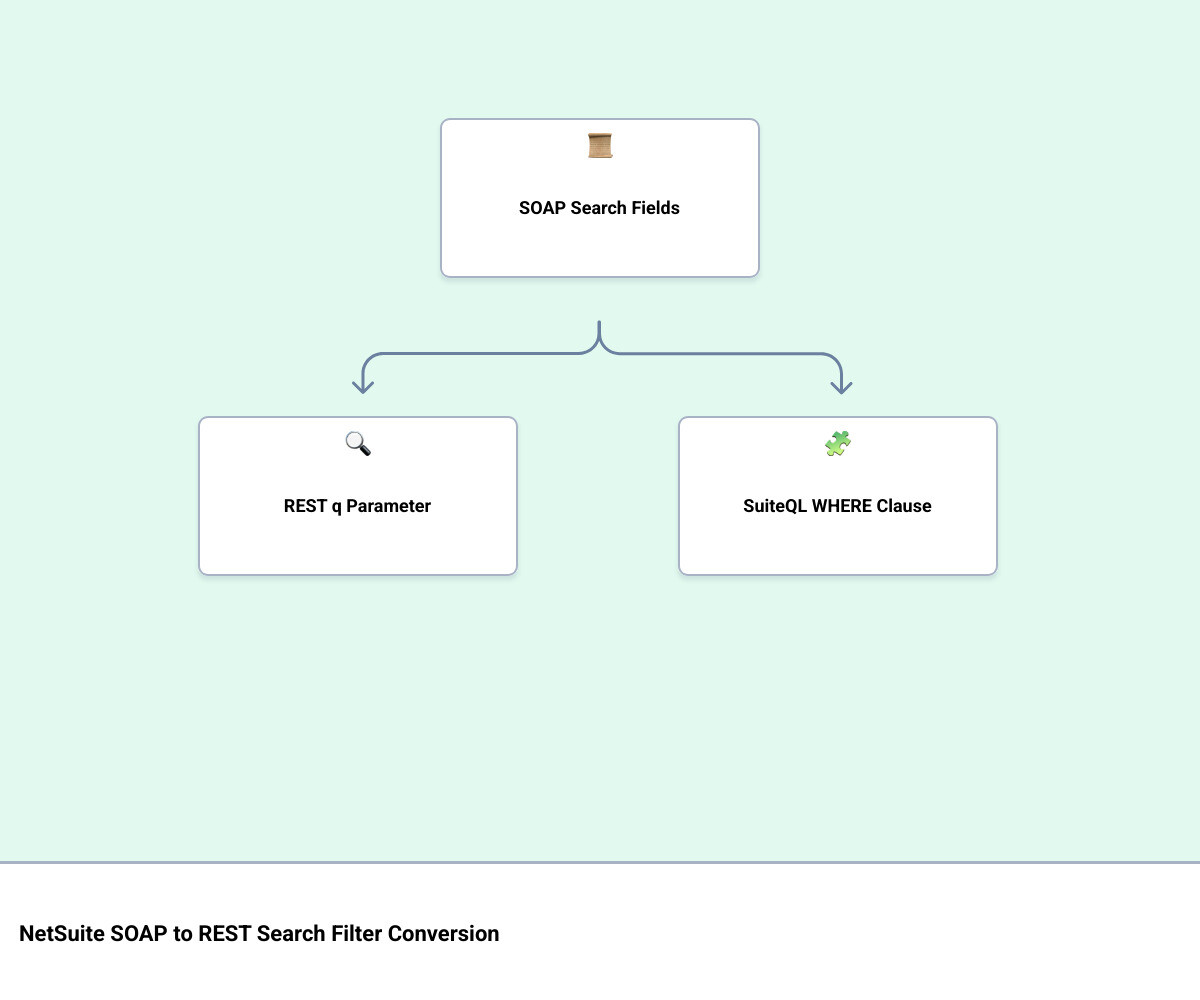
NetSuite SOAP to REST search filter conversion means replacing XML-based search filter fields — like SearchStringField, SearchDateField, and SearchLongField — with either REST collection query parameters or SuiteQL WHERE clauses.
Here is a quick reference for the most common conversions:
| SOAP Filter Field | REST Equivalent | Notes |
|---|---|---|
SearchStringField (contains) | q=fieldName CONTAIN "value" | Use q query parameter |
SearchStringField (startsWith) | q=fieldName START_WITH "value" | Operator name differs |
SearchDateField (on) | q=fieldName ON "date" | Date format must match |
SearchBooleanField | q=fieldName IS "true" | Boolean as string |
| Complex joins / formula filters | POST /suiteql with WHERE clause | SuiteQL handles what REST filtering cannot |
| Saved Search reference | SuiteAnalytics Dataset or SuiteQL | Saved Searches are not supported in REST |
The short answer: simple filters map directly to the q parameter in REST. Complex logic — joins, custom fields, OR conditions with grouping — belongs in SuiteQL.
This matters now because Oracle has set a firm deadline. SOAP Web Services will be fully retired in the 2028.2 release. After that, any integration still running SOAP calls will simply stop working. The migration clock is running, and the filter layer is often the most technically dense part of any SOAP integration — the piece teams underestimate until they’re deep in the work.
The friction isn’t just technical. It’s cognitive. Developers who have spent years reading SOAP XML schemas are being asked to think in a completely different model. REST doesn’t return full records by default. It returns IDs and HATEOAS links. SuiteQL is SQL-like but not identical. The mental context-switch is real, and it slows migrations down.
I’m Jeremy Wayne Howell, founder of The Way How, and while my background is in revenue strategy and buyer psychology, I’ve spent years helping organizations diagnose the hidden friction inside their systems — including the integration layer where NetSuite SOAP to REST search filter conversion decisions either accelerate or stall business operations. In what follows, I’ll walk you through the mechanics clearly, so your team can move with confidence.
Mapping the Mechanics: NetSuite SOAP to REST Search Filter Conversion
To successfully transition your integrations, we must map the structural differences between how SOAP and REST represent search criteria. SOAP relies on strongly typed objects defined in the Web Services Description Language (WSDL). REST, on the other hand, utilizes lightweight query parameters or standard SQL-like syntax via SuiteQL.
When converting standard searches, we have two primary targets in the REST world:
- REST Collection Filtering: This uses the
qquery parameter on a standard GET request to a record collection. It is ideal for simple, direct queries on a single record type. - SuiteQL Queries: Executed via a POST request to the
/suiteqlendpoint, SuiteQL is the preferred choice for complex data retrieval, multi-record joins, and high-performance operations.
The table below outlines how the structural operators map between SOAP search fields and their REST equivalents:
| SOAP Search Field Operator | REST Collection Operator (q) | SuiteQL Equivalent |
|---|---|---|
is / equalTo | EQUAL / IS | = |
notEqualTo | NOT_EQUAL / IS_NOT | != or <> |
anyOf | ANY_OF | IN (...) |
noneOf | NONE_OF | NOT IN (...) |
contains | CONTAIN | LIKE '%value%' |
doesNotContain | NOT_CONTAIN | NOT LIKE '%value%' |
startsWith | START_WITH | LIKE 'value%' |
notStartsWith | NOT_START_WITH | NOT LIKE 'value%' |
on (Date) | ON | = |
before (Date) | BEFORE | < |
after (Date) | AFTER | > |
onOrBefore (Date) | ON_OR_BEFORE | <= |
onOrAfter (Date) | ON_OR_AFTER | >= |
Translating Field Types and Operators in NetSuite SOAP to REST search filter conversion
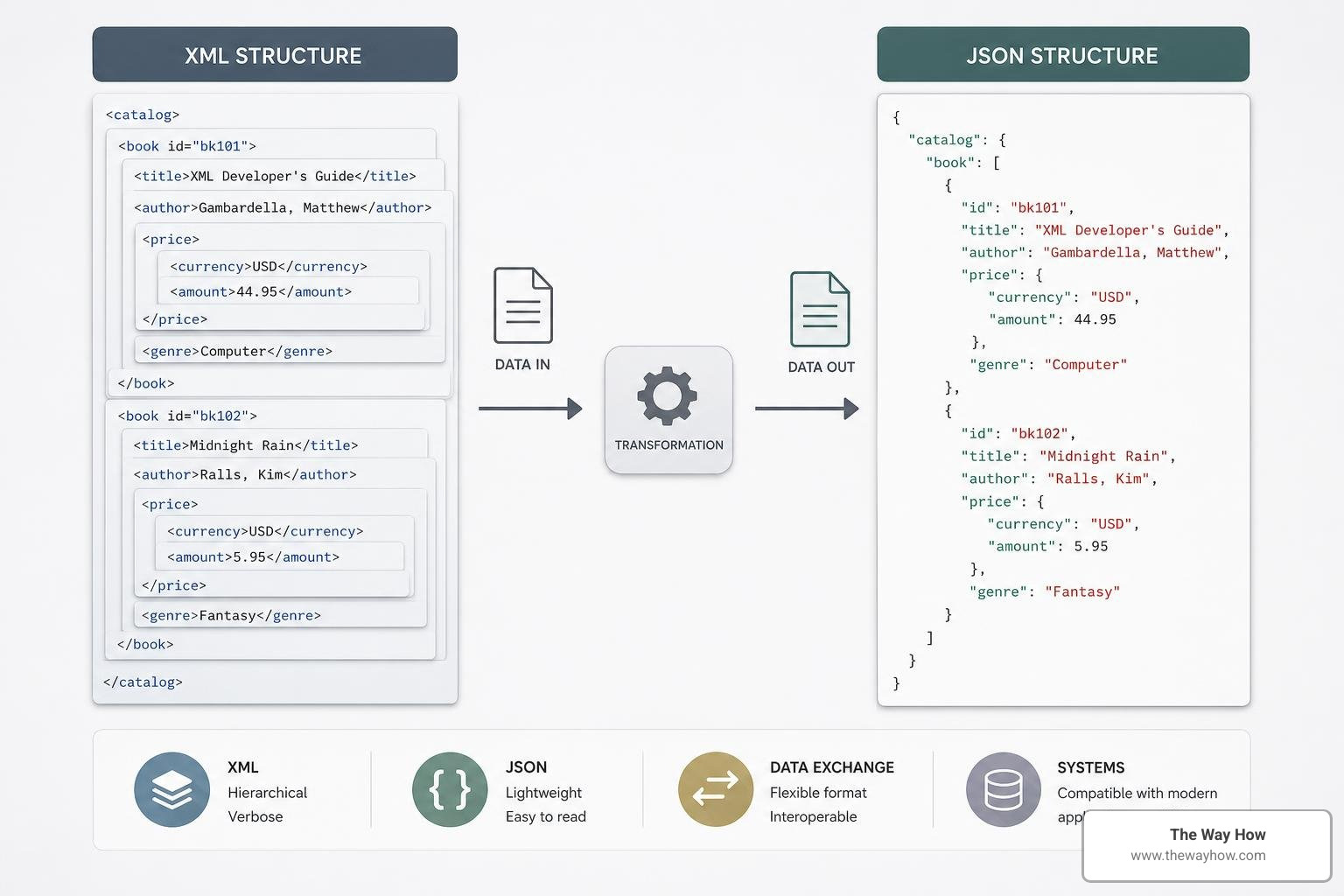
In SOAP, every filter field is bound to a specific class type. For instance, SearchLongField handles internal IDs and integer values, while SearchDoubleField handles floating-point numbers. When mapping these to REST, we must discard these XML wrappers and treat them as native JSON data types or string-based operator expressions within the query parameter.
For example, a SOAP filter looking for a specific customer by internal ID using SearchLongField looks like this in XML:
<customerSearchBasic>
 <internalId operator="anyOf">
 <searchValue internalId="12345" />
 </internalId>
</customerSearchBasic>
In the REST API, this is transformed into a clean GET request using the q parameter:
GET /services/rest/record/v1/customer?q=id ANY_OF "12345"For date-based searches, SOAP’s SearchDateField supports a wide array of relative date operators. In REST, we must explicitly format date values as ISO 8601 strings (YYYY-MM-DD) or date-time strings.
A SOAP search for transactions created on a specific date:
<transactionSearchBasic>
 <dateCreated operator="on">
 <searchValue>2026-06-15T00:00:00.000Z</searchValue>
 </dateCreated>
</transactionSearchBasic>
Converts to the following REST URL-encoded query:
GET /services/rest/record/v1/transaction?q=dateCreated ON "2026-06-15"Handling Complex Logic and Joins in NetSuite SOAP to REST search filter conversion
In SOAP web services, complex criteria are handled by nesting search basic objects or using joined search relationships. For instance, a search on the TransactionSearch object often references TransactionSearchBasic while joining with CustomerSearchBasic or ItemSearchBasic to filter transactions based on customer or item fields.
You can learn more about how SOAP structures these multi-tiered operations in the official guide on Advanced Searches in Web Services and explore specific transaction parameters in the Transaction Search reference.
When migrating these complex filters to the REST API, we quickly hit the limitations of the standard q parameter. While the q parameter does support basic AND and OR logic along with parentheses for grouping, it does not support deep multi-record joins.
For instance, you can run a moderately complex query within a single record type using parentheses:
GET /services/rest/record/v1/customer?q=(companyName START_WITH "A" AND comments CONTAIN "active") OR (subsidiary EQUAL "1")However, if you need to filter sales orders based on the customer’s parent company or the item’s class, standard collection filtering cannot process the join. To resolve this uncertainty, we must bypass collection filtering entirely and use SuiteQL.
In SuiteQL, joins are expressed using standard SQL INNER JOIN or LEFT OUTER JOIN syntax. Here is how a joined SOAP search translates into a SuiteQL query executed via a POST request to /services/rest/query/v1/suiteql:
{
 "q": "SELECT t.id, t.tranid FROM transaction t INNER JOIN customer c ON t.entity = c.id WHERE c.companyname LIKE 'A%' AND t.type = 'SalesOrd'"
}
This structural shift removes the complexity of managing nested XML tags and provides developers with a highly predictable, standardized way to query complex relational data.
Collection Filtering vs. SuiteQL: Choosing the Right Path to Certainty
As we guide engineering teams through this migration, we emphasize a core architectural principle: diagnose the query complexity before choosing your REST interface.
Standard REST collection filtering is highly useful for simple, single-resource lookups. However, for robust integrations, SuiteQL is almost always the superior choice. This is due to several critical functional differences:
- Join Capabilities: As established, REST collection filtering does not support joined record searches. If your integration relies on joined fields (e.g., retrieving transactions filtered by customer attributes), SuiteQL is mandatory.
- Result Limits: SuiteQL queries executed via the REST API support up to 100,000 results per query (using pagination), whereas standard REST collection filtering is optimized for smaller, transactional datasets.
- Saved Search Gaps: In SOAP, developers frequently referenced existing saved searches using the
SearchAdvancedpattern to leverage complex criteria designed in the NetSuite UI. The REST API does not support NetSuite Saved Searches. Instead, Oracle’s modern roadmap points to SuiteAnalytics Datasets and SuiteQL as the programmatic replacements.
For a deeper dive into how NetSuite structures its modern search resources, refer to the NetSuite Applications Suite - search documentation.
By standardizing on SuiteQL for complex logic, we replace the fragile structure of XML-based advanced searches with clean, easily versioned SQL strings. This significantly reduces the cognitive load on your development team and ensures your integrations remain resilient past the SOAP deprecation horizon.
Overcoming the Pagination and Performance Bottlenecks
One of the most immediate benefits of migrating from SOAP to REST is the massive performance improvement. Industry data indicates that migrating from legacy SOAP interfaces to REST web services can yield approximately 40% faster response times and overall performance improvements ranging between 50% and 70%.
These improvements are detailed in the NetSuite SOAP API Deprecation & REST Migration Guide | Houseblend, which outlines how the reduction in payload size and the transition to JSON directly impacts system latency.
However, realizing these gains requires a fundamental change in how your integration handles pagination.
In SOAP, paginating through large datasets required using searchMore or searchNext operations, tracking a searchId session token across multiple stateful calls.
REST web services replace this stateful model with stateless, offset-based pagination. Standard REST collections and SuiteQL endpoints utilize two simple parameters:
limit: The maximum number of records to return in a single page (REST supports up to 1,000 records per page).offset: The number of records to skip before starting to return results.
For example, to retrieve the second page of a customer list with 200 records per page, your REST request would look like this:
GET /services/rest/record/v1/customer?limit=200&offset=200When using SuiteQL, pagination parameters are passed in the request headers or body, allowing you to systematically loop through up to 100,000 records.
It is vital to note that standard REST GET requests return HATEOAS (Hypermedia As The Engine Of Application State) links in the response payload. While this is highly beneficial for discovering related resources, it introduces network overhead if your integration makes subsequent round-trips to fetch details for every record ID returned. To optimize performance, we recommend using SuiteQL to retrieve only the specific columns your system requires in a single, lightweight POST request.
Security and Permissions: Aligning Your Integration with Modern Standards
Migrating your search infrastructure is also an opportunity to modernize your security posture. SOAP integrations historically relied on Token-Based Authentication (TBA) tied directly to a static user role. While functional, this model lacks the granular control required by modern security compliance frameworks.
The REST API prefers OAuth 2.0 (JWT Client Credentials flow). This shift replaces long-lived tokens with short-lived access tokens, significantly minimizing your system’s attack surface.
Additionally, permissions are handled differently. To execute queries and search records via REST, the integration role must possess explicit permissions that were not always required for legacy SOAP calls. Specifically, the role must have:
- SuiteAnalytics Workbook (View) permission.
- The SuiteAnalytics Workbook feature enabled in the NetSuite account.
- Explicit REST Web Services permissions.
When mapping your operations, we advise reviewing the NetSuite Applications Suite - SOAP Web Services vs. REST Web Services Operation Mapping to ensure that the security roles assigned to your REST integration records align perfectly with the endpoints they need to access.
Frequently Asked Questions about NetSuite Search Migrations
Can I still use my existing Saved Searches directly in the REST API?
No. NetSuite REST Web Services do not support Saved Searches. To replicate this functionality, you must either reconstruct the search logic as a SuiteAnalytics Dataset, write an equivalent SuiteQL query, or deploy a custom RESTlet that utilizes the N/search SuiteScript module to run the Saved Search programmatically and return the results as JSON.
For teams looking to minimize code changes during a rapid migration, the RESTlet approach acts as an effective bridge, though standardizing on SuiteQL remains the best practice for long-term platform alignment.
What is the maximum number of records I can retrieve in a single REST search query?
For standard REST collection filtering, the maximum page limit is 1,000 records. For SuiteQL queries executed via the REST API, you can retrieve up to 100,000 total records using offset-based pagination. If your business processes require extracting datasets larger than 100,000 records, we recommend utilizing SuiteAnalytics Connect or bulk export tools.
How do I handle custom fields when converting SOAP filters to REST?
Custom fields in SOAP are typically referenced using a generic customFieldList containing StringCustomFieldRef or similar elements. In the REST API, custom fields are promoted to first-class properties on the record object.
To find the exact REST field ID for a custom field, you should consult the NetSuite Records Catalog. The field ID will typically follow the format custbody_field_script_id or custentity_field_script_id. Once identified, they can be queried using the standard q parameter or within a SuiteQL WHERE clause just like any standard field.
For more information on setting up advanced searches in the legacy framework before mapping them, refer to NetSuite Applications Suite - Advanced Searches in SOAP Web Services.
Restoring Momentum: Designing Systems That Scale
We see this migration as more than just a technical chore. When integrations are slow, unstable, or built on deprecated protocols, they create a subtle but persistent drag on your entire organization. Leaders lose confidence in their data, developers spend their days firefighting legacy code, and business growth stalls.
At The Way How, we help leadership teams remove this uncertainty. By diagnosing the root causes of friction in your technology stack and customer journeys, we design predictable, high-performing systems that restore operational momentum. Whether you are modernizing your NetSuite integration architecture, aligning your HubSpot CRM, or building a revenue strategy rooted in human behavior and empathy, we provide the strategic clarity and technical execution needed to turn your systems into growth engines.
Let us help you transition your systems from legacy complexity to modern clarity. More info about our services is available to help your team take the next step with absolute confidence.