
The Hidden Friction Stalling Your Growth
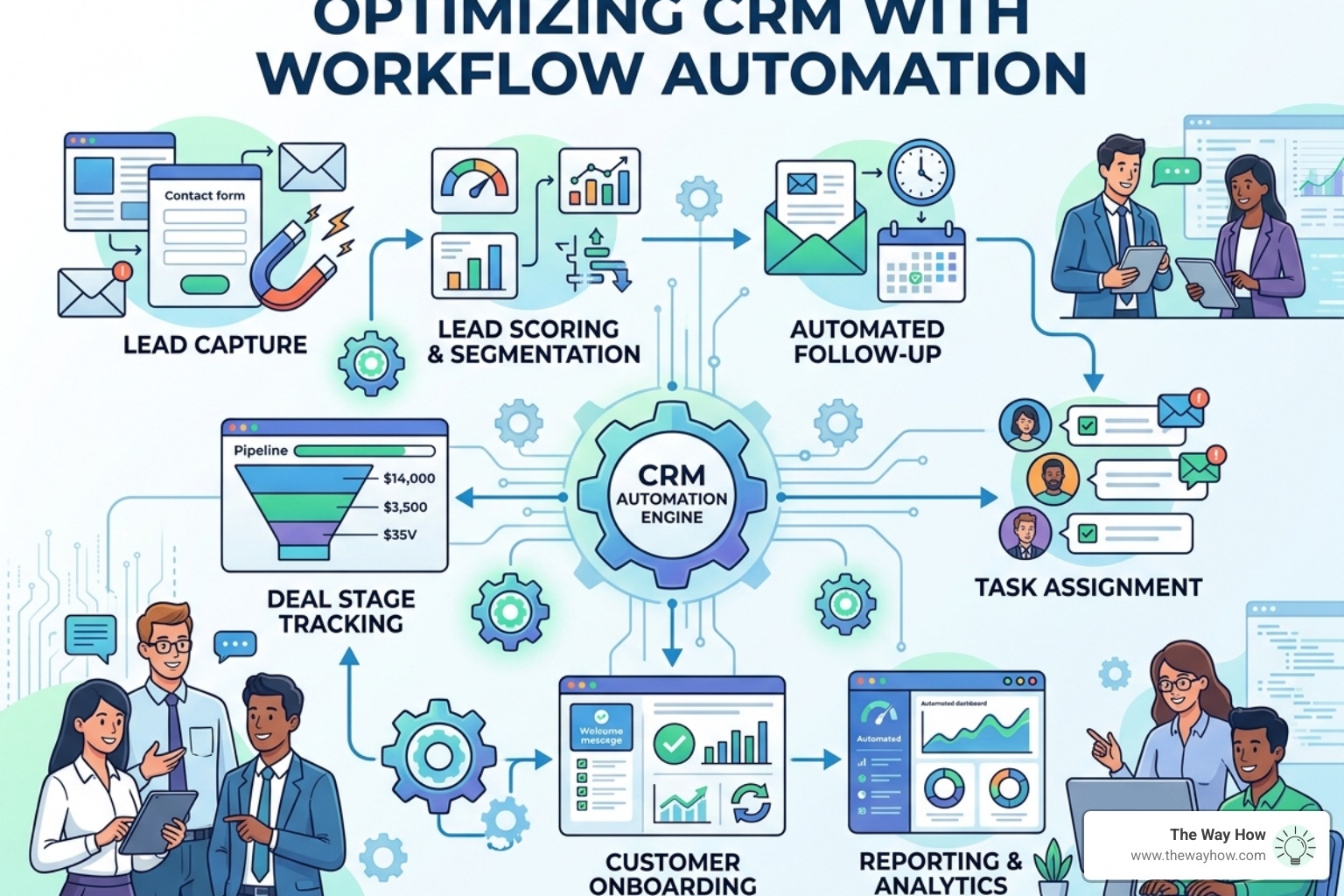
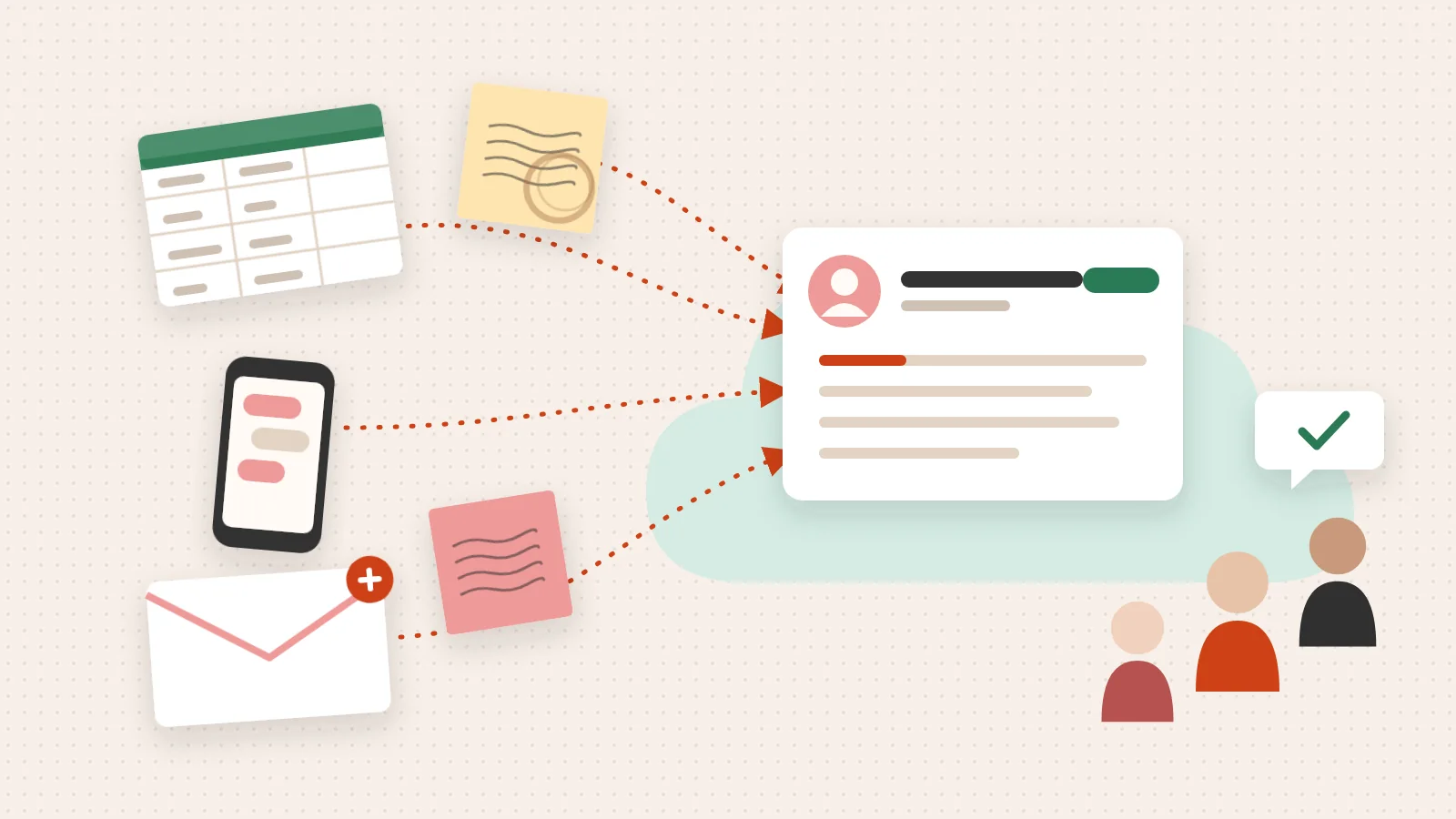
CRM workflow automation is the process of using software rules to automatically execute repetitive tasks inside your customer relationship management system — so your team spends less time on manual work and more time on decisions that actually move revenue.
Here’s a quick breakdown of what that means in practice:
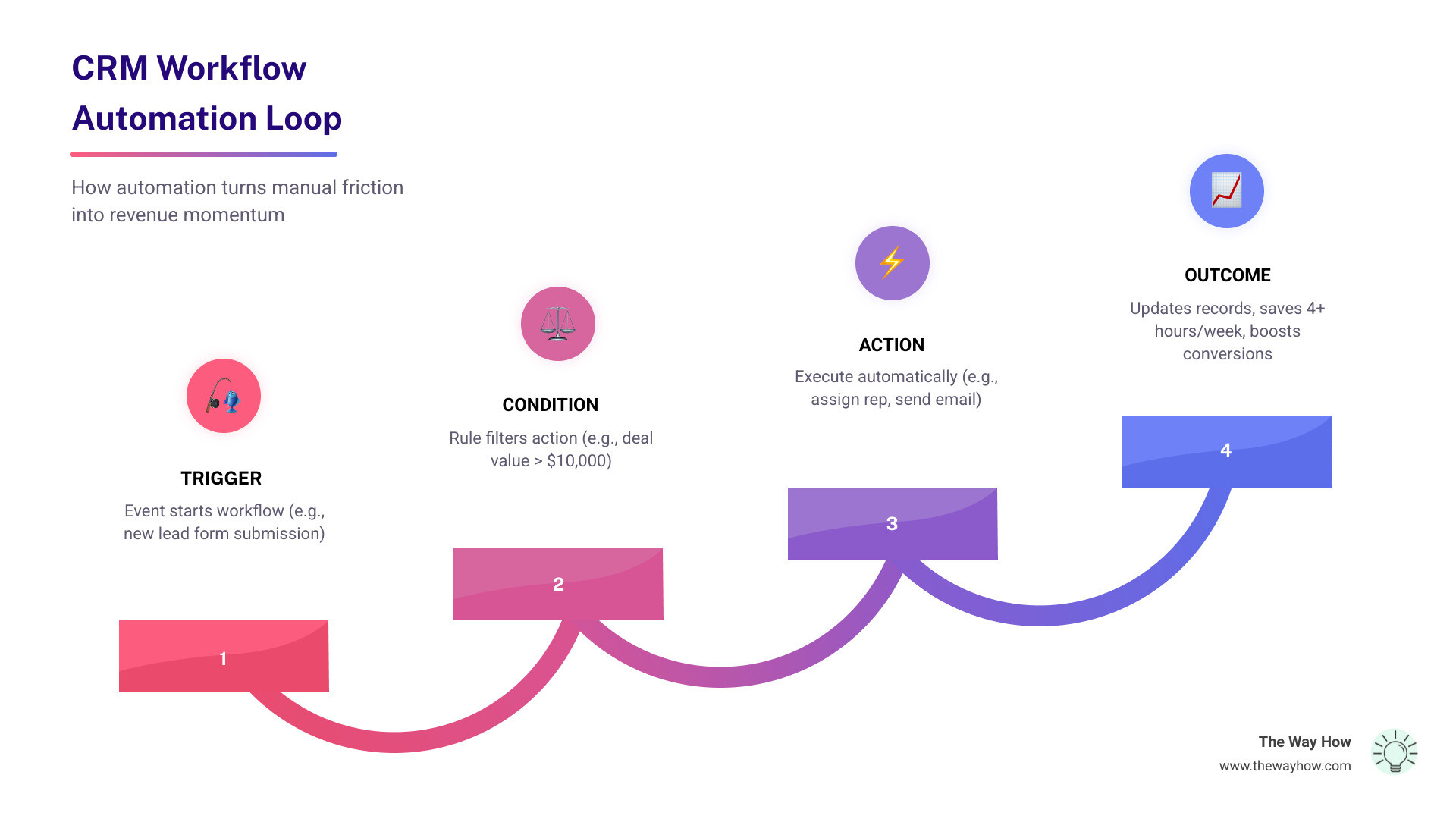
| Element | What It Does |
|---|---|
| Trigger | An event that starts the workflow (e.g., a new lead fills out a form) |
| Condition | A rule that filters or routes the action (e.g., if deal value > $10,000) |
| Action | What happens automatically (e.g., assign to senior rep, send email, update record) |
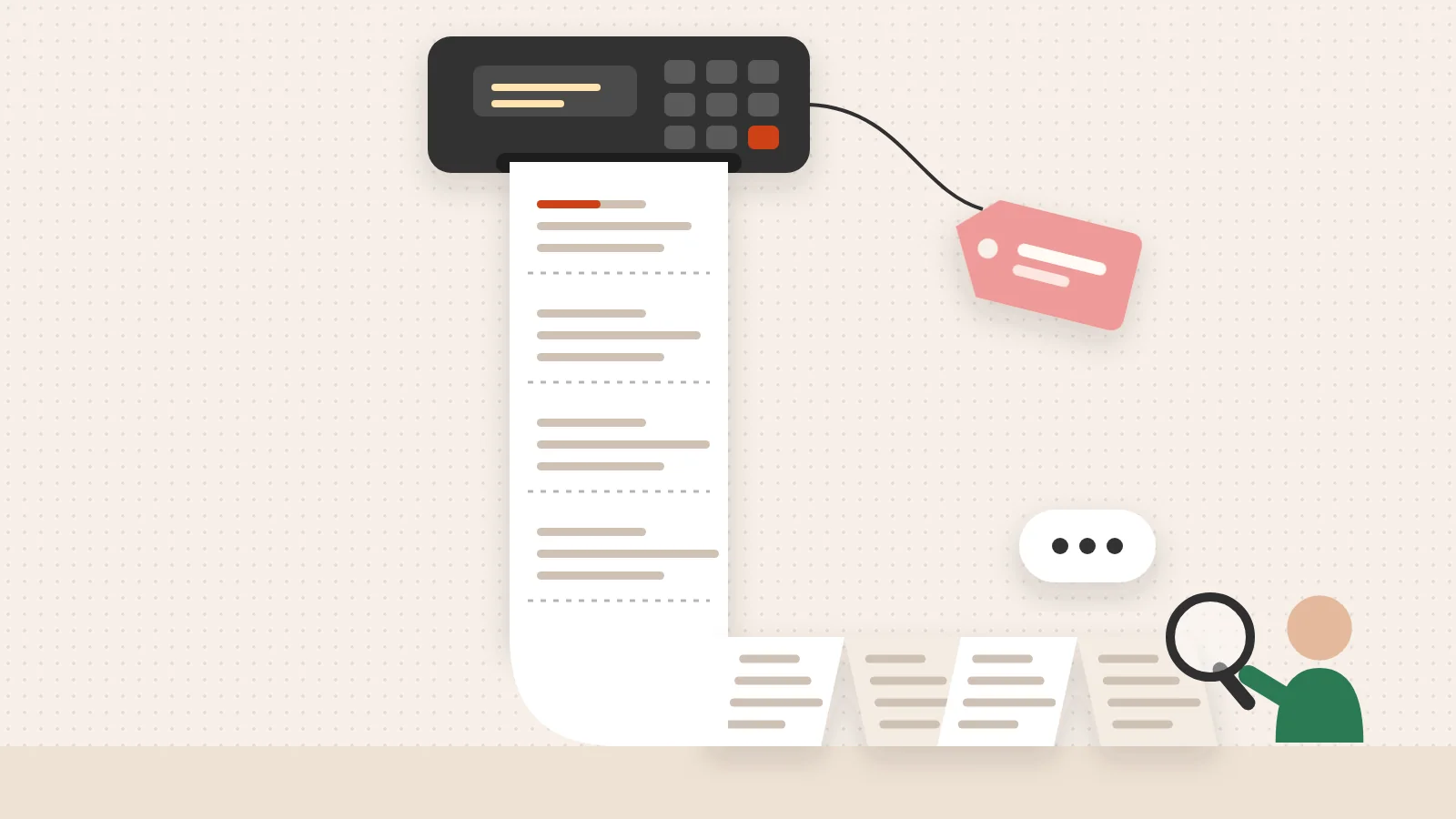
Most businesses don’t have a pipeline problem. They have a friction problem — and it lives inside the manual steps their teams repeat dozens of times a day.
Follow-ups that never go out. Leads that sit unassigned. Deal stages that never get updated. These aren’t motivation issues. They’re system issues.
And they compound quietly. Each missed step costs a little trust, a little momentum, a little revenue. By the time leadership notices, the damage is already done.
The research is clear: nearly 75% of technical leaders who have implemented automation report saving at least four hours per 40-hour work week. That’s not a productivity stat — that’s four hours of cognitive bandwidth returned to your team every single week.
The question isn’t whether automation works. The question is whether your current system is designed to actually support how your buyers — and your team — behave.
I’m Jeremy Wayne Howell, founder of The Way How and a revenue growth strategist with over 20 years of experience in sales, marketing, and go-to-market systems — including hands-on implementation of CRM workflow automation for founders and revenue teams navigating exactly this kind of hidden friction. The sections ahead will walk you through the mechanics, the psychology, and the practical blueprint for making automation work the way it was meant to.
Understanding the Mechanics of CRM Workflow Automation
At its core, crm workflow automation is about converting a tedious, manual task into a largely automated one. In our current work-from-anywhere world, an automation platform makes it faster for employees to do work that is high-impact rather than repetitive and monotonous. We often see businesses struggling with “dirty data” or missed follow-ups, not because the team is lazy, but because the manual burden of keeping a CRM updated is simply too high.
Automation serves as the bedrock of SFA | Simplifying sales, amplifying impact. By standardizing activities, we ensure that every lead is treated with the same level of care, regardless of how busy a specific rep might be. This consistency is what builds brand trust. When a prospect receives a whitepaper seconds after requesting it, or a customer gets a check-in call exactly 90 days after purchase, the system is demonstrating reliability.
For those of us using specific ecosystems, Hubspot Workflow Optimization is a prime example of how these mechanics come to life. It isn’t just about sending emails; it is about ensuring the internal architecture of your revenue engine is optimized to remove human error and speed up the journey from “stranger” to “customer.”
Anatomy of a Workflow: Triggers, Conditions, and Actions
To build an effective workflow, we have to think in “logic gates.” Most modern CRM platforms use an “if-this-then-that” framework.
- Triggers: These are event-driven. A trigger could be a user-initiated action (like clicking a link), a customer-initiated action (filling out a form), or a time-based event (a deal sitting in “Negotiation” for more than 10 days).
- Conditions: This is where we apply filters. We don’t want every lead to get the same treatment. We might set a condition that only leads from companies with more than 50 employees get routed to an enterprise representative.
- Actions: These are the outputs. Actions include sending instant emails, updating a deal stage, creating a task for a rep, or even sending a notification to a Slack channel.
- Scheduled Actions: Not everything should happen “now.” We can build in delays to make interactions feel more organic. For instance, waiting two days after a demo to send a personalized follow-up email.
Workflow Automation vs. Business Process Automation (BPA)
It is helpful to distinguish between these two terms, as they are often used interchangeably but have different scopes.
Workflow automation typically focuses on single or multi-step tasks within a specific department. For example, a sales workflow that automates lead assignment is a focused application.
Business Process Automation (BPA) is the broader umbrella. It encompasses entire processes that often cross departmental lines. Think of the transition from a closed-won deal to the finance team for invoicing and the service team for onboarding. BPA unifies these multi-step touchpoints across different systems (like CRM and ERP) to provide a 360-degree view of the customer journey. While workflow automation fixes a specific task, BPA fixes the entire organizational flow.
The Psychological Case for Automating Your Revenue Engine

From our perspective at The Way How, the most compelling reason to automate isn’t just “efficiency”—it is empathy. When we design human-centric workflows, we are essentially protecting the mental energy of our team and the emotional experience of our buyers.
Manual processes are inherently “noisy.” They create uncertainty. A sales rep who has to spend three hours a day on data entry is a rep who is experiencing decision fatigue. By the time they actually get on a call with a prospect, their cognitive reserves are depleted. They are less likely to listen deeply and more likely to rush the close.
Reducing Cognitive Load and Boosting Team Satisfaction
The statistics back this up. Technical leaders who have implemented automation see time savings equivalent to at least four hours per 40-hour week. Furthermore, people who automate tasks are 16% more likely to hit their targets.
Why? Because automation removes the “drudgery” of the role. Salespeople and marketers with access to automation tools are 22% more likely to be satisfied in their roles. When we remove the friction of manual lead qualification or repetitive follow-ups, we allow our people to do what they were hired to do: build relationships and solve problems. This shift from “task-taker” to “strategist” is a powerful driver of retention and performance.
Strategic Applications of CRM Workflow Automation
We can apply these automated rules across the entire lifecycle of a customer.
- Lead Qualification: Instead of a rep manually vetting every inbound request, we can use Automated Lead Qualification to score leads based on behavior and firmographics. If a lead has a “VP” title and has visited the pricing page three times, the system can automatically escalate them.
- Sales Pipeline Velocity: Tools like the Sales Workflow Automation & CRM Automation engine allow teams to move from prospecting to closed-won with fewer manual touches.
- Deal Progression: If a deal value exceeds $10,000, we can trigger a high-value alert to management. If a deal is stuck in negotiation for over 10 days without activity, the system can automatically flag it for a “stalled deal” intervention.
- Customer Onboarding: We have seen organizations reduce onboarding time from weeks to mere minutes by automating case management. When a deal closes, the system can instantly generate a welcome kit and schedule the first three check-in calls.
The 2026 Landscape: AI, Integrations, and Predictive Personalization

As of April 2026, the landscape of crm workflow automation has shifted from simple “if-then” rules to intelligent, predictive systems. We are no longer just automating tasks; we are automating decisions.
Modern CRMs now leverage AI assistants—like Zia or Einstein—to analyze audit logs and activity history. These tools can proactively suggest new workflows by spotting repetitive manual actions that the team hasn’t yet automated. They can also provide performance alerts, letting leadership know if a specific automation is failing or if lead conversion rates are dropping in a specific branch of a workflow.
A Blueprint for Implementing CRM Workflow Automation
If you are ready to remove the friction from your systems, we recommend a five-step approach:
- Identify the Friction: Where are leads falling through the cracks? Which manual tasks are your reps complaining about most?
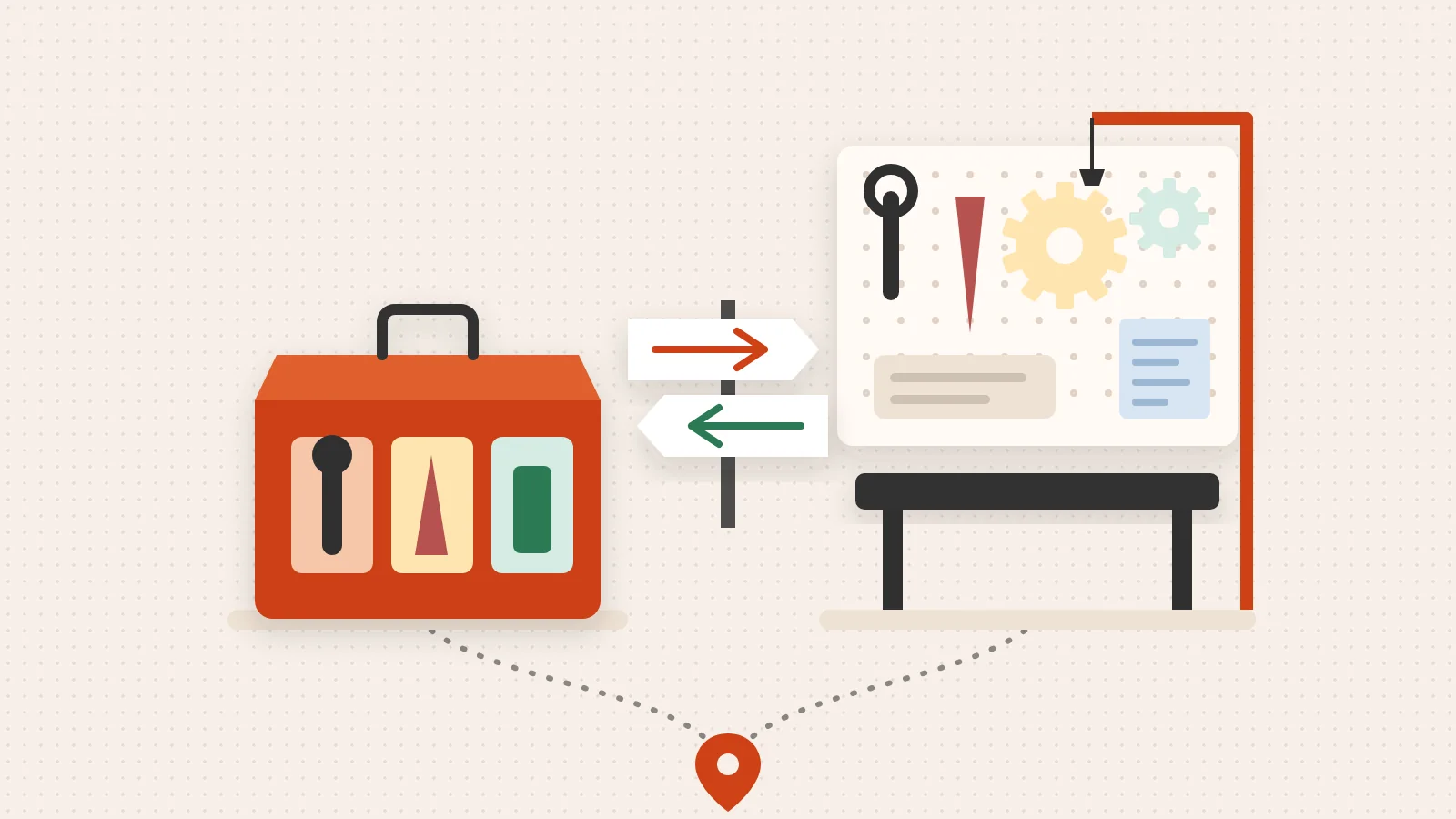
- Choose Your Architecture: Select a CRM that offers the flexibility you need. Whether it is HubSpot, Salesforce, or a more niche tool, ensure it has a robust visual workflow builder.
- Build the Logic: Start with your most common processes, like Automated Lead Nurturing. Set clear triggers and conditions.
- Test and Refine: Never “set and forget.” Run tests to ensure emails are firing correctly and data is updating as expected.
- Monitor and Optimize: Use workflow insight reports to diagnose failures and identify records that didn’t move through the system as intended.
Future Trends: Zia, Einstein, and Beyond
The future of CRM is low-code and high-intelligence. We are seeing a massive trend where 63% of the problems executives solve with low-code tools involve streamlining internal workflows.
Predictive personalization is the next frontier. Instead of a static drip campaign, AI-driven workflows can now select the specific article or case study a lead receives based on their previous interactions and “intent signals” from across the web. This allows for a level of scalability that was previously impossible without a massive increase in headcount.
Frequently Asked Questions about CRM Automation
To help clarify the impact of these changes, we’ve compared the traditional manual approach against an automated one:
| Task | Manual CRM Process | Automated CRM Process |
|---|---|---|
| Lead Entry | Rep types data from business cards/forms | Auto-captured from web forms or LinkedIn |
| Lead Assignment | Manager manually reviews and assigns | Round-robin or territory-based auto-routing |
| Follow-up | Rep sets a calendar reminder (and often forgets) | Instant personalized email + scheduled tasks |
| Data Updates | Rep updates deal stages once a week | Trigger-based updates based on customer action |
| Reporting | Manual spreadsheet exports and pivots | Real-time dashboards and automated delivery |
Is CRM automation suitable for businesses of all sizes?
Absolutely. In fact, automation is often more critical for small and medium-sized businesses (SMBs) because they have fewer resources. Automation allows a small team to handle thousands of leads with the same precision as a Fortune 500 company. It provides the scalability needed to grow without a proportional increase in administrative overhead.
How does automation improve data accuracy?
Human error is the leading cause of CRM failure. By automating data entry and record updates, we ensure that the “source of truth” remains accurate. When a lead changes their job title on a form, the CRM should update automatically. When a deal reaches a certain age, it should be flagged. This real-time accuracy leads to better data-driven decisions at the leadership level.
What is the ROI of CRM automation?
The ROI is measured in both time and money. Consider the case of an organization that cut its event registration process from 30 minutes to 30 seconds per exhibitor. Over a year, they saved more than 4,000 hours of manual work. When you multiply those hours by the average hourly rate of your team, the cost of the software becomes negligible compared to the productivity gained.
Restoring Momentum Through Strategic Clarity
At The Way How, we believe that growth doesn’t stall because of a lack of effort. It stalls because of a lack of clarity. When your systems are bogged down by manual friction, your leadership team is forced into a state of constant “firefighting,” leaving no room for strategic thinking.
We specialize in diagnosing these certainty gaps. By blending behavioral psychology with technical HubSpot architecture, we help founders turn their marketing and sales efforts into a dependable growth engine. We don’t just “set up a CRM”—we design a system that respects the psychology of your buyer and the capacity of your team.
If you are tired of chasing tactics and ready to build a system that creates trust and momentum, we are here to help.