

Beyond the Documentation: Finding Certainty in the HubSpot Ecosystem

The hubspot developer api is a collection of REST-based interfaces that lets developers read, write, and automate data inside HubSpot’s CRM — covering everything from contacts and deals to custom objects, associations, pipelines, and calling extensions.
Here is a quick-reference snapshot of what the hubspot developer api includes:
| Area | What It Does |
|---|---|
| CRM Objects API | Create, read, update, delete records (contacts, companies, deals, etc.) |
| Associations API | Define and manage relationships between CRM objects |
| Properties API | Manage default and custom data fields on objects |
| Schemas API | Configure and retrieve custom object definitions |
| Search API | Filter and sort CRM records at scale |
| Pipelines API | Manage deal and ticket pipeline stages |
| Leads API | Manage lead records (Sales Hub Pro/Enterprise only) |
| Authentication | Private Apps, OAuth, or Developer API Keys depending on use case |
| Versioning | Date-based scheme (e.g., /crm/objects/2026-03/contacts) as of 2026 |
Most developers land here because they need to connect HubSpot to another system, automate a workflow that the UI can’t handle, or build a custom integration for a client. The challenge is rarely the code itself — it’s knowing which API to use, how to authenticate, and what changed in the latest version.
That uncertainty is what slows teams down.
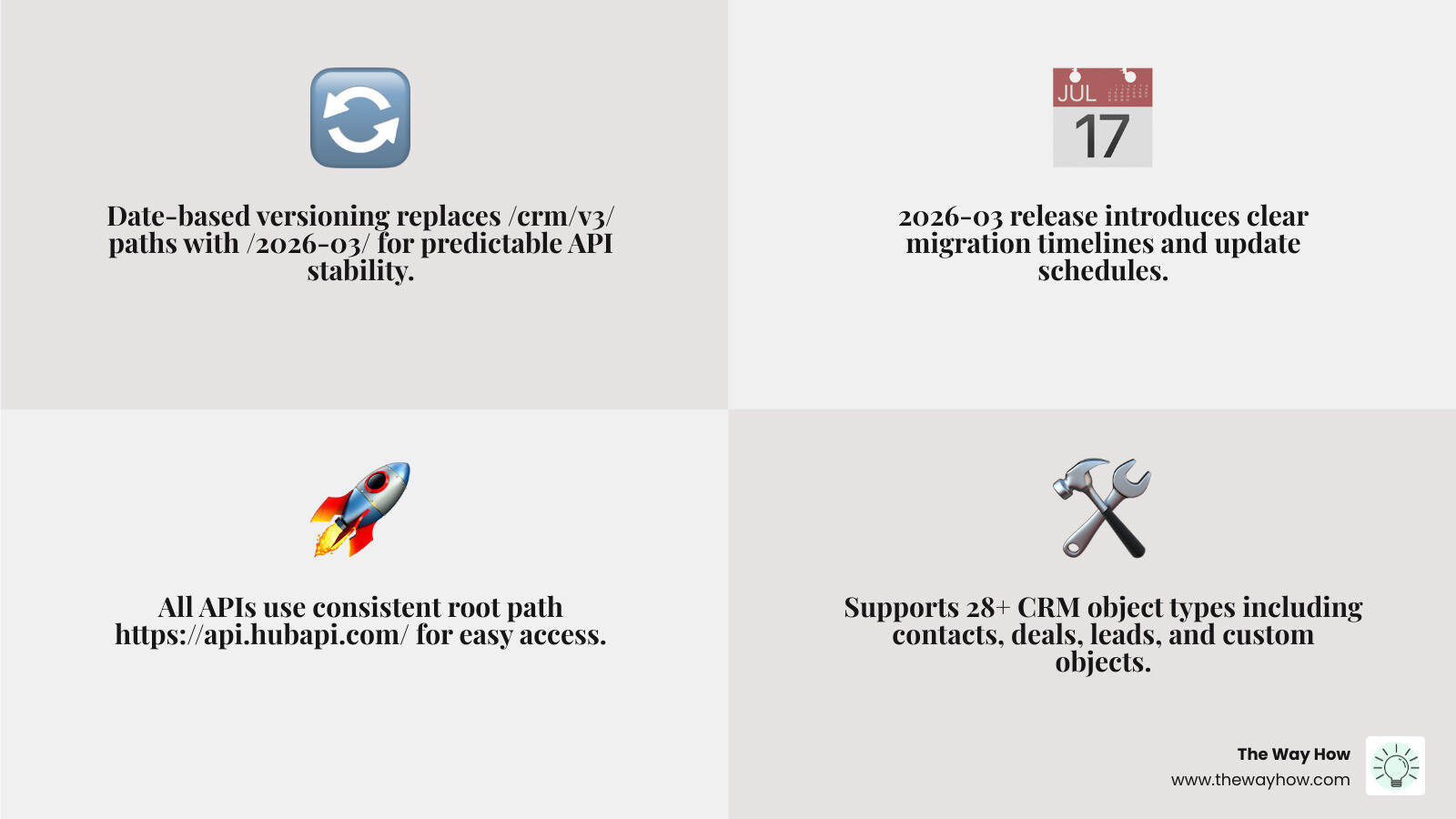
HubSpot’s platform has grown significantly. It now covers 28+ object types, multiple authentication methods, and as of the 2026-03 release, an entirely new date-based versioning system that replaces the familiar /crm/v3/ paths. Knowing where to start — and trusting that your foundation is solid — matters more than ever.
I’m Jeremy Wayne Howell, founder of The Way How, and over the past 20+ years I’ve helped revenue teams implement HubSpot CRM systems that reflect how buyers actually behave — including building and advising on hubspot developer api integrations that connect data, sales processes, and customer lifecycle logic into a single coherent architecture. This guide is designed to give you that same clarity, whether you’re starting fresh or untangling a system that’s grown beyond its original design.
Navigating the HubSpot Developer API Landscape in 2026
When we look at the evolution of the HubSpot API, the most significant shift for developers in 2026 is the transition to a more predictable, stable release cycle. For years, numeric versioning (v1, v2, v3) provided a general sense of progress, but it often left developers guessing when the next “breaking” change might arrive.
As of the 2026-03 release, HubSpot has moved to a date-based versioning scheme. This change is designed to reduce the cognitive load on engineering teams by providing a clear timeline for updates and migrations. All APIs, whether they are legacy, new, or in beta, continue to use the root path https://api.hubapi.com/, ensuring a consistent entry point for all your requests.
For those managing HubSpot Custom Development, this means your integration strategy must now account for these dated releases. The 2026-03 API reference - HubSpot docs serves as the primary source of truth for this new era.
The Shift to Date-Based Versioning
The numeric paths we all grew accustomed to, such as /crm/v3/, are being replaced by a pattern that looks like /api-name/2026-03/resource. For example, retrieving a list of contacts now follows the pattern: GET /crm/objects/2026-03/contacts.
This shift isn’t just about changing a string in your code; it’s about stability. By using a date-based version, you are pinning your integration to a specific snapshot of the API. This allows HubSpot to introduce new features in later versions (e.g., 2026-09) without breaking your existing 2026-03 implementation. Previous versions remain functional until their designated end-of-life date, giving us ample time to plan migrations without the “fire drill” mentality that often accompanies platform updates.
Accessing the Global Documentation Index
With the platform expanding to support over 30,000 businesses through apps and themes, the sheer volume of documentation can be overwhelming. To help developers find exactly what they need, HubSpot now provides a complete documentation index file located at https://developers.hubspot.com/docs/llms.txt.
This index is a powerful tool for discovery. Instead of clicking through endless nested menus, you can fetch this file to see every available page and endpoint. Whether you are exploring the HubSpot Developers | Create tomorrow’s solutions today on HubSpot’s Developer Platform. homepage or deep-diving into specific SDKs, starting with the index ensures you aren’t missing a critical piece of the puzzle.
The Architecture of Truth: CRM Objects and Type IDs
At the heart of any successful HubSpot CRM Architecture is a clear understanding of how data is structured. In HubSpot, everything revolves around “Objects.” An object is a template for data (like a Contact or a Deal), and a “Record” is a specific instance of that object (like “John Smith”).
To interact with these objects through the hubspot developer api, you must use Object Type IDs. These are unique numerical identifiers that tell the API exactly which database table you are trying to reach. Treating these IDs as strings is a best practice, even though they look like numbers.
For a deeper look at how these systems interlock, our HubSpot System Design Complete Guide explores the psychological and technical frameworks required for a healthy CRM.
| Object Name | Object Type ID | Fully Qualified Name (FQN) |
|---|---|---|
| Contacts | 0-1 | contact |
| Companies | 0-2 | company |
| Deals | 0-3 | deal |
| Tickets | 0-5 | ticket |
| Leads | 0-136 | lead |
Managing Records with the HubSpot Developer API
The beauty of the HubSpot API lies in its “generic” object endpoints. Once you know the Object Type ID, the patterns for CRUD (Create, Read, Update, Delete) operations remain largely the same across the board.
For instance, to create a new record, you would make a POST request to /crm/objects/2026-03/{objectTypeId}. If you are building a custom integration as part of a HubSpot Integration Strategy Guide, using the numerical ID (like 0-1) ensures the highest level of compatibility across different API versions, though Fully Qualified Names like contact are often supported for better code readability.
The Leads API and Prospecting Workspace
One of the most significant additions to the CRM object model is the Leads API, officially released on August 20, 2024. Before this, “leads” were often handled via custom properties or lifecycle stages on the contact object. Now, Leads are a distinct object type (ID 0-136) specifically designed to power the Prospecting Workspace in HubSpot’s sales tools.
This API is available to all accounts with a Sales Hub Professional or Enterprise subscription. It allows developers to programmatically manage the handoff between marketing and sales, ensuring that potential customers showing high intent are moved into the prospecting queue with all their context intact.
Authentication Psychology: Choosing Between Private Apps, OAuth, and Developer Keys
We often find that the biggest “certainty gap” in development isn’t the endpoint—it’s the handshake. Choosing the wrong authentication method creates security risks and technical debt. In the hubspot developer api, we have three primary paths, each serving a distinct psychological and functional purpose.
Securing Your HubSpot Developer API Requests
For most internal tools and single-portal integrations, Private Apps are the modern standard. They replace the legacy “API Key” system with a more secure, scope-based access token. When you create a Private App, you define exactly what it can see and do (e.g., “read contacts” but “not delete deals”). This follows the principle of least privilege, which is foundational to a secure HubSpot Integration Complete Guide.
If you are building an app intended for the HubSpot App Marketplace to be used by many different businesses, you must use OAuth. This allows users to authorize your app to access their data without ever sharing their login credentials. It builds trust and ensures that your HubSpot Integrations can scale across the ecosystem.
When to Use the Legacy Developer API Key
There is a specific edge case where the modern Private App token won’t work: Developer Extensions.
If you are building something like a custom calling extension or a videoconferencing integration, you will likely hit an INVALID_AUTHENTICATION error if you try to use a Private App token. These specific endpoints require a Developer API Key (often referred to as hapikey in documentation).
To find this key:
- Log into your HubSpot Developer Account (not a standard portal or test account).
- Look for the “Get HubSpot API key” button on your developer dashboard.
- Use this key in the query parameter of your request, alongside your
appId.
This key is essentially the “master key” for your developer account’s configuration, which is why it is managed separately from individual portal access tokens found in the HubSpot Developers | Create tomorrow’s solutions today on HubSpot’s Developer Platform. portal.
Building Momentum: Associations, Pipelines, and the Developer CLI
Once you have authenticated, the real work begins: mapping the relationships between data points. In a revenue engine, data doesn’t exist in a vacuum. A contact belongs to a company; a company has multiple deals; a deal is tied to a specific pipeline stage.
Managing Relationships with the Associations API
The Associations API is what allows you to link these records together. Without associations, your CRM is just a collection of disconnected spreadsheets. When using the associations API, you’ll work with fromObjectType and toObjectType to define the link.
A critical step we often see developers skip is checking for Association Labels. Labels allow you to define the nature of a relationship—for example, marking a contact as the “Decision Maker” versus a “Billing Contact” for a specific company. Before creating an association, use the GET /crm/v4/associations/{from}/{to}/labels endpoint to see what’s supported in that specific portal. This ensures data integrity, especially in complex setups like a HubSpot Shopify Integration.
Developer Resources for Continuous Growth
Building on HubSpot is a journey of continuous learning. The platform’s maturity means there is a wealth of resources available to help you move from “how do I do this?” to “what’s the best way to do this?”
- HubSpot Academy: The gold standard for certifications and foundational knowledge.
- Developer YouTube Channel: Great for visual learners who want to see the hubspot developer api in action through tutorials.
- Community Forum: The place to go when you hit a weird edge case or authentication error.
- HubSpot CLI: A must-have tool for local development. You can install it via
npm install -g @hubspot/cliand usehs initto authorize your account and start building custom themes or private apps directly from your terminal.

Frequently Asked Questions about the HubSpot Developer API
What is the difference between a Private App and a Developer API Key?
Private Apps are the modern, secure standard for single-portal integrations. They use access tokens with specific “scopes” to limit what the integration can do. Developer API Keys (hapikey) are legacy credentials generated within a Developer Account. While discouraged for general CRM data access, they are still strictly required for configuring app-level settings, such as those used in custom calling extensions.
How do I find my HubSpot Object Type ID?
Standard objects have fixed, universal IDs (Contacts: 0-1, Companies: 0-2, Deals: 0-3, Leads: 0-136). For custom objects, the ID follows a 2-XXX format. You can find these by calling the Schemas API (GET /crm/v3/schemas) or by looking at the URL when viewing the object’s settings in the HubSpot UI.
Is the Leads API available on all HubSpot plans?
No. The Leads API and the associated Prospecting Workspace require a Sales Hub Professional or Enterprise subscription. If you are on a Starter or Free plan, you will need to manage lead status through custom properties on the Contact object instead.
From Code to Clarity: Restoring Momentum in Your Revenue Engine
At The Way How, we believe that technology should never be the bottleneck for growth. When a hubspot developer api integration is built correctly, it does more than just move data—it removes uncertainty. It ensures that your sales team knows exactly who to call, your marketing team knows exactly what’s working, and your leadership team has a clear view of the revenue pipeline.
We specialize in diagnosing why growth has stalled and designing the HubSpot architecture necessary to get things moving again. By blending behavioral psychology with deep technical execution, we help founders and leadership teams turn their CRM from a “database” into a dependable growth engine.
If you’re ready to stop fighting with your documentation and start building a system that creates trust and predictable revenue, we’re here to guide the way.