
Every CRM vendor will tell you their software is easy. Then you sign, and 3 months later your best rep is back in a spreadsheet.
I’m Jeremy Wayne Howell, founder of The Way How. We set up and clean up CRMs for a living, and the pattern is always the same: the tool that wins isn’t the one with the longest feature list. It’s the one your team actually opens every morning.
This guide covers what cloud-based CRM software is, when on-premise still makes sense, what the main options cost as of October 2026, and the 5 questions that pick the right one.
What Is Cloud-Based CRM Software?
The PointFor YouA cloud CRM runs on the vendor's servers: they handle hosting, updates and backups, and your team reaches it from anywhere.
If you just need the quick answer:
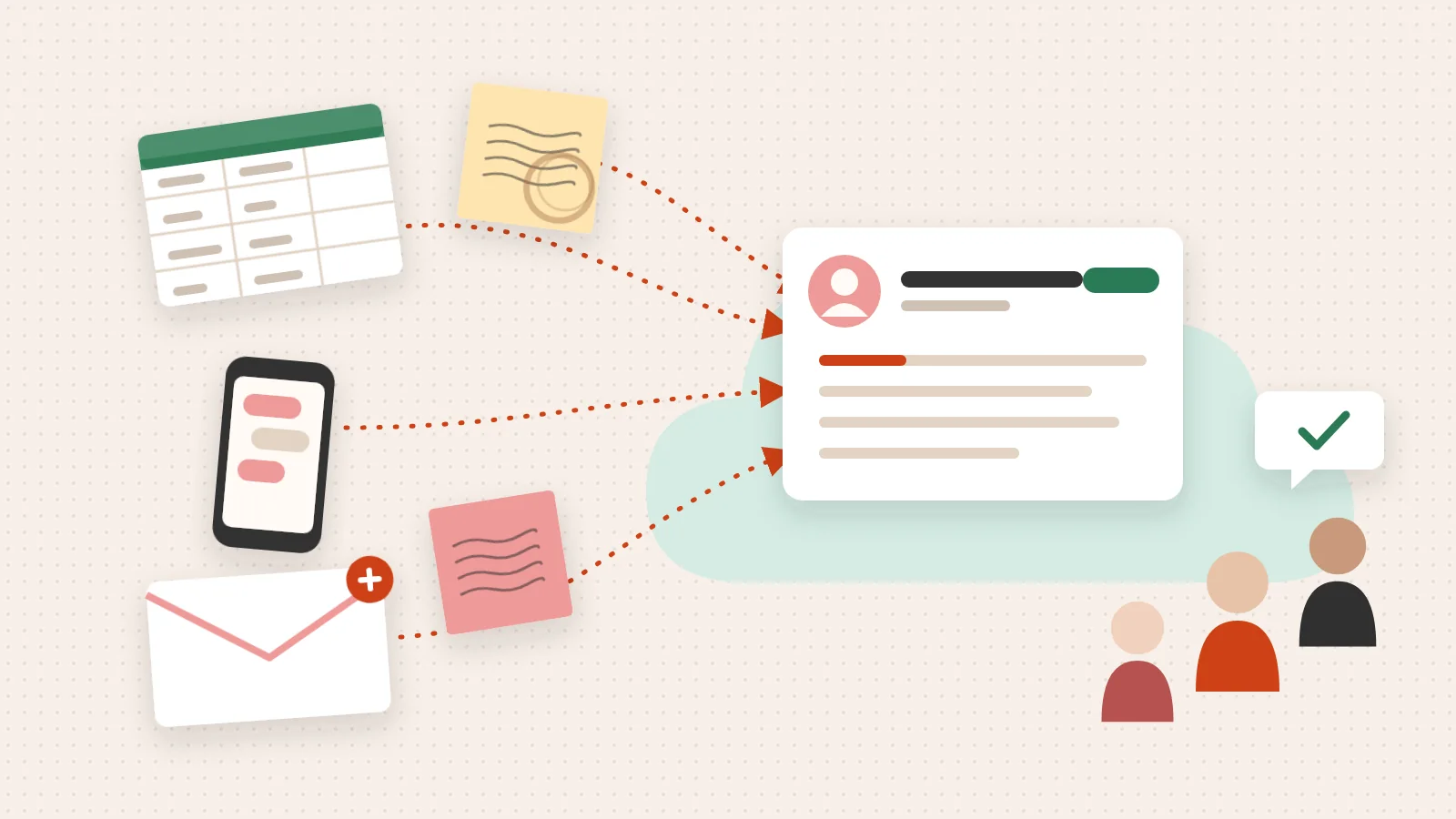
CRM stands for customer relationship management. The software keeps every contact, company, deal and conversation in 1 place, so the next person who talks to a customer knows what the last person said.
“Cloud-based” just means the software doesn’t live on your computers. The vendor runs it, and you log in. You don’t buy servers, you don’t install updates, and nobody on your team gets a call at 2 a.m. because a backup failed.
That’s why cloud CRM became the default. It’s not that the software is better. It’s that the work of keeping it running moved to someone whose whole job is keeping it running.
If you’re still deciding whether you need a CRM at all, start with our guide to what a CRM database is and how to build one.
Cloud vs On-Premise CRM: What Actually Changes
The PointOn-premise only wins when you must keep customer data on your own servers. For everyone else, cloud does the same job with less work.
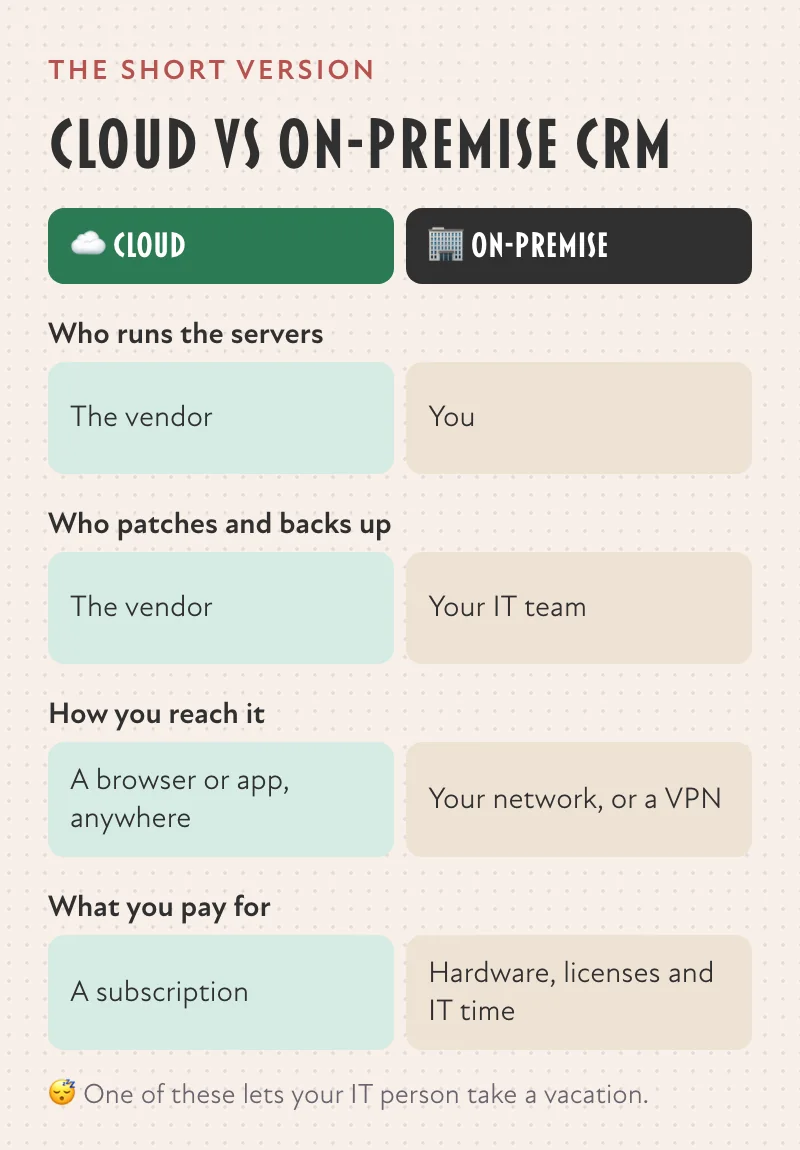
An on-premise CRM runs on servers you own or rent and manage yourself. Here’s what changes between the 2:
| Cloud CRM | On-Premise CRM | |
|---|---|---|
| Who runs the servers | The vendor | You |
| Updates and patches | Automatic, done by the vendor | Your IT team schedules and installs them |
| Backups | The vendor’s job | Your job |
| How you reach it | Any browser or the mobile app | Your network, or a VPN when you’re away |
| What you pay for | A subscription | Licenses, hardware and your IT team’s time |
| When it fits | Most teams, most of the time | You must keep customer data on your own servers |
On-premise still has a real use case. Some businesses have contracts, regulators or security policies that say customer data can’t leave their own servers. If that’s you, an open-source or self-hostable system is the honest answer. Odoo, for example, lets you download its software and host it yourself on its custom plan.
For everyone else, on-premise means paying your own people to do work the vendor already does. That’s time your IT team could spend on something only your business needs.
What Cloud-Based CRM Costs (October 2026 Prices)
The PointFor YouIn our experience, the license is the smaller bill. Setup, data migration and the hours your team spends in it decide what a CRM really costs.
Here’s what the entry tier of 4 common options costs. These are list prices in US dollars, taken from each vendor’s own pricing page on October 8, 2026. We re-check them monthly.
| CRM | Entry price, as listed by the vendor |
|---|---|
| HubSpot | HubSpot: free CRM, $0 |
| HubSpot (paid) | HubSpot Smart CRM Starter: from $20 per seat per month |
| Salesforce | Salesforce Starter Suite: $25 per user per month, billed monthly or annually |
| Zoho CRM | Zoho CRM Standard: $14 per user per month billed annually, or $20 billed monthly |
Where these prices come from, checked October 8, 2026:
- HubSpot free CRM at $0 and Smart CRM Starter from $20 per seat per month, from the HubSpot product catalogHubSpot Product and Services Catalog. HubSpot, 2026-10. Read the Source →
- Salesforce Starter Suite at $25 per user per month, from the Salesforce Sales Cloud pricing pageSales Cloud Pricing. Salesforce, 2026-10. Read the Source →
- Zoho CRM Standard at $14 per user per month billed annually, or $20 billed monthly, from the Zoho CRM pricing pageZoho CRM Pricing and Editions. Zoho, 2026-10. Read the Source →
Zoho CRM also has a free edition for up to 3 users.
2 things the price table won’t tell you:
- The tier you’ll need later. Entry tiers are built to get you in the door. Price the tier you’ll need in 18 months, when your team and your process have grown, not the tier you need today.
- The bill around the license. Setup, moving your data, training your team and the hours someone spends keeping it clean. Some vendors charge for onboarding too. According to HubSpot’s own product catalog, its Sales Hub Professional carries a required onboarding fee of $1,500. We aim to price a standard HubSpot implementation to meet or beat HubSpot’s own onboarding fee for Sales Hub Professional, listed at $1,500 as of October 8, 2026 in HubSpot’s product catalog.HubSpot Product and Services Catalog. HubSpot, 2026-10. Read the Source →
In our experience, the license is the smaller bill. A CRM nobody uses costs you the license plus every deal that slipped because the follow-up lived in someone’s head.
For a deeper look at the 2 most-compared options, see HubSpot vs Salesforce: Real Prices, Compared, and for Zoho’s full price list, Zoho CRM Pricing: What It Really Costs.
5 Questions That Pick the Right Cloud CRM
The PointFor YouPick the CRM your team will open every day, and that sales, marketing and service can share as 1 record.
Feature lists all look the same after a while. These 5 questions don’t.
- Will your team open it every day? Book a demo, then hand the login to the person on your team who hates software the most. If they can log a call and find a deal without help, you’re close.
- Can sales, marketing and service share 1 record? When each team keeps its own tool, nobody sees the whole customer. A CRM that puts every team on the same record ends the “who talked to them last?” question.
- What does it cost at the tier you’ll need in 18 months? Ask for that price before you sign, in writing.
- How hard is it to leave? Check that you can export your contacts, companies, deals and notes. A vendor that makes leaving hard is telling you something.
- Who will own it? Every CRM that works has 1 person who cares whether the data is right. Name them before the first login.
Our Pick, and When We’d Point You Elsewhere
In our view, HubSpot is the right pick for most small and mid-sized teams. You can start on the free CRM, add marketing, sales and service tools on the same record as you grow, and your team doesn’t need a full-time administrator to keep it useful. Our guide to HubSpot for small businesses goes deeper.
It isn’t the right pick for everyone, and we’d rather tell you that now:
- You must run the CRM on your own servers: an open-source system like Odoo.
- Your business already runs on Zoho apps: Zoho CRM fits that suite.
- An enterprise with dedicated admins and very complex processes: Salesforce.
- It’s too early: no repeatable sales process and no data yet. Then the honest answer is “not yet”. Write the process down first, and the CRM will have something to hold.
How to Move From Spreadsheets to a Cloud CRM
The fastest moves start small:
- Move only what’s alive. Active deals and the contacts on them first. The 6-year-old export can wait.
- Start with 5 fields. Who, company, last touch, stage and owner. Add a field only when someone asks for it twice.
- Close the old door. The day the CRM goes live, the spreadsheet becomes read-only. 2 sources of truth is 0 sources of truth.
- Check in after 2 weeks. Ask your team what they still do outside the CRM. That list is your next 2 weeks of work.
If you’d like a second pair of eyes before you pick, that’s what our free audit is for.
We’re a HubSpot Solutions Partner. We make money when businesses buy HubSpot through us or hire us to set it up. We still think it’s the right pick for most teams.
Independent of HubSpot, Inc.; not authorized, endorsed or sponsored by HubSpot, Inc.