
Beyond the Systems Snowball: Restoring Clarity to Your Growth Engine

HubSpot Operations Hub is HubSpot’s data management and operations software — designed to sync, clean, and automate your business data across your entire tech stack.
Here’s what it does at a glance:
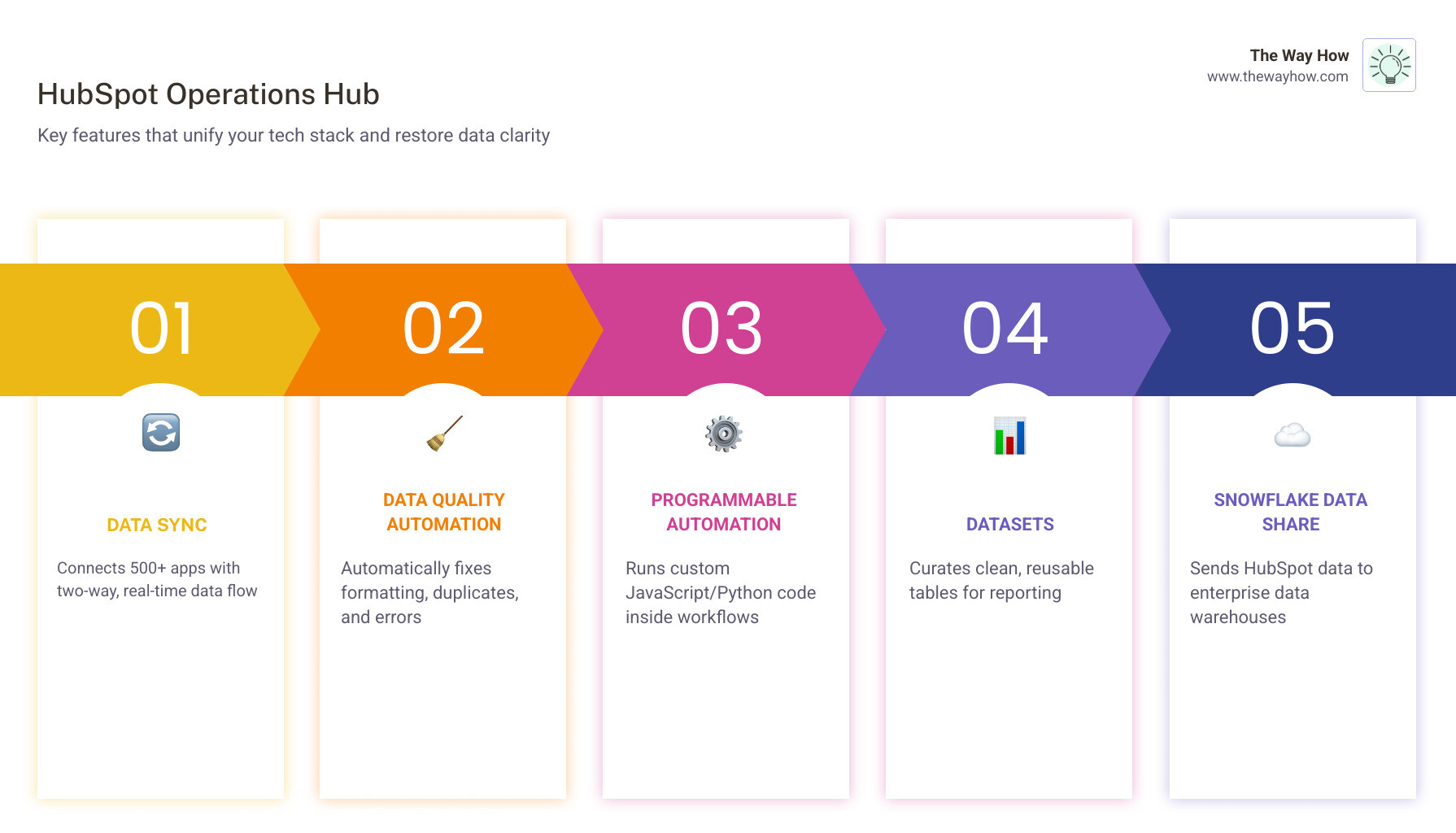
| Feature | What It Does |
|---|---|
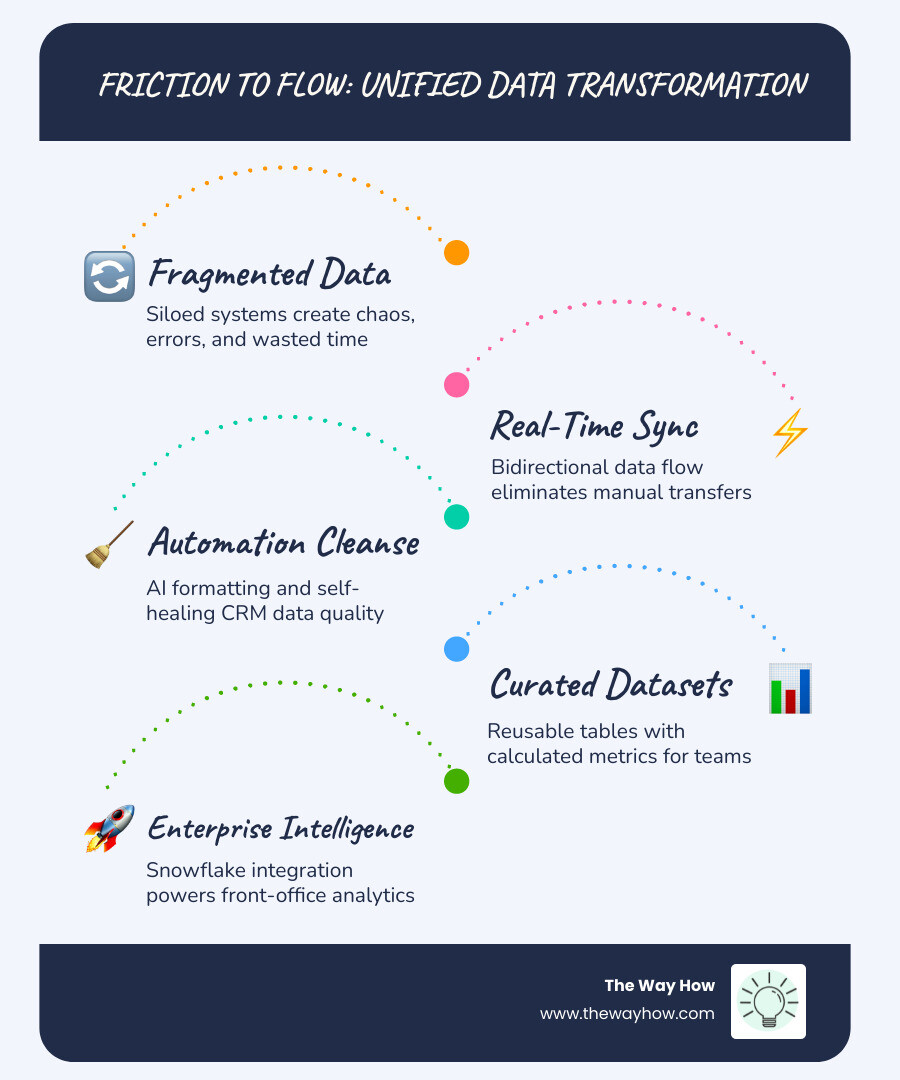
| Data Sync | Connects 500+ apps with two-way, real-time data flow |
| Data Quality Automation | Automatically fixes formatting, duplicates, and errors |
| Programmable Automation | Runs custom code (JavaScript/Python) inside workflows |
| Datasets | Curates clean, reusable tables for reporting |
| Snowflake Data Share | Sends HubSpot data to your enterprise data warehouse |
It was launched in 2021 as Operations Hub, then rebranded as Data Hub in September 2025 — reflecting a sharper focus on data unification as the core value.
There are four tiers: Free, Starter ($15/mo), Professional ($800/mo), and Enterprise ($2,000/mo).
Most growing companies don’t have a marketing problem or a sales problem. They have a data problem — and they don’t know it yet.
As teams scale, systems multiply. Every department adopts its own tools. Every manager keeps their own spreadsheet. And slowly, quietly, the organization starts making decisions based on information that’s incomplete, outdated, or just plain wrong. HubSpot research found that over 60% of operations professionals do duplicative work simply because their teams aren’t aligned.
That’s not a technology failure. That’s a clarity failure.
When your data is fractured, your customer experience is fractured. And when your customer experience is fractured, trust erodes — both internally and with the people you’re trying to serve.
I’m Jeremy Wayne Howell, founder of The Way How and a revenue growth strategist with over 20 years of experience helping founders and revenue teams implement systems — including HubSpot Operations Hub — that reflect how buyers actually think, not how org charts are drawn. The sections ahead break down exactly how this platform works and whether it’s the right tool to restore operational clarity to your growth engine.
What is HubSpot Operations Hub (and the Data Hub Evolution)?
When HubSpot Expands Its CRM Platform With the Launch of Operations Hub, it wasn’t just adding another product to the shelf. It was addressing a fundamental shift in how businesses grow. As of April 2026, we’ve seen this tool evolve into what is now called the Data Hub.
This rebranding, which took place in September 2025, signals a move away from “operations” as a back-office function toward “data” as the central nervous system of the company. The HubSpot Operations Hub serves as the connective tissue, turning a collection of siloed apps into a unified CRM.
In Revenue Operations (RevOps), we see two types of professionals: “fire-fighters” who reactively fix broken spreadsheets, and “friction-fighters” who proactively design systems for growth. The Data Hub is built for the latter. It enables a unified strategy where marketing, sales, and service teams no longer argue over whose data is “correct.”
The Psychology of a Unified HubSpot Operations Hub
From a psychology-first perspective, data fragmentation creates a “certainty gap.” When a sales rep sees one piece of information in the CRM and a customer success manager sees another in a billing tool, the internal uncertainty is palpable. This anxiety inevitably leaks into the customer journey.
A successful HubSpot CRM Implementation using the Data Hub reduces the cognitive load on your team. By creating a single source of truth, you aren’t just cleaning up records; you’re building an environment of trust. When your team trusts the data, they act with more momentum and empathy, because they aren’t second-guessing the facts in front of them.
Overcoming the Overwhelmed Ops Persona
We often meet the “Overwhelmed Ops” leader—someone at a 50-100 person company who is drowning in tech debt. They feel misunderstood and siloed, spending their days on reactive tasks rather than strategic growth.
Proper Hubspot Operations Hub Onboarding transforms this role. Instead of being the person who “fixes the pipes,” they become the architect of the growth engine. This shift from transactional work to strategic clarity is what allows a business to scale without the wheels falling off.

Core Features: Aligning Your Tech Stack with Data Sync and Automation
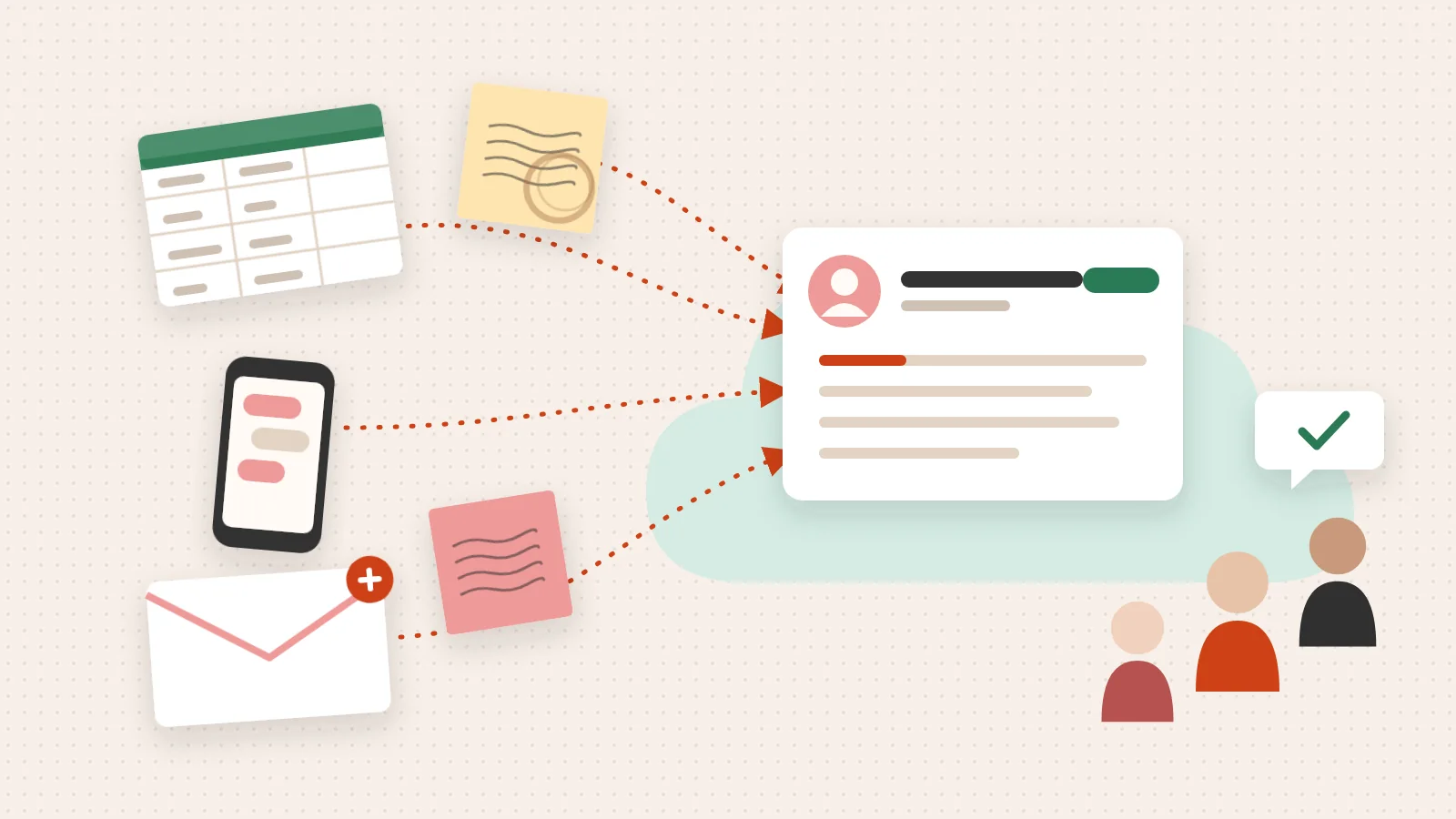
The power of the hubspot operations hub lies in its ability to make different systems talk to each other as if they were one. This is primarily achieved through Data Sync, an evolution of the PieSync technology HubSpot acquired years ago.
Unlike traditional integrations that are often one-way and trigger-based, Data Sync is:
- Bidirectional: Information flows both ways between HubSpot and your other apps.
- Real-time: Changes in one system reflect in the other almost instantly.
- Historical: It can sync existing data, not just new records created after the integration.
With over 500 integrations available, as detailed in our HubSpot Integration Complete Guide, you can keep your CRM in lockstep with ERPs, email tools, and billing software.
Programmable Automation in the HubSpot Operations Hub
Standard workflows are great for “if this, then that” logic. But real-world business processes are rarely that simple. This is where Programmable Automation comes in.
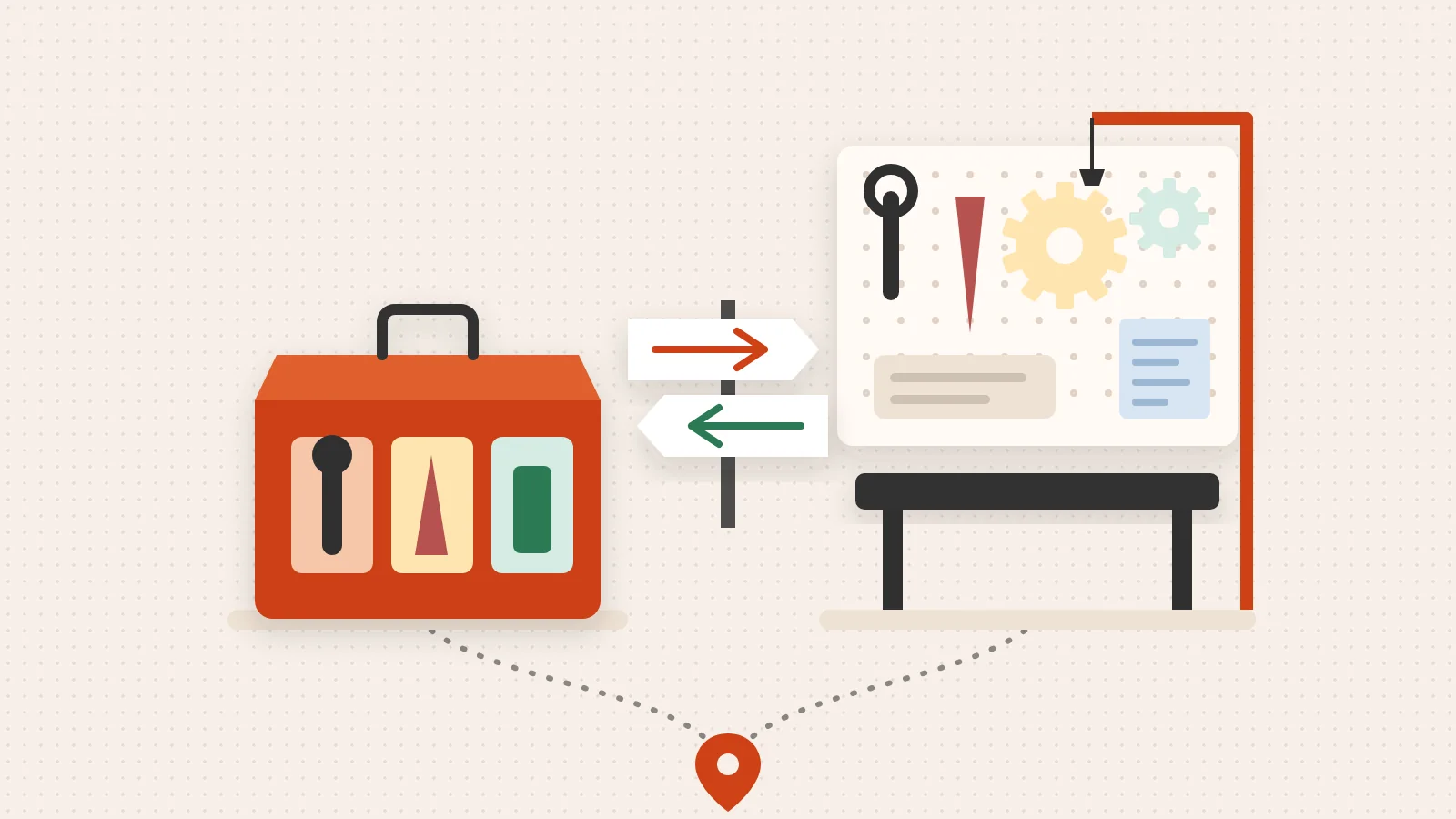
By using JavaScript or Python directly within HubSpot workflows, you can execute custom code to handle complex scenarios. Common Hubspot Operations Hub Tips for using this feature include:
- Advanced Lead Rotation: Distributing leads based on complex logic, such as territory, rep availability, or weighted scores.
- Data Enrichment: Querying a third-party database (like a real estate database or a specialized industry tool) when a form is submitted to instantly append data to a record.
- Renewal Management: Automatically calculating future contract values or removing one-time discounts when a deal closes.
Data Quality Automation and AI Adoption
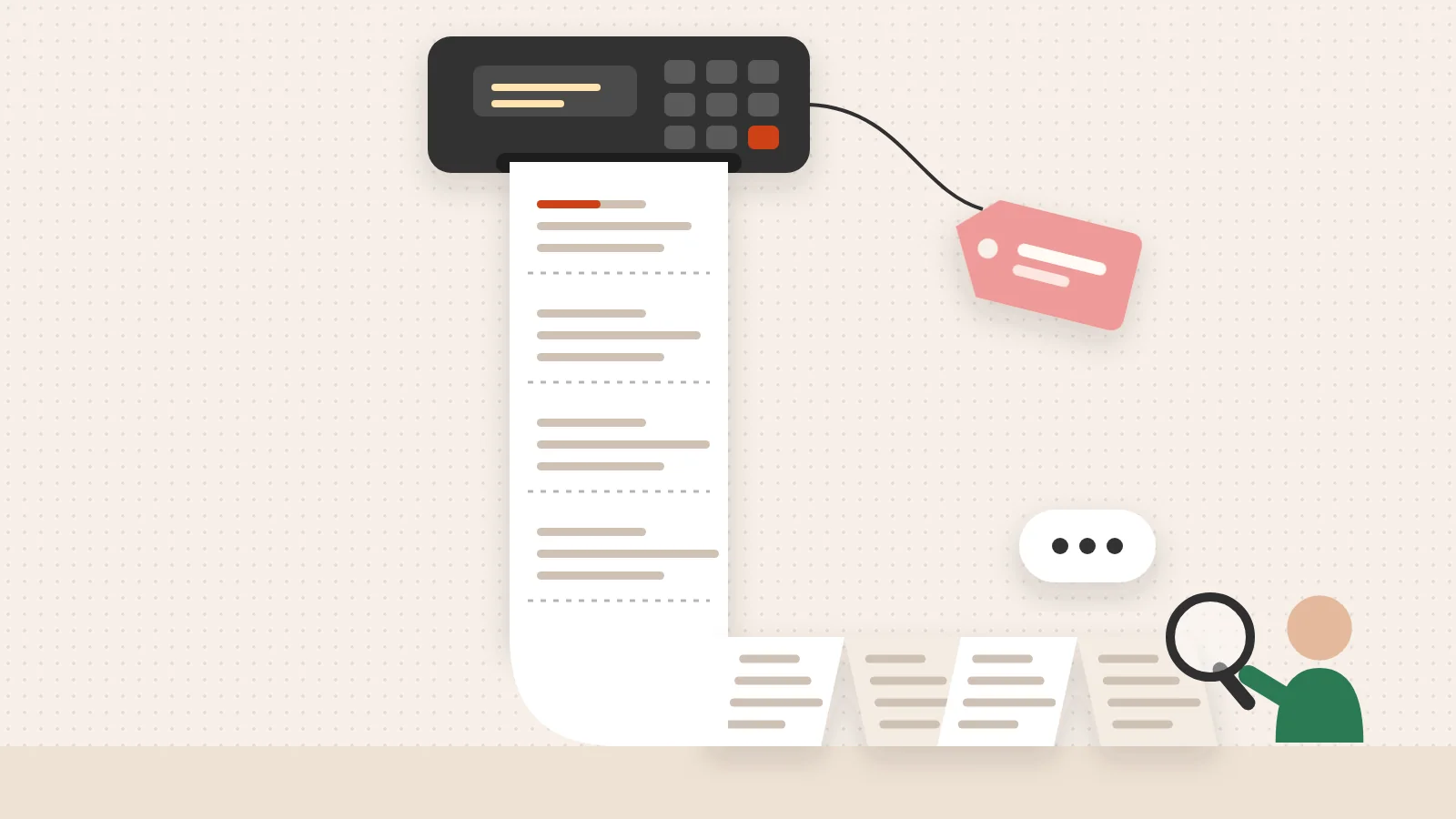
Dirty data is the enemy of AI. If you want to leverage HubSpot’s Breeze AI, your data must be clean. Data Quality Automation provides a set of workflow actions that automatically format property values.
Think of it as a “self-cleaning CRM.” It can automatically capitalize names, fix date formats, and update phone numbers. This ensures that when you run a HubSpot Marketing Hub Implementation, your personalization tokens (like “Hi [First_Name]”) actually work correctly. 83% of users say HubSpot effectively unifies their data, leading to a 41% faster time to value because teams aren’t wasting time cleaning spreadsheets manually.
Tier Breakdown: From Free to Enterprise Intelligence
Choosing the right tier depends on the complexity of your operations and the volume of data you manage. While Hubspot Operations Hub Pricing starts at free, the value scales significantly as you move up.
| Feature | Free | Starter | Professional | Enterprise |
|---|---|---|---|---|
| Data Sync | Basic | Custom Mappings | Custom Mappings | Custom Mappings |
| Data Quality | Manual | Manual | Automated | Automated |
| Programmable Automation | No | No | Yes | Yes |
| Datasets | No | No | No | Yes |
| Snowflake Data Share | No | No | No | Yes |
| Cost (Starting) | $0 | $15/mo | $800/mo | $2,000/mo |
The Professional and Enterprise tiers are often integrated into broader HubSpot Sales Hub Implementation or HubSpot Service Hub Implementation projects to ensure the data driving those hubs is accurate.
Exclusive Value of Data Hub Professional
Many founders ask us why they should pay $800/month for the Professional tier if they already have Sales Hub Enterprise. The answer lies in the exclusive data management tools.
While Sales Hub Enterprise gives you custom objects and sandboxes, Data Hub Professional provides:
- Advanced Data Cleaning: AI-powered recommendations to merge duplicates and fix formatting.
- 5,000 HubSpot Credits: Used for advanced data syncing outside of the standard Data Studio.
- Programmable Automation: The ability to run custom code in workflows, which is not available in other hubs.
Enterprise Curation with Datasets and Snowflake
At the Enterprise level, the focus shifts to business intelligence. Datasets allow operations teams to curate data into clean, reusable tables. Instead of a marketing manager trying to navigate 1,000 properties to build a report, the ops team provides a “Dataset” with only the relevant, pre-calculated fields (like sales cycle speed or commission rates).
For organizations using a dedicated data warehouse, Snowflake Data Share provides a secure, real-time link. This allows you to unite HubSpot data with other corporate data in tools like Looker for deep, enterprise-level analysis without the need for complex ETL (Extract, Transform, Load) processes.
Frequently Asked Questions about Data Management
How quickly can teams implement HubSpot Data Hub?
Most professional services firms and scaling businesses can become operational within 2 to 4 weeks. However, a full Hubspot Operations Hub Onboarding that includes complex programmable automation or Snowflake integration may take longer. The key is to start with the “low-hanging fruit”—like basic Data Sync and formatting—before moving into custom code.
Who should use HubSpot Data Hub?
If your tech stack includes three or more apps that don’t talk to each other, or if your team spends more than five hours a week manually moving data between spreadsheets, you are a candidate for hubspot operations hub. It is particularly vital for those working with a Fractional CMO HubSpot Ultimate Guide strategy, as high-level marketing leadership requires accurate data to make strategic pivots.
What real-world results have companies achieved?
The results of consolidation are often staggering. One bookkeeping platform reported saving hundreds of thousands of dollars annually by eliminating the need for outside consultants and multiple disconnected software subscriptions. By automating their CRM administration, they were able to redeploy three full-time employees to higher-value tasks. They also managed to migrate over 300 people and 60+ sales users across four departments into HubSpot in just two months.
Restoring Operational Certainty
At The Way How, we believe that operational excellence is a prerequisite for empathy. If your systems are chaotic, your team is stressed. If your team is stressed, they cannot show up for your customers with the clarity and presence required to build trust.
We specialize in removing the uncertainty that stalls growth. By blending behavioral insight with technical execution, we help you design a strategic roadmap that turns your CRM from a digital filing cabinet into a dependable growth engine.
Whether you are just starting your HubSpot journey or trying to untangle a “systems snowball,” the goal is the same: predictable revenue built on a foundation of truth. If you’re ready to move from reactive fire-fighting to proactive growth, it’s time to look at how the Data Hub can anchor your operations.