
Your CRM Is Only as Powerful as What You Plug Into It

A hubspot integrations list is a curated collection of third-party apps and tools that connect directly with HubSpot to extend its capabilities across sales, marketing, and customer service. Here are the most popular categories and integrations to know:
| Category | Popular Integrations |
|---|---|
| Sales & Scheduling | Calendly, Aircall, QuotaPath |
| Email Marketing | Mailchimp, Klaviyo, ActiveCampaign |
| Communication | Slack, Zoom, Gmail |
| Advertising | Google Ads, Facebook Ads, LinkedIn Ads |
| eCommerce | Shopify, WooCommerce |
| Automation | Zapier, Outfunnel |
| CRM Data & Analytics | Dedupely, Ultimate Data Export |
| Forms & Lead Capture | Gravity Forms, LinkedIn Lead Ads |
HubSpot’s App Marketplace hosts over 2,000 integrations. 95% of HubSpot customers have installed at least 1 app, and customers have installed 9+ apps on average.
Technology Partner Program. HubSpot, 2026-10. Read the Source →Technology Partner Program. HubSpot, 2026-10. Read the Source →Technology Partner Program. HubSpot, 2026-10. Read the Source →That number tells you something important: the platform alone is rarely enough.
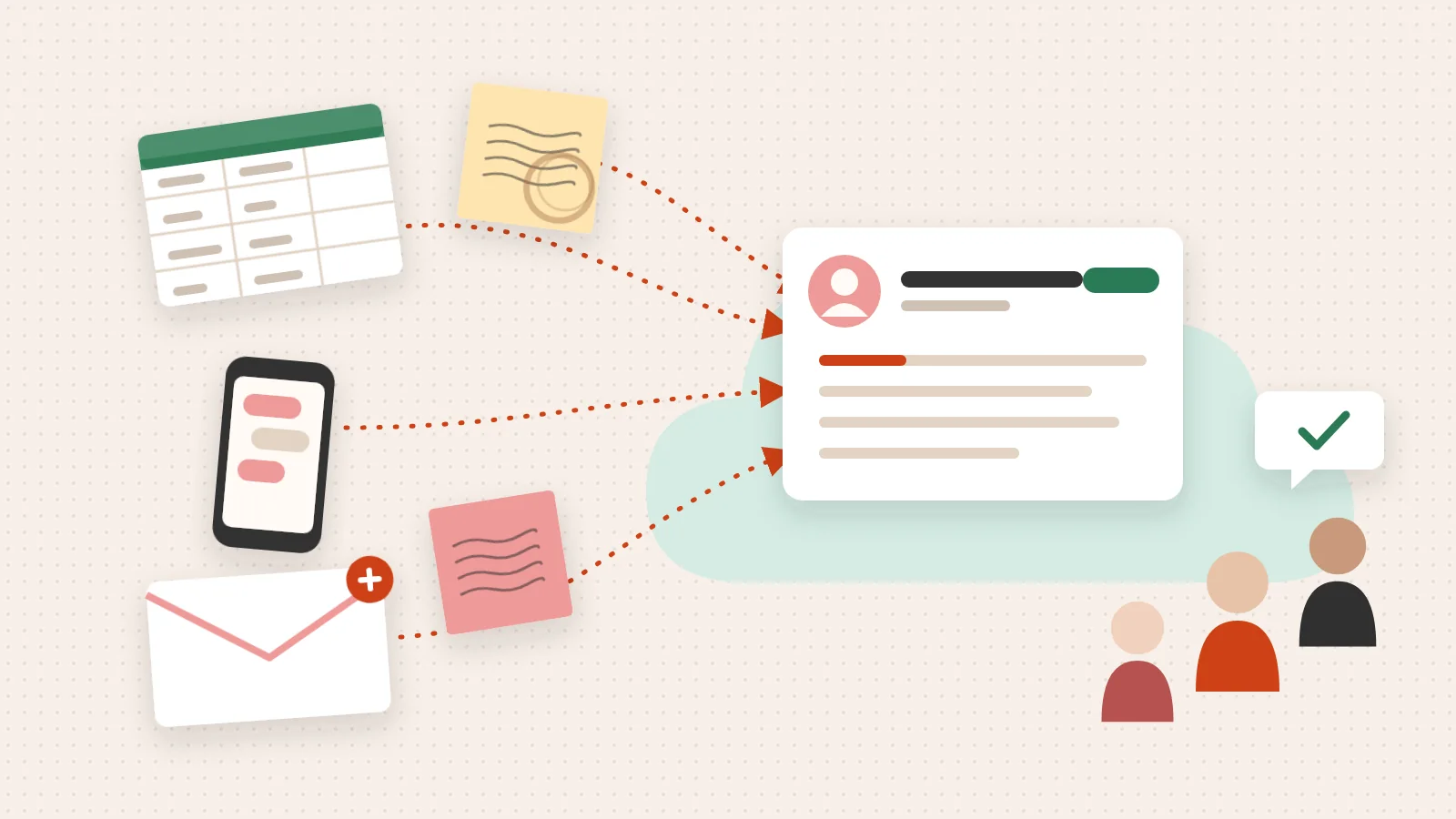
Most revenue teams aren’t struggling because HubSpot doesn’t work. They’re struggling because their tools aren’t talking to each other in any meaningful way. Data sits in silos. Sales reps duplicate effort. Marketing can’t see what happens after a lead converts. The stack grows — but clarity doesn’t.
The right integrations don’t just add features. They close the gaps between where your data lives and where decisions get made.
I’m Jeremy Wayne Howell, founder of The Way How and a revenue growth strategist with over 20 years of experience helping companies implement HubSpot CRM systems that reflect how buyers actually think — and building a hubspot integrations list that reflects how their teams actually work. In the sections below, I’ll walk you through the integrations that consistently move the needle for high-growth teams, and explain why each connection matters beyond the feature checklist.
The Certainty Gap: Why More Tools Often Mean Less Momentum
The PointFor YouEach new tool can open a certainty gap, a space where data is misinterpreted, lost or delayed. Connected properly, your tools become a single source of truth.
When we audit a revenue system, we often find a phenomenon we call “tool fatigue.” A leadership team notices a drop in lead quality, so they buy a data enrichment tool. They notice sales reps are slow to follow up, so they buy a scheduling tool. They want better reporting, so they buy a standalone analytics dashboard.
On paper, the stack looks impressive. In reality, each new tool introduces a “certainty gap”—a space where data can be misinterpreted, lost, or delayed. From a psychological perspective, fragmented systems increase the cognitive load on your team. When a sales rep has to toggle between five different tabs to understand a prospect’s history, they lose the mental bandwidth required for empathy and active listening. They stop being consultants and start being data entry clerks.
The goal of a strategic hubspot integrations list is to move from a fragmented workspace to a unified dashboard. HubSpot puts the opportunity for its partners at $42B, and it got that big because businesses want a single source of truth. By connecting these tools properly, we remove the friction that stalls growth and replace it with momentum.
Technology Partner Program. HubSpot, 2026-10. Read the Source →Navigating the HubSpot Marketplace for Strategic Clarity
The PointFor YouThe most successful companies don't install apps because they are popular. They install them because they solve a specific need in the customer journey.
The HubSpot Marketplace is the central hub where you can find over 2,000 apps designed to bridge these gaps. HubSpot counts more than 1.5M free and paid weekly active users, and the marketplace is built to serve them. For HubSpot’s 306,000+ customers in over 135 countries, the marketplace serves as a menu for operational execution.
Technology Partner Program. HubSpot, 2026-10. Read the Source →Technology Partner Program. HubSpot, 2026-10. Read the Source →Technology Partner Program. HubSpot, 2026-10. Read the Source →When you begin exploring HubSpot Integrations, it is easy to get overwhelmed by the sheer volume of choices. However, the most successful companies don’t install apps because they are “popular.” They install them because they solve a specific diagnostic need in the customer journey.
The Psychology of a Unified Customer View
Why does 95% of the customer base install at least 1 app? Because a CRM without integrations is just a digital Rolodex. To truly understand a buyer’s behavior, you need a 360-degree view.
Technology Partner Program. HubSpot, 2026-10. Read the Source →Data silos are the enemy of empathy. If your marketing team sees a lead download a whitepaper, but your sales team doesn’t know that same lead just spent twenty minutes on your pricing page, the sales call will feel disconnected and intrusive. By leveraging a HubSpot Integration Strategy Guide, you can ensure that every touchpoint—from an initial ad click to a customer support ticket—is logged in one place. This reduces the “noise” and allows your team to focus on the human on the other side of the screen.
The Definitive HubSpot Integrations List for High-Growth Teams
The PointFor YouSort your needs into 3 primary buckets: Sales, Marketing and Communication. Then pick tools that actually talk back to your CRM.
Building a high-performing revenue engine requires selecting tools that actually talk back to your CRM. HubSpot reports that customers who use integrations close 8 times more deals. This isn’t magic; it’s the result of having the right data at the right time. To Integrate With HubSpot effectively, you should categorize your needs into three primary buckets: Sales, Marketing, and Communication.
Build Your Next Solution On HubSpot. HubSpot, 2026-10. Read the Source →
Essential Sales and Scheduling Tools
Sales is about timing and relevance. Tools like Aircall help teams sell faster because reps have immediate access to caller context. When a call comes in, the rep sees the HubSpot record instantly. No searching, no stumbling.
Scheduling is another area where friction kills deals. The Calendly HubSpot Integration eliminates the “back-and-forth” email dance, automatically creating or updating contacts when a meeting is booked. Similarly, the Gmail HubSpot Integration ensures every conversation is tracked without the rep having to remember to “log” the email. For teams focused on performance, QuotaPath tracks commissions directly against HubSpot deal data, which keeps reps motivated and clear on their targets.
Marketing Automation and Lead Capture
Marketing’s job is to create trust at scale. This often requires specialized tools that HubSpot then orchestrates. For example, a HubSpot Mailchimp Integration allows you to sync audiences and see email engagement directly on the contact timeline.
If your website is the heart of your lead generation, the HubSpot WordPress Integration or HubSpot Shopify Integration are non-negotiable. They allow you to track web behavior and abandoned carts, feeding that data back into HubSpot for automated follow-up. We also see great success with the Canva in HubSpot connection, which allows marketing teams to create high-quality visuals without ever leaving the HubSpot social or email tools, maintaining creative momentum.
Communication and Collaboration Systems
Internal clarity is just as important as external clarity. The HubSpot Slack Integration can notify a rep the second a high-value lead visits the site, allowing for real-time intervention.
For meetings, the HubSpot Zoom Integration and Google Meet HubSpot Integration automatically log meeting links and recordings. This creates a searchable library of customer interactions that can be used for coaching and refining your sales psychology.
Deep Data Sync: Moving Beyond Surface-Level Connections
The PointFor YouA 1-way push sends data to HubSpot and stops. A 2-way sync updates your CRM automatically when a contact changes in another system.
Many integrations only offer a “one-way” push—sending data from Tool A to HubSpot and then stopping. To truly remove uncertainty, you need a 2-way sync. This ensures that if a contact changes their phone number in your billing system, it updates in your CRM automatically.
Tools like Outfunnel specialize in this deep connection. By syncing engagement data and web visits, Outfunnel helps teams calculate lead scores based on real human behavior rather than arbitrary guesses. This level of detail is covered extensively in our HubSpot Integration Complete Guide, where we emphasize that data integrity is the foundation of trust.
Automating the Human Element with Zapier
When a native integration doesn’t exist, Zapier is the “Swiss Army Knife” of the HubSpot Integrations | Connect Your Apps with Zapier world. With access to over 9,000 apps, Zapier lets you build custom workflows using triggers and actions.
HubSpot integrations. Zapier, 2026-10. Read the Source →For example, you could set a trigger: “When a new lead fills out a Typeform…” and an action: “…create a deal in HubSpot and send a personalized message via ChatGPT.” This no-code automation allows small teams to behave like enterprise giants, ensuring no lead falls through the cracks while maintaining a personalized, human touch.
Scaling with the Technology Partner Program
The ecosystem is supported by the HubSpot Technology Partner Program, which includes over 1,600 companies. This program is tiered—Partner, Rising, Leading, and Premier—to help users identify the most reliable and high-impact tools.
Technology Partner Program. HubSpot, 2026-10. Read the Source →These partners aren’t just vendors; they are part of an ecosystem HubSpot values at $42B for its partners. You can learn more about the program through the Technology Partner Program | HubSpot page, which details how these companies collaborate with HubSpot to ensure their apps are secure, high-performing, and deeply integrated.
Building Custom Solutions for Your HubSpot Integrations List
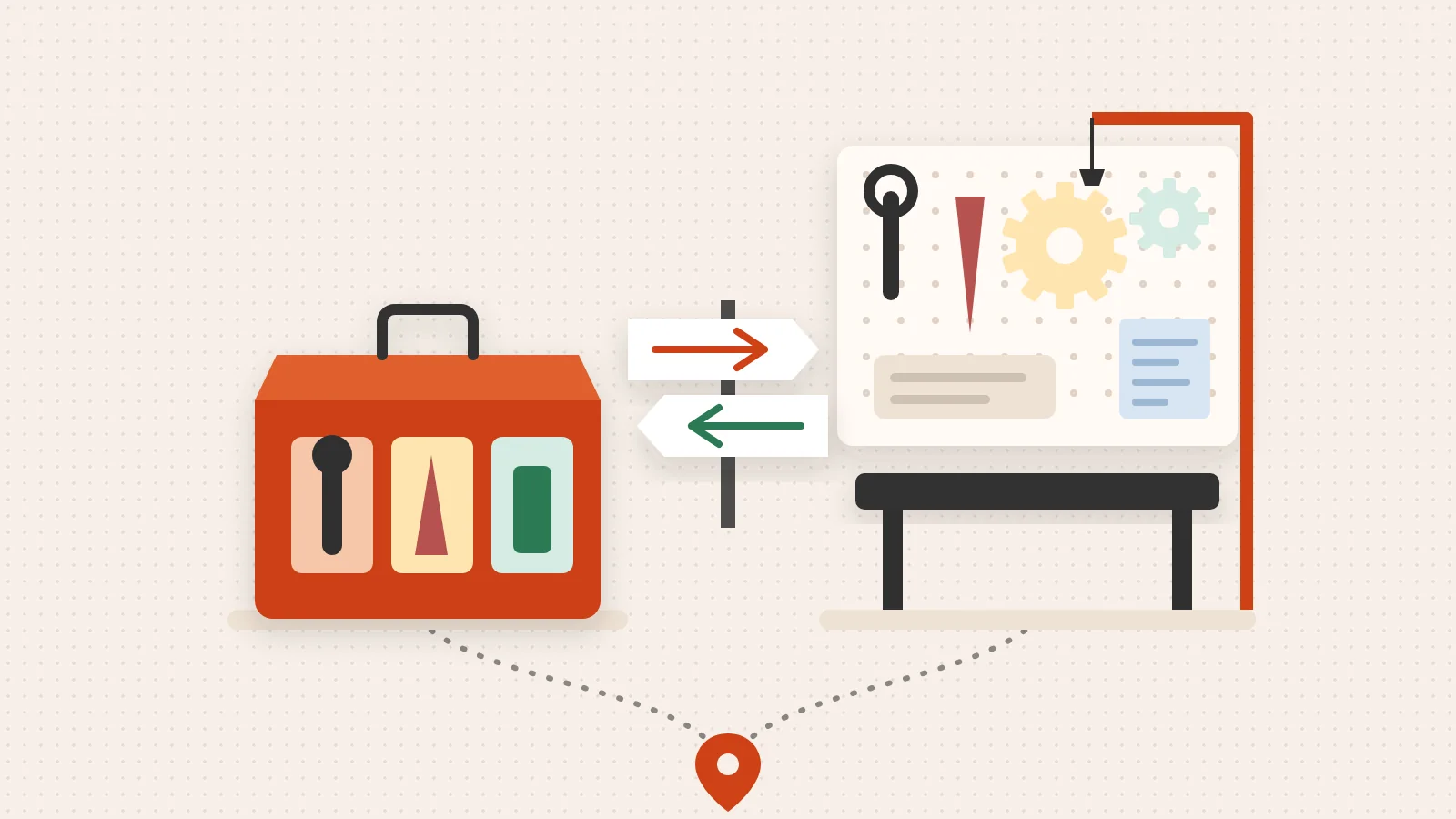
Sometimes, your business has a unique problem that a “shelf” app can’t solve. In these cases, the HubSpot Developer Platform allows for the creation of custom UI Extensions and App Cards. Using CMS APIs, companies can build bespoke interfaces that live directly inside the HubSpot CRM, allowing your team to interact with external data (like an ERP or a custom database) without leaving the contact record.
Before any app is listed, it must go through an Ecosystem Quality approval process. This ensures that even the most niche tools in your hubspot integrations list meet HubSpot’s standards for data privacy and performance. More resources for builders can be found at the Technology Partner Program | HubSpot library.
If you’d rather not build it yourself, our HubSpot integration services design, build and host custom connections for you.
Frequently Asked Questions about HubSpot Marketplace Apps
How do I find and install a hubspot integrations list app?
Finding the right tool starts in the App Marketplace. You can filter by category, price (free vs. paid), and “features.” We recommend looking at the “Active Installs” and review scores. A high number of active installs usually indicates a stable API and a responsive support team. Once you find an app, installation is typically a “one-click” process where you grant permissions for the two systems to share data.
What are the best free vs. paid HubSpot integrations?
There are many powerful free tools, such as “Ultimate Data Export,” which allows you to move CRM data to Excel for advanced offline analysis. Dedupely is a popular choice for data hygiene, offering both free and paid tiers to help find and merge duplicate records. When evaluating paid apps, don’t look at the monthly cost; look at the ROI of the time saved. If a $50/month integration saves your sales team five hours of manual data entry, it has paid for itself ten times over.
How do hubspot integrations list apps support 2-way sync?
True 2-way sync relies on field mapping. You decide which property in HubSpot (e.g., “Job Title”) matches the property in your third-party tool. Advanced integrations use webhooks to listen for changes in real-time. This ensures that both systems are always in harmony, protecting your data integrity and ensuring your team never acts on outdated information.
From Fragmented Tools to a Dependable Growth Engine
At The Way How, we believe that technology should serve the human experience, not the other way around. A hubspot integrations list is just a list of ingredients; the “recipe” is your revenue strategy.
We help founders and leadership teams move past the “tactics” of software and into the psychology of growth. By identifying certainty gaps in your customer journey and designing a HubSpot architecture that supports human behavior, we turn your CRM into a dependable growth engine. Whether you need Fractional CMO leadership or a complete system overhaul, our goal is to create trust, momentum, and predictable revenue.
If your current tech stack feels more like a burden than a benefit, it’s time to diagnose the disconnect. More info about revenue strategy services can help you understand how to restore clarity to your systems.