A Complete Guide to CRM Systems and Database Management
 Jeremy Wayne Howell : Jul 22, 2026 9:48:31 PM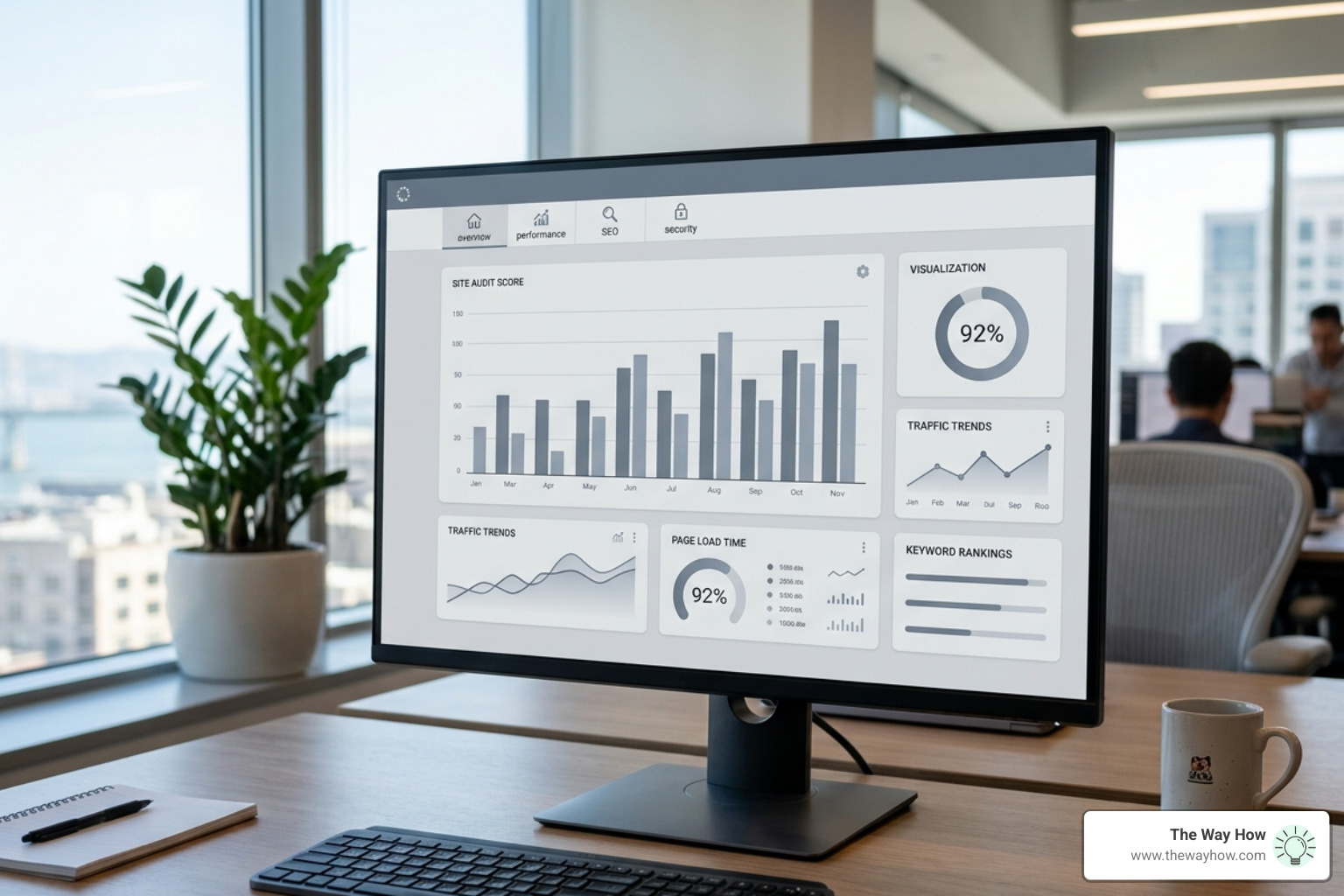
A site audit check is a structured diagnostic scan of your website that identifies technical errors, SEO gaps, performance issues, and security vulnerabilities — so you know exactly what’s broken and what to fix first.
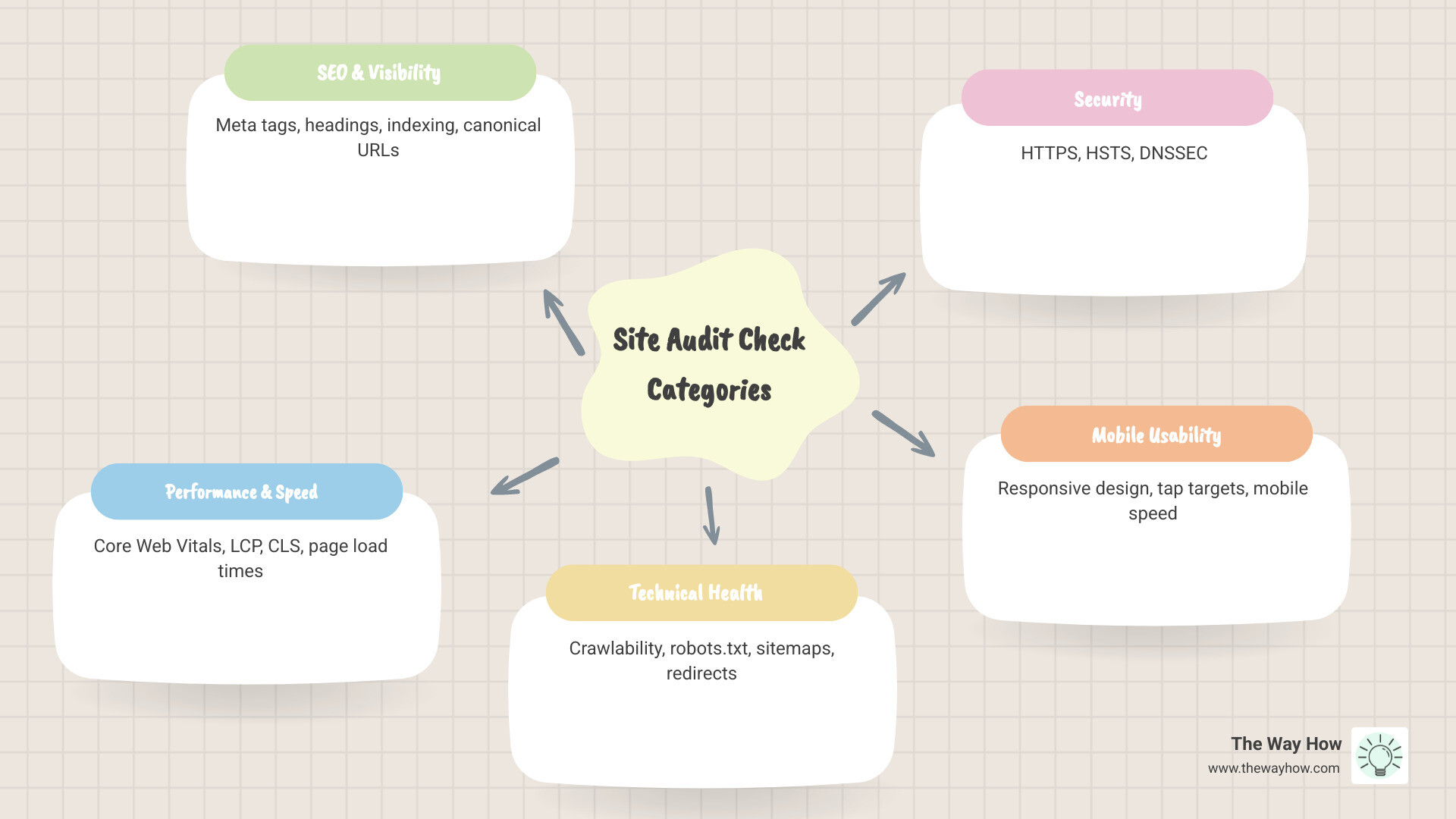
Here’s what a site audit check typically covers:
| Category | What It Examines |
|---|---|
| SEO & Visibility | Meta tags, headings, indexing, canonical URLs |
| Performance & Speed | Core Web Vitals, LCP, CLS, page load times |
| Technical Health | Crawlability, robots.txt, sitemaps, redirects |
| Security | HTTPS, HSTS, DNSSEC |
| Mobile Usability | Responsive design, tap targets, mobile speed |
| Content Quality | Thin content, duplicate pages, keyword gaps |
| Backlinks & Authority | Referring domains, broken backlinks |
| Local & AI Visibility | Schema markup, LLM citations, brand mentions |
Most websites are underperforming quietly. The problems aren’t obvious — no error messages, no crashes. Just a slow bleed of lost traffic, missed leads, and rankings that won’t move. Research across 2,400+ audited websites puts the average site score at just 47 out of 100. That’s not a bad day. That’s a systemic problem most business owners don’t know they have.
The frustrating part isn’t that your site is broken. It’s that you can’t see where it’s broken — or why it’s costing you.
That uncertainty is the real problem. And it’s exactly what a site audit is designed to resolve.
I’m Jeremy Wayne Howell, founder of The Way How and a revenue growth strategist with over 20 years of experience diagnosing the human and technical gaps that stall growth — including what a proper site audit check reveals about how buyers experience your brand before they ever speak to you. In this guide, I’ll walk you through how to run a site audit without getting buried in data you don’t know how to act on.
At The Way How, we look at marketing through the lens of psychology. Every technical error on your website is more than just a “bug”; it is a micro-moment of friction that erodes a visitor’s confidence. When a page takes too long to load or a link leads to a 404 error, the subconscious brain of the buyer registers a lack of care. This creates an uncertainty gap.
A site audit check is essentially a health exam for the trust you are trying to build. Before you can convince someone of your value, your digital infrastructure must prove it is reliable. This starts with ensuring that search engines can actually find and understand your intent. Setting the foundation requires tools like Google Search Console to monitor how the world’s largest search engine perceives your domain.
To begin closing these certainty gaps, you should first ensure your site is talking to Google correctly.
When a website sits with an average score of 47/100, it isn’t just a vanity metric; it represents a revenue leak. For many businesses, these leaks come from “hidden” issues like broken redirects or crawl errors that prevent high-value pages from ever seeing the light of day.
With over 85,000 clients worldwide utilizing professional SEO audit tools, the data is clear: those who diagnose their problems early reclaim momentum. If Google cannot crawl your site, your potential customers cannot find your solutions. Learning How to Fix Crawl Errors in Google Search Console is often the first step in plugging those leaks.
Search engines use “spiders” to crawl the web, following links like a map. If your internal linking structure is a mess or your robots.txt file is accidentally blocking important sections, the “spiders” get stuck.
A comprehensive site audit check looks for “orphan pages”—content that exists but has no links pointing to it—and verifies that your robots.txt file is a guide, not a barrier.
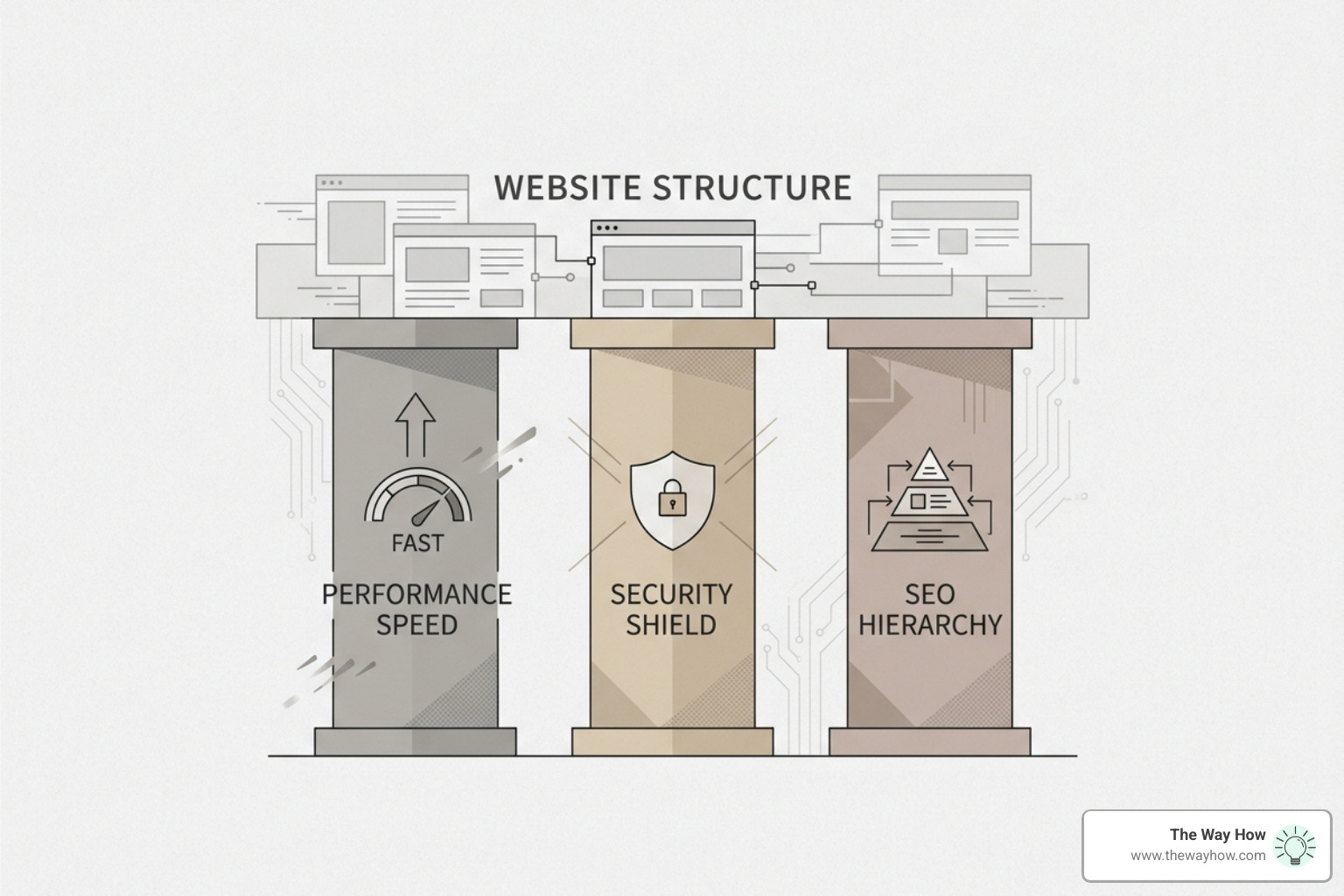
In April 2026, the standard for a “good” website has shifted. It is no longer enough to just have keywords. Your site must be fast, secure, and intuitive. We view these technical pillars as acts of empathy for the user’s time and safety.
A modern audit should cover over 200 verification points across multiple categories to ensure no stone is left unturned. You can find an exhaustive list in this Website Technical Audit Checklist 2026 — 200+ Points, Free & Interactive | Optimum Web.
Google’s Core Web Vitals (CWV) are metrics that measure real-world user experience. Specifically:
When an HVAC company fixed their Core Web Vitals, they saw an 83% increase in emergency calls in just five weeks. Why? Because when a customer has a flooded basement or a broken furnace, they are in a high-stress state. A slow, shifting website adds to that stress, causing them to leave. A fast site provides the immediate relief they need.
You can start your own diagnostic by learning How to Check Site Speed on Google PageSpeed.
Security is a primary trust signal. Beyond the standard HTTPS, modern audits check for HSTS (HTTP Strict Transport Security) and DNSSEC to prevent spoofing and attacks. If a user’s browser flags your site as “Not Secure,” the psychological journey ends immediately. They won’t just leave your site; they will remember the feeling of “danger” associated with your brand.
Running a How to Perform a URL Audit on Your Site helps ensure every entry point to your brand is encrypted and safe.
The landscape of search has changed. As of 2026, roughly 40% of searches now happen within AI engines like ChatGPT, Gemini, and Perplexity. If your site audit check only looks at Google rankings, you are missing nearly half the picture.
AI models (Large Language Models or LLMs) don’t “rank” sites in the traditional sense; they “cite” sources that provide clear, structured, and authoritative answers. An AI-ready audit checks for:
Tools like Free Site Audit | Check Your Website SEO, Speed & Securityare beginning to incorporate these AI-visibility metrics to ensure you aren’t invisible to the 40% of users moving away from traditional search.
To be “read” by an AI, your site needs a clear hierarchy. This is where schema markup and XML sitemaps become critical. They provide the “labels” that tell a machine exactly what your page is about. This is a core part of an On-Page SEO Audit.
Properly labeled data leads to rich snippets—those expanded search results that show reviews, prices, or FAQs—which serve as powerful trust signals to human users as well. Ensure your map is clear by following SOP-055: How to Setup and Optimize an XML Sitemap.
The biggest mistake we see founders make is running an audit, seeing 150 errors, and freezing. Data without a prioritized plan is just noise.

Start with the “quick wins” that directly impact user experience and crawlability.
Once the paths are clear, look at internal conflicts like keyword cannibalism (where two of your own pages fight for the same search term) and duplicate content. These issues dilute your authority and confuse search engines.
Your site does not exist in a vacuum. Its authority is determined by who else “votes” for it through backlinks. However, not all links are created equal. A single link from a high-authority, relevant domain is worth more than a hundred links from low-quality sites.
A backlink audit identifies “toxic” links that might be hurting your reputation and helps you reclaim value from broken links that used to point to your site.
The tool you choose depends on the complexity of your site and your specific goals. While free tools are great for a quick snapshot, paid tools offer the depth required for a true strategic overhaul.
| Tool | Best For | Key Feature |
|---|---|---|
| Semrush | Comprehensive SEO | 140+ technical checks & historical tracking |
| SEOptimer | Agencies & Leads | White-label reports & embeddable audit forms |
| SEO Site Checkup | AI & LLM Visibility | Tracking brand mentions across 6 AI engines |
| FreeSiteAudit | SMBs & Quick Fixes | Industry-specific AI detection & DIY fix plans |
Semrush remains a gold standard for technical depth. Their Free technical SEO audit with Semrush SEO analysis tools provides a prioritized to-do list that categorizes issues into Errors (fix now), Warnings (fix soon), and Notices (monitor).
Automated tools can save agencies and internal teams hundreds of hours of manual work. However, the tool is only as good as the person interpreting the results. A professional Website Audit Tool will give you the “what,” but you still need a strategy for the “why.” At The Way How, we use these diagnostics to identify why growth has stalled so we can design a system that creates predictable revenue.
For most businesses, a monthly site audit check is sufficient to catch new errors or broken links. However, if you are a high-growth SaaS platform or an e-commerce site with frequent product updates, a weekly automated scan is recommended to maintain momentum and prevent small issues from compounding.
Free tools typically offer a “snapshot” of a single page or a limited number of URLs. They are excellent for identifying critical errors like missing meta tags or slow load times. Paid tools allow for site-wide crawling, competitive intelligence, and progress tracking over time, which is essential for long-term growth.
Absolutely. Conversion is a byproduct of trust and ease. By removing technical friction (like slow speeds or broken buttons) and improving clarity (through better content and structure), you reduce the cognitive load on your visitors. When a site feels “easy” to use, people are much more likely to complete a purchase or book an appointment.
A website audit is not a one-time event; it is the beginning of a more intentional relationship with your digital presence. When you move away from chasing tactics and start diagnosing the actual gaps in your customer journey, you stop guessing and start growing.
At The Way How, we help founders and leadership teams remove the uncertainty from their sales and marketing systems. We don’t just hand you a list of errors; we help you understand the behavioral psychology behind why your visitors aren’t converting and build the systems to fix it.
If your website feels like a black box and your growth has stalled, it’s time to look under the hood with strategic clarity.
Work with a strategy firm that understands human behavior

 Jeremy Wayne Howell : Jul 22, 2026 9:48:31 PM
 Jeremy Wayne Howell : Jul 21, 2026 9:47:10 PM
 Jeremy Wayne Howell : Jul 20, 2026 9:46:47 PM