

Beyond the Loading Spinner: Why Performance is a Psychological Barrier

A Comprehensive Guide to Site Speed Checker
A site speed checker is a tool that measures how fast your website loads and identifies what’s slowing it down. Here are the most widely used options:
| Tool | Best For | Free Plan |
|---|---|---|
| PageSpeed Insights | Google Core Web Vitals + SEO signals | Yes |
| GTmetrix | Detailed reports + monitoring | Yes (limited) |
| WebPageTest | Advanced diagnostics + lab testing | Yes |
| Pingdom Tools | Uptime + performance monitoring | Paid |
| DebugBear | Real-user metrics + competitor benchmarking | Trial |
These tools measure key metrics like Largest Contentful Paint (LCP), Cumulative Layout Shift (CLS), and Interaction to Next Paint (INP) — the three Core Web Vitals that Google uses as ranking signals.
Most people think slow websites are just a technical inconvenience. They’re not.
Every extra second of load time creates a small but measurable moment of doubt in the mind of your visitor. That doubt compounds. It erodes trust before a single word of your copy is read.
That’s not a performance problem. That’s a psychological problem — and it has a direct line to your revenue.
Site speed isn’t just about search rankings or bounce rates. It’s about whether the person on the other side of the screen feels confident enough to stay, engage, and buy.
I’m Jeremy Wayne Howell, founder of The Way How, and over 20 years of working with founders and revenue teams I’ve seen site speed issues silently kill conversion rates that no amount of ad spend or messaging work could rescue. In this guide, I’ll walk you through how to use a site speed checker not just as a diagnostic tool, but as a lens for understanding where your digital experience is creating uncertainty — and what to do about it.
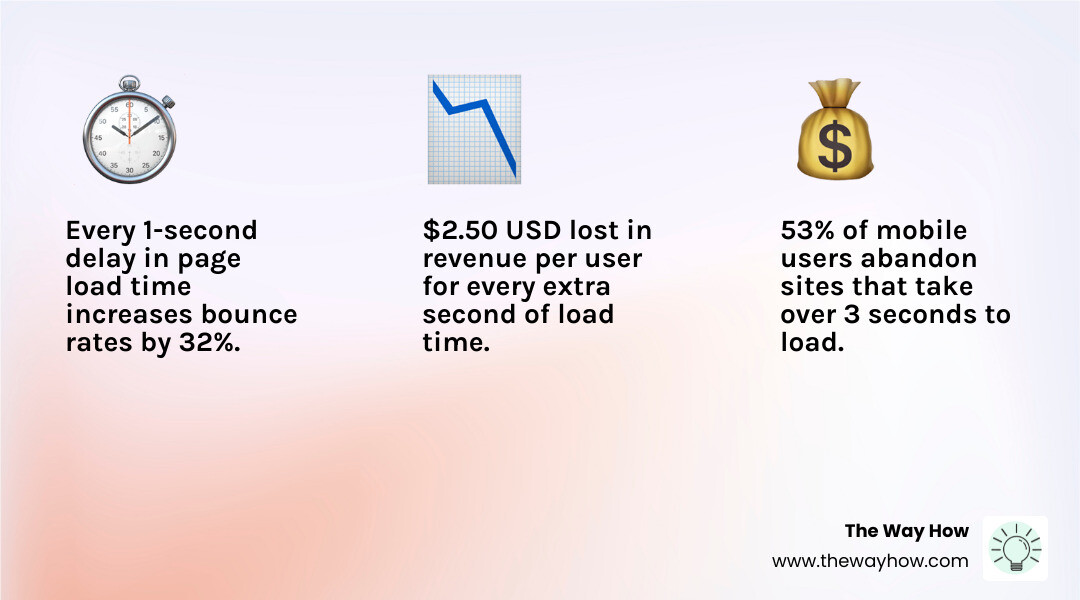
The Psychology of Speed: How Performance Friction Creates Certainty Gaps
When we talk about site speed, we are really talking about the management of human attention and trust. In our work at The Way How, we focus on removing uncertainty. A slow-loading page is the ultimate “certainty gap.” Before a user even sees your value proposition, their brain is subconsciously evaluating your reliability based on how quickly your server responds.
If your site is slow, trust begins to erode before the first paragraph loads. This is a matter of cognitive load; when a user has to wait, they are forced to keep the goal of their visit in their working memory longer than necessary. This creates friction. In buyer psychology, friction leads to abandonment.
We often see that Page Speed For Seo is treated as a checkbox for robots, but it is actually a foundational element of Understanding How Page Speed Impact Seo Strategies for humans. If your website feels sluggish, the user’s brain labels the experience as “high effort.” High-effort experiences do not lead to predictable revenue; they lead to high bounce rates and “pogo-sticking” back to the search results.
Decoding the Core Web Vitals: Metrics That Matter for User Trust
To effectively use a site speed checker, we must understand the language of Google’s Core Web Vitals. These aren’t just arbitrary numbers; they are proxies for specific human frustrations.
- Largest Contentful Paint (LCP): This measures how long it takes for the main content of a page to load. To provide a good experience, LCP should occur within 2.5 seconds. If it takes longer, the user feels like nothing is happening.
- Cumulative Layout Shift (CLS): This measures visual stability. Have you ever tried to click a button only for the page to jump, causing you to click an ad instead? That is a high CLS. A score of 0.1 or less is required for a stable experience.
- Interaction to Next Paint (INP): This is the newest metric, replacing First Input Delay. It measures how responsive the page is to user actions like clicks or key presses. A “good” score is 200 milliseconds or less.
When you use PageSpeed Insights, you are looking at how Google perceives these signals. Learning How To Check Site Speed On Google Pagespeed is the first step in diagnosing why your growth might be stalled. These metrics are the technical anatomy of a “safe” digital environment.
Choosing the Right Site Speed Checker for Your Growth Strategy
Not all data is created equal. When we evaluate performance, we distinguish between “Lab Data” (synthetic testing) and “Field Data” (Real User Monitoring or RUM).
Synthetic testing happens in a controlled environment. A tool like WebPageTest - Website Performance and Optimization Test simulates a specific device and connection speed. This is excellent for debugging. However, Real User Monitoring (RUM), often pulled from the Chrome User Experience Report (CrUX), tells you what is actually happening to your real visitors in the wild.
A comprehensive tool like GTmetrix | Website Performance Testing and Monitoring often combines these perspectives, giving you both a “grade” and a roadmap for optimization.
Comparing the Best Site Speed Checker Options in 2026
As of April 2026, the landscape of performance tools has matured significantly. Here is how the heavy hitters stack up:
- WebPageTest: Often called the “gold standard” for deep investigators. It allows for incredibly granular testing, including custom scripts and the ability to block specific requests to see how they impact load time.
- GTmetrix: Highly accessible and trusted by top brands. It has analyzed over 1.3 billion pages and provides a “Filmstrip” view so you can see exactly how your site renders second by second.
- PageSpeed Insights: The direct line to Google’s brain. It’s the essential tool for anyone concerned with SEO rankings.
- Pingdom Tools: Known for its simplicity and its 70+ global polling locations. It’s excellent for monitoring uptime and basic performance metrics.
- DebugBear: A newer favorite for enterprise teams. It offers 30+ test locations and detects over 25 common performance issues automatically. It is particularly strong at monitoring performance in your specific industry.

Advanced Capabilities of a Modern Site Speed Checker
A basic site speed checker will tell you your site is slow. A professional-grade tool will tell you why. In 2026, we look for features that go beyond a simple score:
- Global Test Locations: With agents in 26 to 30+ global locations, you can see if your site is fast in New York but failing in Sydney.
- Simulated Device Options: With over 55 different simulated device options, you can ensure your site performs on everything from an iPhone 15 to a budget Android device on a 3G connection.
- Waterfall Charts: These charts break down every single request (DNS, TCP, TLS) to show you exactly which third-party script or unoptimized image is holding up the line. You can Check Website Server Response Time to see if your hosting environment is the primary bottleneck.
- Video Capture: Watching a video of your site loading allows you to correlate technical metrics with the actual visual experience of the user.
From Diagnostics to Revenue: Bridging the Performance Gap
Once you have the data, the challenge is turning those technical insights into a business growth plan. We don’t optimize for the sake of high scores; we optimize to remove the friction that prevents a user from becoming a customer.
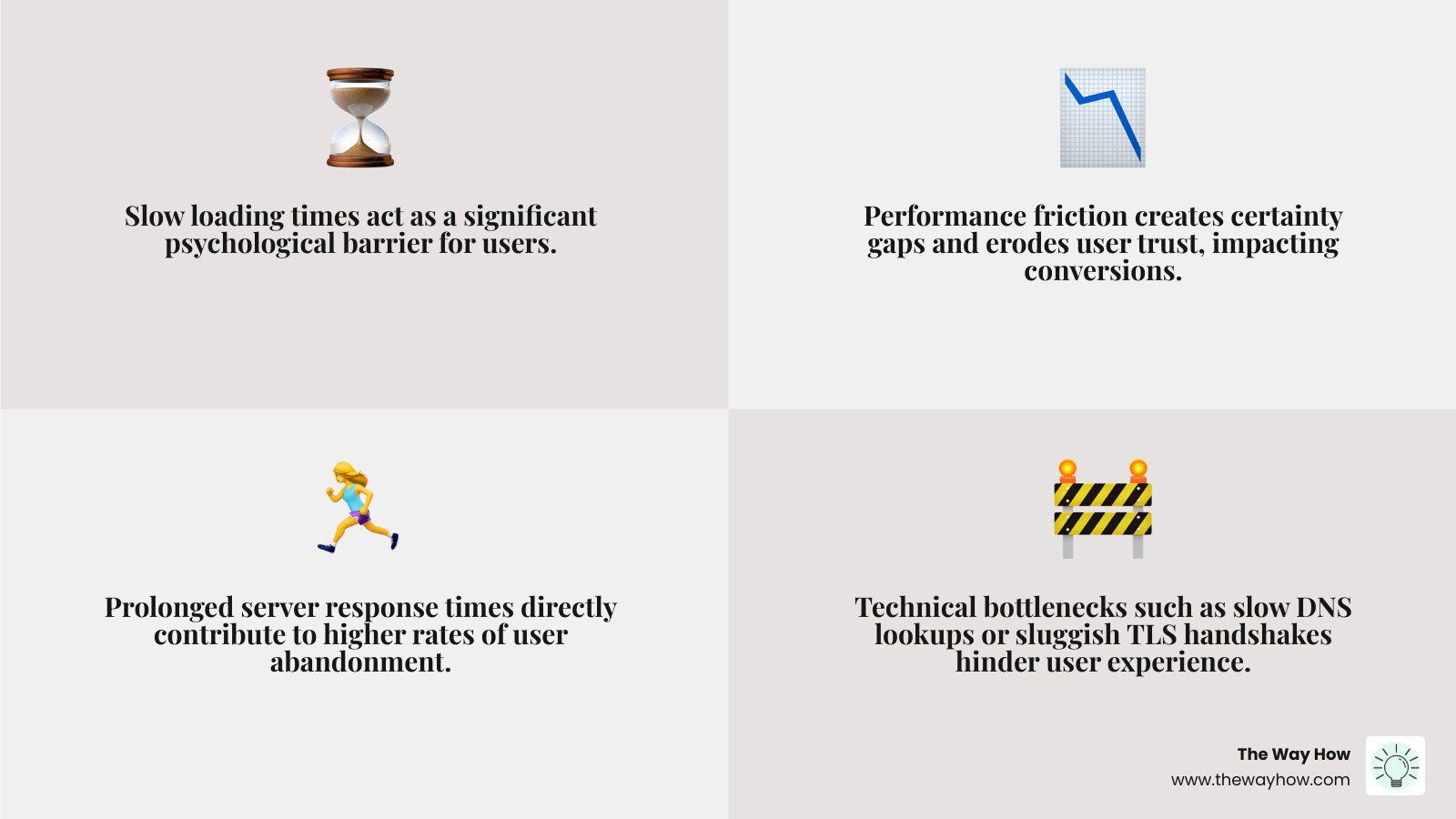
This starts with identifying bottlenecks in the “technical anatomy” of the page. Are your DNS lookups taking too long? Is the TLS handshake sluggish? These are often signs of poor hosting or lack of a Content Delivery Network (CDN). If you are using a CMS, you might need specific strategies, such as How To Optimize Wordpress To Speed Up Your Website, to clear out the “bloat” that naturally accumulates over time.
Optimizing Assets for a Frictionless Journey
The most common culprit for a slow site is unoptimized media. Large images are “certainty killers”—they make a site feel heavy and amateur.
Using modern formats like WebP and implementing aggressive compression are non-negotiable. We recommend following a How To Optimize Images For Web A Step By Step Guide For Better Site Performance to ensure your visual assets don’t compromise your speed. Furthermore, with mobile traffic dominating most industries, How To Optimizing Images For Mobile is essential to maintain responsiveness on smaller screens and slower networks.
Frequently Asked Questions about Site Speed
What is the difference between lab data and field data?
Lab data (synthetic testing) is collected in a controlled environment with a predefined device and network speed. It is perfect for identifying specific bugs and testing fixes. Field data (Real User Monitoring) is collected from real visitors using various devices and networks. It reflects the true diversity of your audience’s experience and is what Google uses for Core Web Vitals rankings.
How often should I run a site speed checker?
Performance is not a “one-and-done” task. It requires continuous monitoring. We recommend setting up automated alerts through tools like GTmetrix or DebugBear. These will notify you if a new plugin or a large image upload causes a performance dip, allowing you to fix the issue before it impacts your revenue.
Do free site speed checkers provide enough data for enterprise sites?
Free tools like PageSpeed Insights are excellent for a snapshot. However, enterprise sites usually require premium plans to access API keys for automated testing, historical trend tracking (up to 6 months), and advanced diagnostics like “No-Code Experiments” or “Carbon Footprint” analysis.
Restoring Momentum: Turning Speed into a Competitive Advantage
At The Way How, we believe that every technical detail of your marketing system should serve the goal of building trust. A site speed checker is more than a developer tool; it is a vital part of your revenue strategy. When your site loads instantly, you are telling your visitor that you value their time and that you are a professional, reliable partner.
By removing the “certainty gaps” caused by slow performance, you allow your brand’s true value to shine through without distraction. If you feel your growth has stalled and you aren’t sure if it’s your messaging, your tech stack, or your strategy, we can help you find the clarity you need.
Eliminate uncertainty in your marketing systems and turn your website into a dependable growth engine.