
Beyond the Dashboard: Why Your CRM Choice is a Psychological Decision

CRM web development sits at the intersection of technology and human behavior — and most businesses get it wrong by starting with the software instead of the strategy.
Here’s a quick answer if that’s what you need:
CRM products now represent 31.8% of the enterprise application software market — yet most businesses still struggle to turn their CRM into a reliable revenue engine. That gap rarely comes from the software. It comes from choosing a tool before understanding the problem.
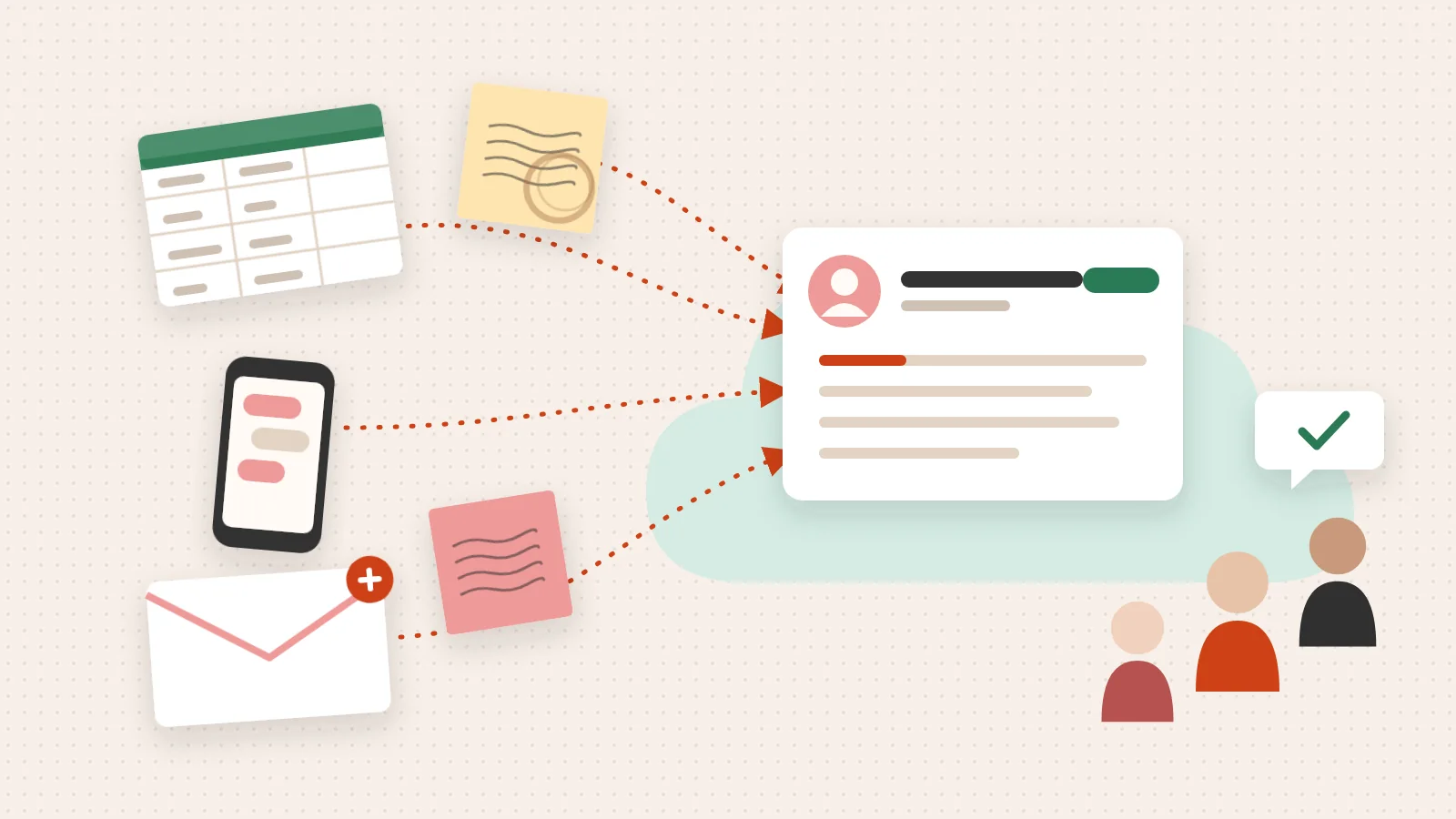
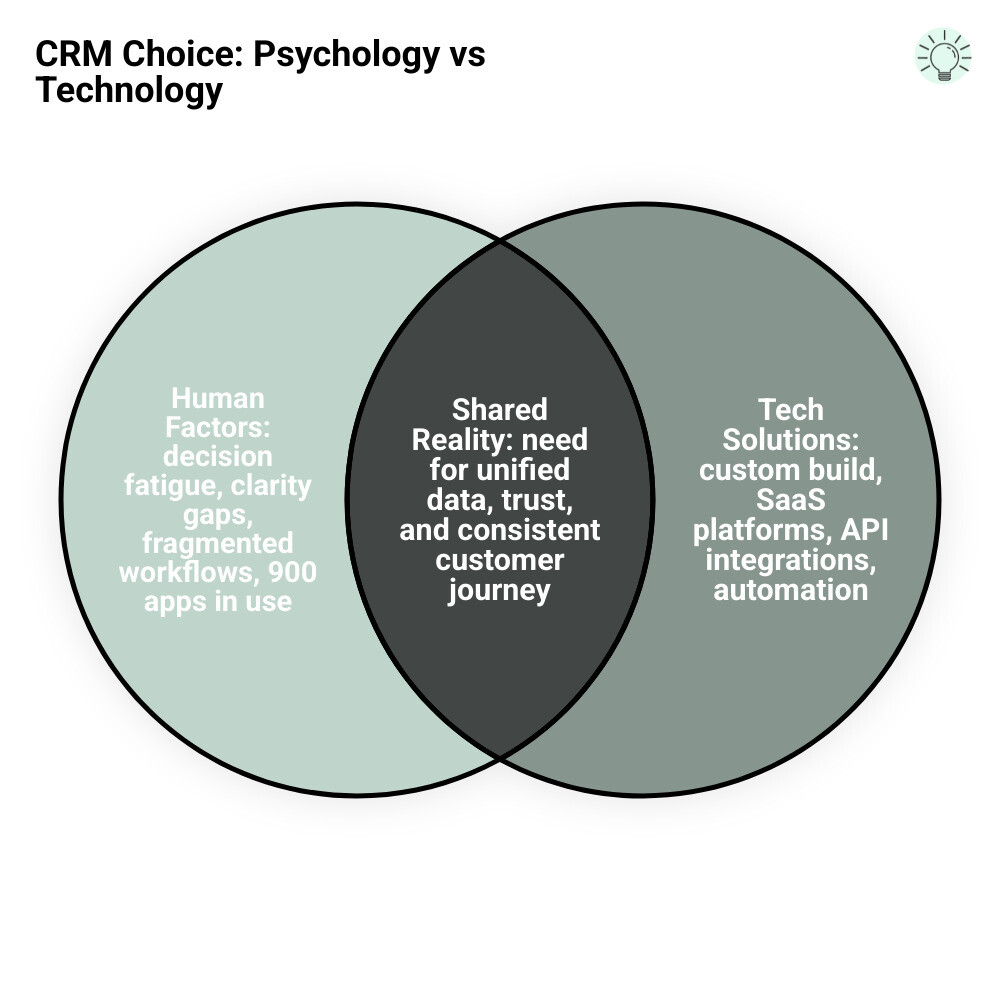
The average organization runs nearly 900 different applications, but only 29% of those are integrated. That fragmentation isn’t a tech problem. It’s a clarity problem. When teams don’t agree on how customers move through a pipeline, no CRM — custom or off-the-shelf — can fix the underlying confusion.
This guide will help you cut through that noise.
I’m Jeremy Wayne Howell, founder of The Way How, with over 20 years of experience in marketing, sales strategy, and implementing CRM systems — including hands-on CRM web development and HubSpot lifecycle architecture — for founders and revenue teams at every stage. My work consistently starts with the same question: what does the human on the other side of this decision actually need?
Crm web development basics:
The Strategic Architecture of CRM Web Development
When we talk about crm web development, we aren’t just talking about a database with a pretty interface. We are talking about the nervous system of your business. To build or choose the right system, we first need to understand the four primary architectural styles that govern how these systems function.
- Operational CRM: This is the “engine room.” It focuses on automating the day-to-day processes of sales, marketing, and service. It ensures that when a lead fills out a form, they are routed to the right person without a human having to manually move a digital paper trail.
- Analytical CRM: This is the “brain.” It takes the mountain of data your business generates and turns it into insights. It helps you see which lead sources are actually closing and where customers are dropping off in your journey.
- Collaborative CRM: This is the “bridge.” It ensures that your sales team knows exactly what the customer service team talked about yesterday. It breaks down silos so the customer doesn’t have to repeat themselves three times.
- Strategic CRM: This is the “vision.” It places the customer at the center of the business strategy, using long-term data to build loyalty and increase lifetime value.
For those looking into crm development, the choice of architecture dictates everything from the database schema to the user interface. Open-source projects like GitHub - Webtoaster/crm: Fully featured, open source CRM provide a glimpse into how these components can be modularly assembled to create a cohesive system.
Core Components of Effective CRM Web Development
Every effective CRM, whether custom-built or off-the-shelf, must handle a few non-negotiable tasks. If these aren’t right, the system becomes a burden rather than a tool.
- Contact Management: A single source of truth for every person who interacts with your brand. This isn’t just a phone number; it’s a history of every touchpoint.
- Sales Pipeline: A visual representation of where deals stand. This allows leadership to forecast revenue with certainty rather than guessing.
- Workflow Automation: The “if this, then that” logic that removes manual tasks. This is where crm software developers spend much of their time, ensuring that the technology serves the human, not the other way around.
- Reporting and Dashboards: Real-time visibility into the health of the business.
Integrating AI into Your CRM Web Development Workflow
By May 2026, AI is no longer a “feature” — it is the operating system. Modern crm web development now involves deploying AI agents that act as autonomous extensions of your team. These aren’t just chatbots; they are intelligent assistants capable of analyzing sentiment in an email to prioritize an urgent support ticket or predicting which leads are 80% likely to close based on historical patterns.
Projects like XgeniousLLC/geniousCRM demonstrate how modular AI capabilities can be baked into the core of a CRM. AI-driven platforms can now autonomously research companies, map out buying teams, and even suggest the exact psychological “hook” that will resonate with a prospect based on their previous interactions.
The Psychology of Choice: Custom Build vs. Off-the-Shelf Solutions
The decision to build a custom solution or buy an off-the-shelf platform is rarely a technical one; it’s a decision about where you want your team’s focus to lie.
Bespoke crm web development offers the ultimate promise: a system that fits your business like a glove. You own the code, you control the security, and you don’t pay for features you don’t use. However, it comes with the weight of technical debt and the ongoing cost of maintenance.
On the other hand, SaaS platforms like HubSpot or Salesforce offer rapid deployment and a massive ecosystem of integrations. The trade-off is often a “one-size-fits-most” approach that might require you to change your business processes to fit the software.
| Feature | Custom CRM Development | Off-the-Shelf (SaaS) |
|---|---|---|
| Initial Cost | High (Development & Design) | Low (Subscription-based) |
| Speed to Launch | Months | Days to Weeks |
| Customization | Unlimited | Limited to platform constraints |
| Maintenance | Your responsibility | Handled by provider |
| Data Ownership | Total control | Subject to provider terms |
| Integration | Custom-built APIs | Pre-built “plug and play” |
When to Choose Custom CRM Development
Custom development is the right path when your business has “certainty gaps” that off-the-shelf tools simply cannot bridge. This often happens in highly regulated industries where data security (like ISO 27001 standards) and infrastructure control are paramount.
If your workflows are so unique that you’re spending more time building “workarounds” in a standard CRM than actually using the tool, it’s time to look at a custom build. A crm for web developers guide can help you understand how to translate those specific needs into a technical roadmap.
Leveraging Platforms like HubSpot for Rapid Growth
For many organizations, the goal isn’t to own the software; it’s to grow the business. This is where hubspot crm implementation becomes a strategic advantage. Platforms like HubSpot have spent billions of dollars perfecting the user experience, ensuring that the “learning curve” is as low as possible.
The hubspot crm architecture is designed to scale from a solo founder to an enterprise organization. When you use a platform with a robust ecosystem, you’re not just buying a tool; you’re buying into a community of developers and integrations. Even open-source enthusiasts can find value in looking at modern stacks like README.md at main · marmelab/atomic-crm, which uses React and Supabase to provide a middle ground between “build” and “buy.”
Bridging the Certainty Gap: How CRM Improves Business Workflows
Why does any of this matter? Because 82% of service professionals say customer expectations are higher than ever. If your internal systems are fragmented, your customers feel it. They experience it as slow response times, mismatched messaging, and a lack of empathy for their specific needs.

When crm web development is done right, it bridges the “certainty gap.” It gives your team the confidence to know exactly where a customer is in their journey. Global customers using integrated CRM products have seen a 30% increase in sales revenue and a 33% increase in customer lifetime value. These aren’t just numbers; they are the result of a system that allows humans to do what they do best: build relationships.
Effective crm data integration ensures that the “single source of truth” is accessible across every department. When marketing, sales, and service are all looking at the same data, the friction disappears.
Optimizing Marketing and Sales Alignment
The most common point of failure in a business is the handoff between marketing and sales. Marketing generates leads, but sales says they are “low quality.” Sales works deals, but marketing has no idea which campaigns actually drove revenue.
By focusing on hubspot crm marketing and advanced lead capture techniques, we can close this loop. Modern CRM systems like pranavsinghal77/velara-crm are experimenting with “AI-first” operating systems that autonomously manage this alignment, ensuring that no lead is dropped and every interaction is personalized.
Technical Foundations and Best Practices for Implementation
If you decide to move forward with crm web development, the technical foundation you lay today will determine your success three years from now.
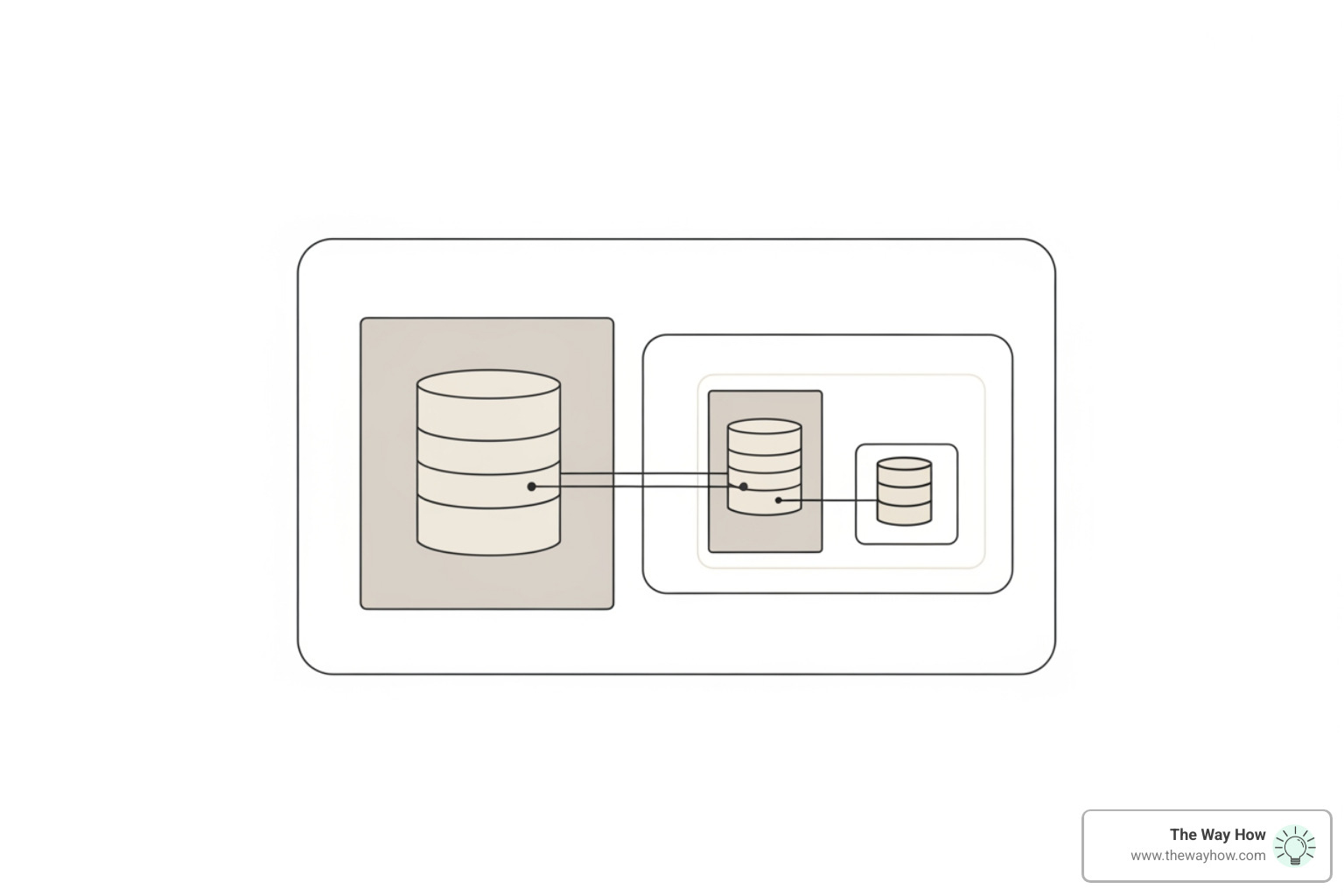
We recommend a “shift-left” testing approach, where quality and security are considered from the very first line of code. Data migration is often the most overlooked part of the process. Moving years of messy spreadsheet data into a structured CRM is like trying to move a library while the building is on fire. It requires a meticulous strategy to ensure data integrity.
For a deeper dive into the technical requirements, our erp crm development complete guide outlines the stages from product discovery to iterative optimization.
Security and Scalability in Modern CRM Systems
In 2026, security is not an optional add-on. If you are building a multi-tenant system, you must ensure complete data isolation between organizations. This means implementing JWT (JSON Web Token) authentication, bcrypt password hashing, and rate limiting to prevent brute-force attacks.
Projects like svensson00/SpecterCRM provide excellent examples of production-quality multi-tenancy, where every database query is automatically filtered by a tenant ID. This level of security is why many businesses seek out crm consulting services to ensure their custom builds meet enterprise standards.
Frequently Asked Questions about CRM Systems
How do I know if my business needs a custom CRM instead of a standard solution?
If you have tried multiple off-the-shelf tools and found yourself forced to use external spreadsheets to manage core parts of your business, that is a clear sign you’ve outgrown “standard.” Custom development is also the only viable path if your industry has unique compliance requirements or if you need a standalone solution that sits entirely behind your own firewall for maximum security.
What is the primary difference between CRM and ERP systems?
Think of a CRM as your “outward-facing” system. It’s designed to manage relationships, sales, and marketing. An ERP (Enterprise Resource Planning) system is your “inward-facing” system. It manages the backbone of the business: inventory, supply chain, accounting, and human resources. While they often integrate, their goals are different: CRM grows the top line (revenue), while ERP optimizes the bottom line (efficiency).
How does AI enhance modern CRM platforms?
AI has moved beyond simple automation. In modern crm web development, AI acts as a participant. It can perform sentiment analysis on customer calls to detect frustration before a customer churns. It can use predictive lead scoring to tell a sales rep exactly which five people they should call this morning to have the highest chance of closing a deal. Essentially, AI removes the “guesswork” from relationship management.
Restoring Momentum: Your Path to Predictable Revenue
At the end of the day, a CRM is just a tool. Whether you choose a bespoke build or a platform like HubSpot, the goal remains the same: to remove uncertainty from your growth engine.
At The Way How, we don’t just look at the software. We look at the psychology of your buyers and the behavior of your team. We help founders and leadership teams diagnose why growth has stalled and design systems — whether through erp crm development company partnerships or fractional CMO leadership — that create trust and momentum.
If you’re feeling the friction of a fragmented system or the uncertainty of a pipeline you can’t trust, it’s time to stop chasing tactics and start building a strategy rooted in clarity.